How to add a clear description to your listing
In this article, you’ll learn how to add a clear and accurate vehicle description when creating a new auction listing on DealerClub. A strong description helps bidders quickly understand the vehicle’s condition, disclosures, and value, which can reduce questions and build buyer confidence before bidding.
To add a vehicle description, you must first create a new auction listing.
To get started
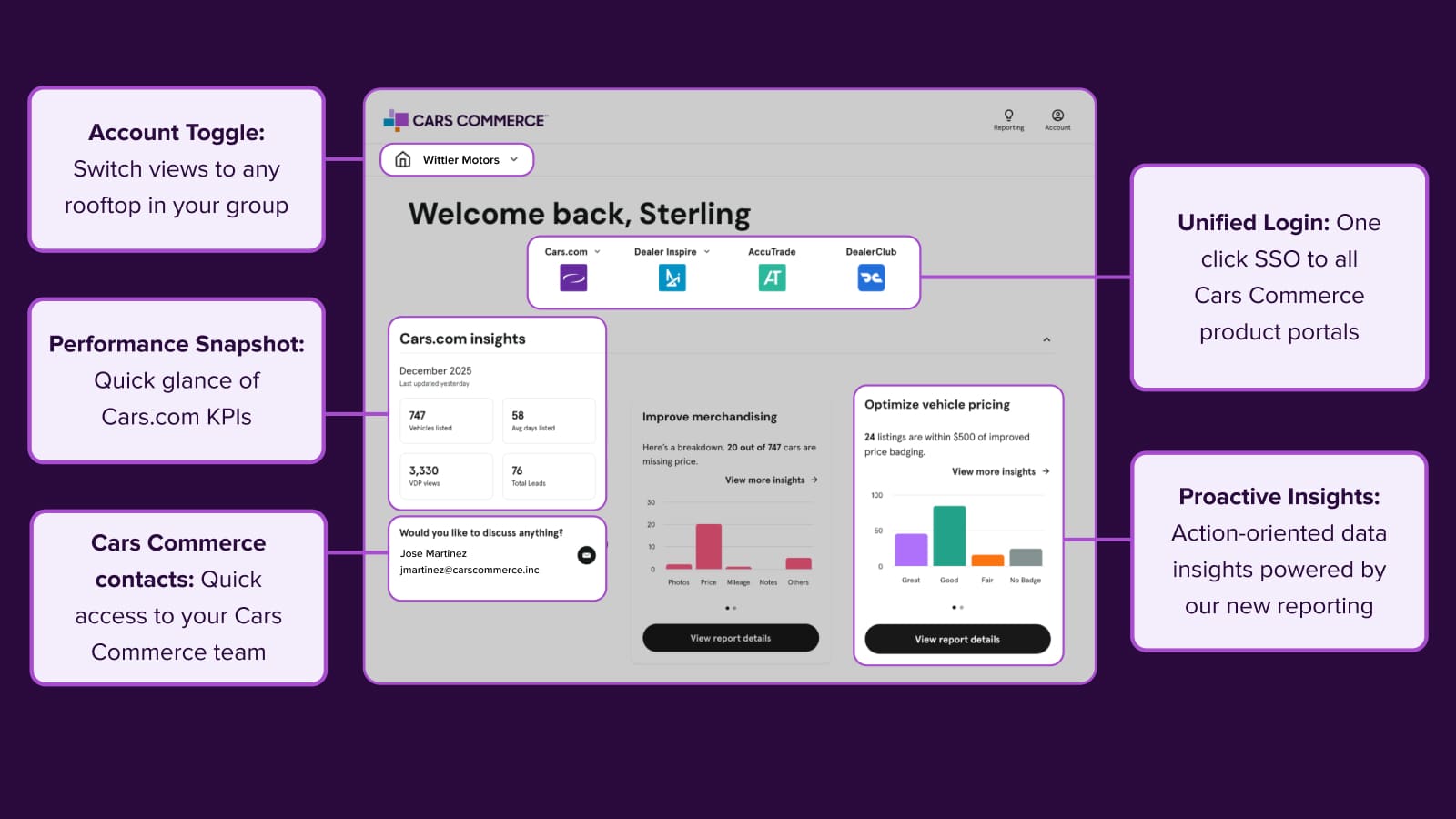
Go to the Cars.com Hub and click on DealerClub.
1 Create a new auction listing
When creating a new listing for auction, you’ll want to ensure you include a clear description that tells an accurate story of the vehicle and its current condition, and why it would be the perfect fit for bidders.
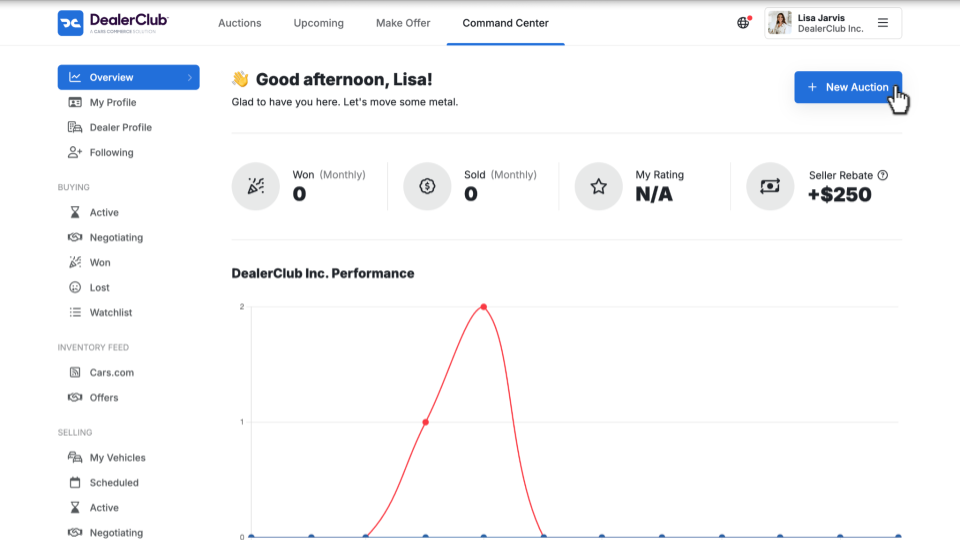
- Click + New Auction
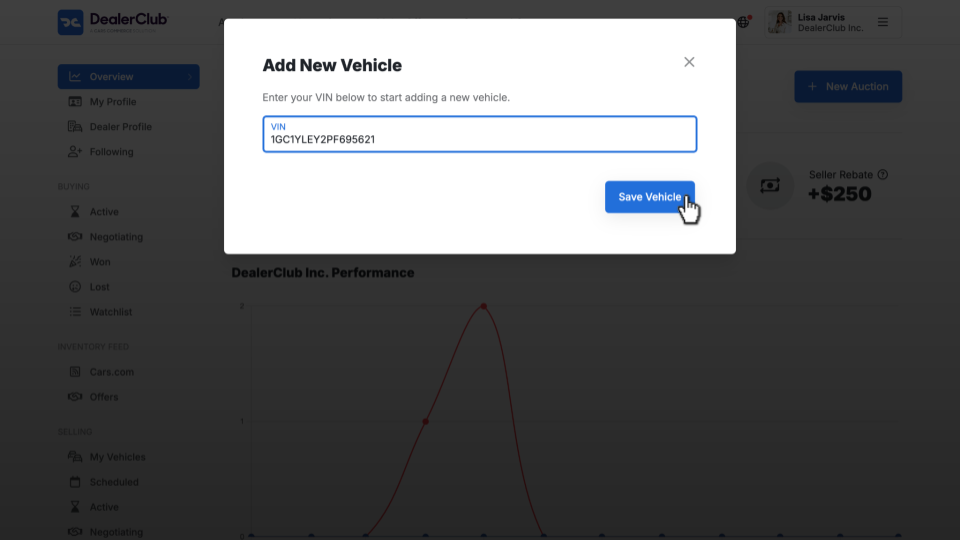
- Enter the vehicle’s VIN
- Click Save Vehicle
2 Fill out the vehicle information
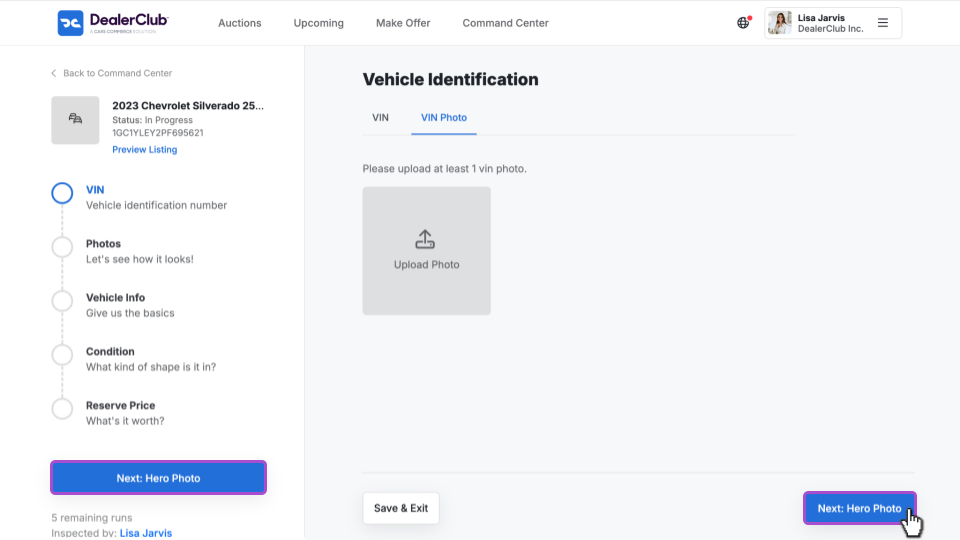
After saving the vehicle, you’ll be taken to the auction listing workflow.
On this screen, you can:
- Upload vehicle images
- Complete required vehicle detail fields
- Indicate condition information
Follow the checklist on the left-hand side of the screen to complete each required section. Once images and vehicle details are added, you’ll be prompted to add a vehicle description.
Completing these sections first ensures your description aligns with the vehicle details and condition report shown to buyers.
3 Add a vehicle description
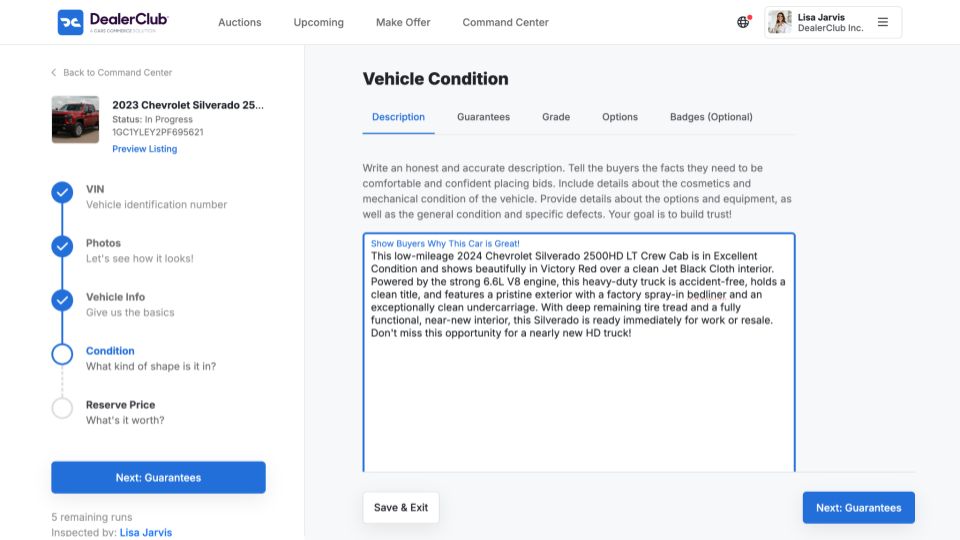
Use the description field to write a clear, accurate summary of the vehicle.
The description should:
- Accurately reflect the vehicle’s condition and features
- Address what a dealer buyer needs to know before bidding
- Match the information shown in photos and the Condition Report (CR)
A well-written description helps buyers quickly assess whether the vehicle fits their inventory needs and reduces follow-up questions during the auction.
Best practices for vehicle descriptions
Use the following guidelines to create effective, buyer-friendly descriptions:
Be transparent and accurate
DealerClub is a reputation-based marketplace. Your vehicle description should always match the Condition Report and photos. Any inconsistencies can lead to disputes or impact seller ratings.
Structure for skimming
Many dealer buyers review listings quickly. Use bullet points, short paragraphs, and clear organization so key details are easy to find.
Include essential vehicle information upfront
Clearly list:
- Year, Make, Model, Trim
- Exterior and interior color
- Mileage (odometer reading)
- Engine type, transmission type, and drivetrain
- Example: 6.6L V8 Gas, 10-Speed Automatic, 4×4
- Example: 6.6L V8 Gas, 10-Speed Automatic, 4×4
Detail condition report information
Include both strengths and disclosures:
- Highlights: Overall condition (e.g., Excellent, Clean, Needs Work)
- Disclosures: All known cosmetic or mechanical issues
- Examples:
- Small scratch on passenger-side rear fender
- Check engine light on (suspected O2 sensor)
- Needs new front tires
- Examples:
Confirm history and title status
- State whether the title is clean and clear
- Disclose any accident history or prior damage, if applicable
Call out value-added details
Mention items that may increase buyer interest, such as:
- Factory options
- Recent maintenance or service records
- Aftermarket accessories