Troubleshooting financing lead delivery and access
Cars.com offers shoppers the ability to explore financing options directly from your listings. This guide covers common troubleshooting scenarios and how to resolve them.
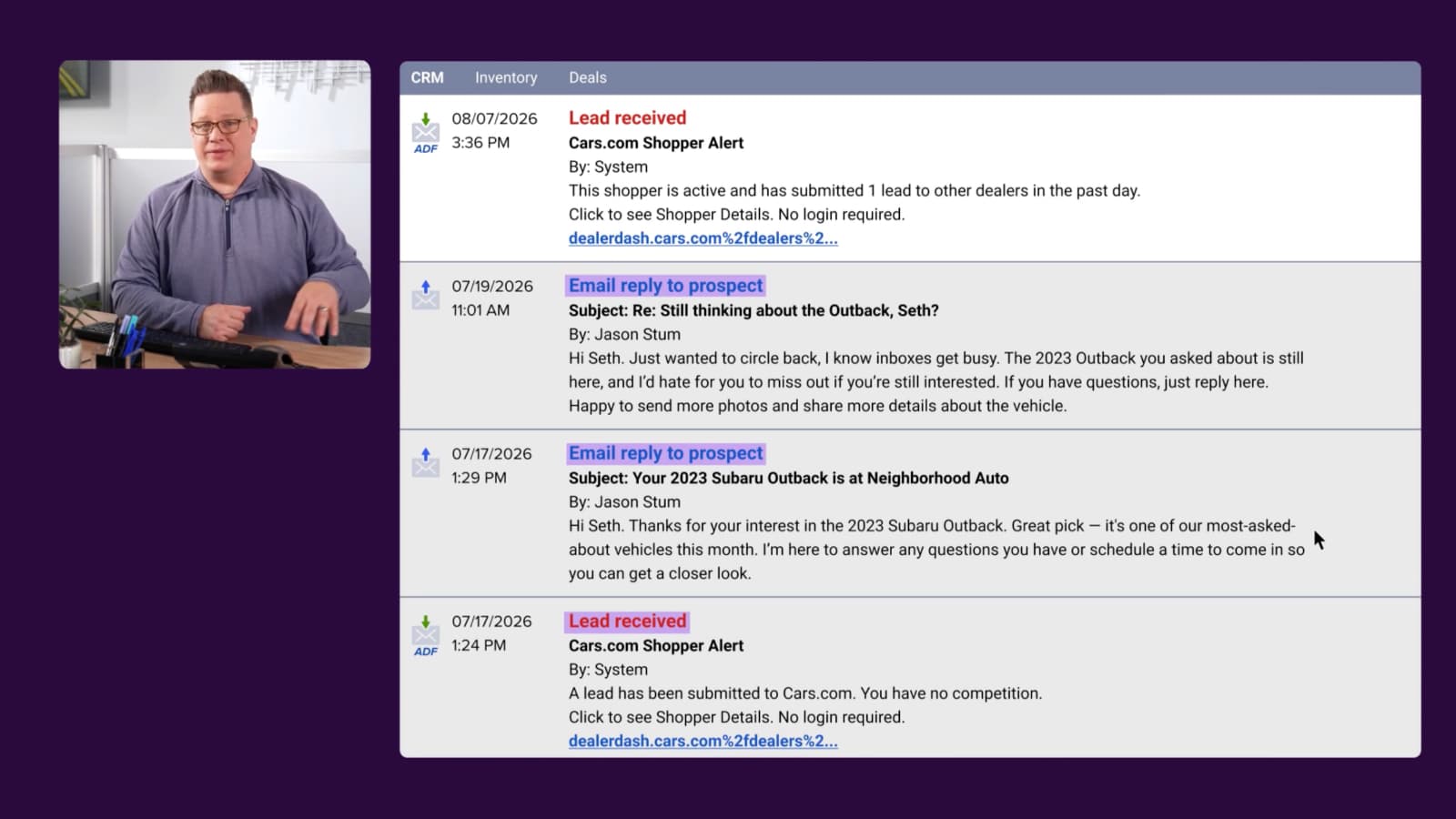
I’m not receiving financing leads in my CRM
Check these first:
- Verify your spam/junk folder for leads from Cars.com.
- Confirm your CRM email address is current with your Cars.com representative.
- Check Automatic directly — applications may be there even if CRM delivery failed.
Still missing leads? Contact your Cars.com representative with the date, time, and contact info of any missing leads so we can investigate.
I can’t find the full credit application details
For Premium and Premium+ dealers, full credit applications are delivered to:
- Automatic: View all application details including the secure link in your CRM lead.
- RouteOne or Dealertrack: The complete application is sent directly to your DMS.
If applications aren’t appearing in RouteOne or Dealertrack, contact your Cars.com representative for assistance.
I can’t log into Automatic
Try these steps:
- Go directly to automatic.dealerinspire.com — don’t use old bookmarks or links from previous emails
- Click “Forgot Password” to reset your credentials
- Check your spam folder for the password reset email
Important: Each login should start fresh at the main URL. Old activation or reset links expire and can cause login failures.
Need a new user added? Contact your Cars.com representative with the new user’s name, email, and role. Finance Manager access requires approval from your GM, Finance Manager, Controller, or Dealer Principal.
A customer says their preapproval won’t attach to a vehicle
This typically happens when your dealership is not opted in to offer financing on the vehicle listing the customer is viewing. Contact your Cars.com representative to verify your enrollment status.