How to access your VIN Performance Media report
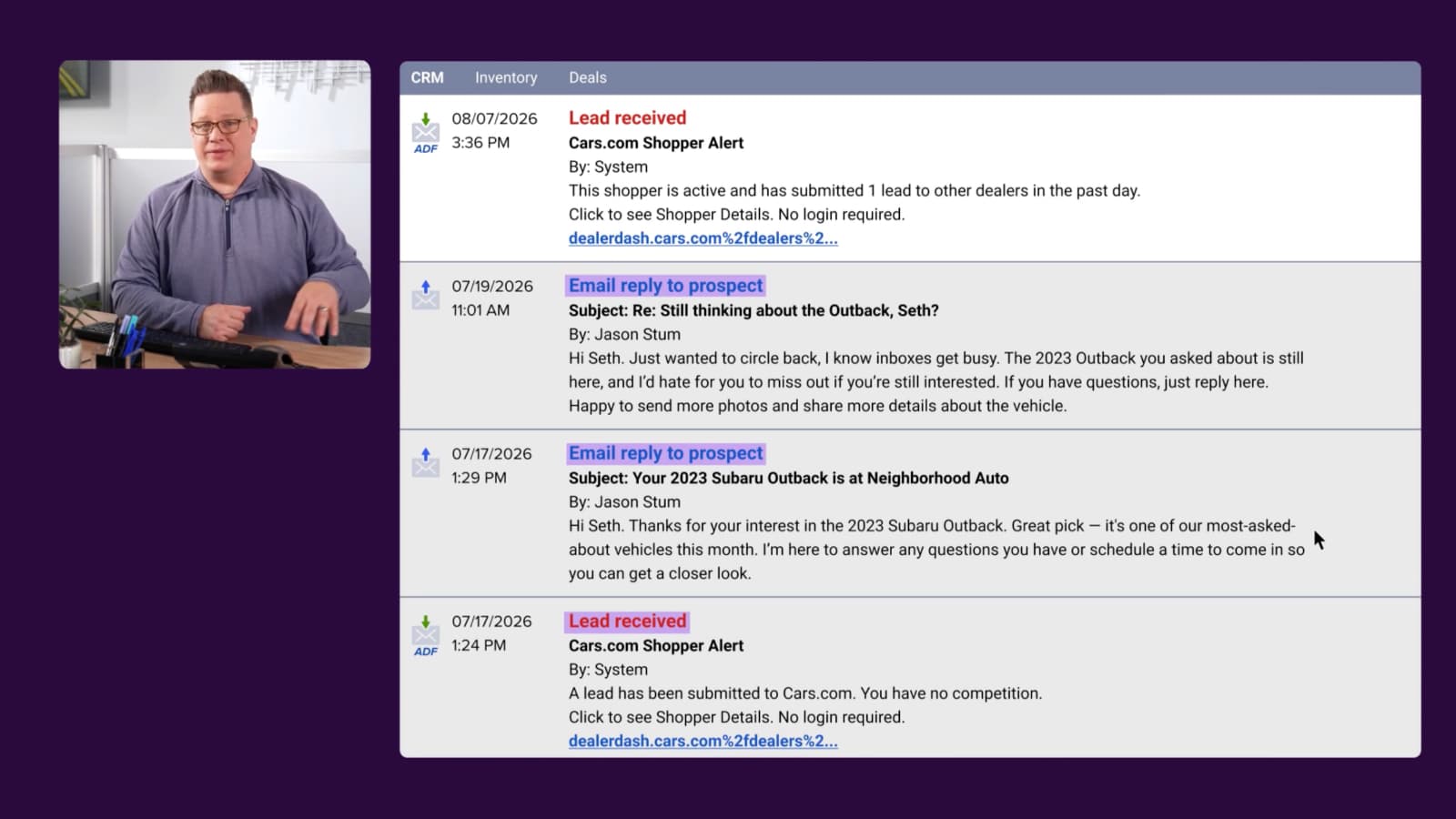
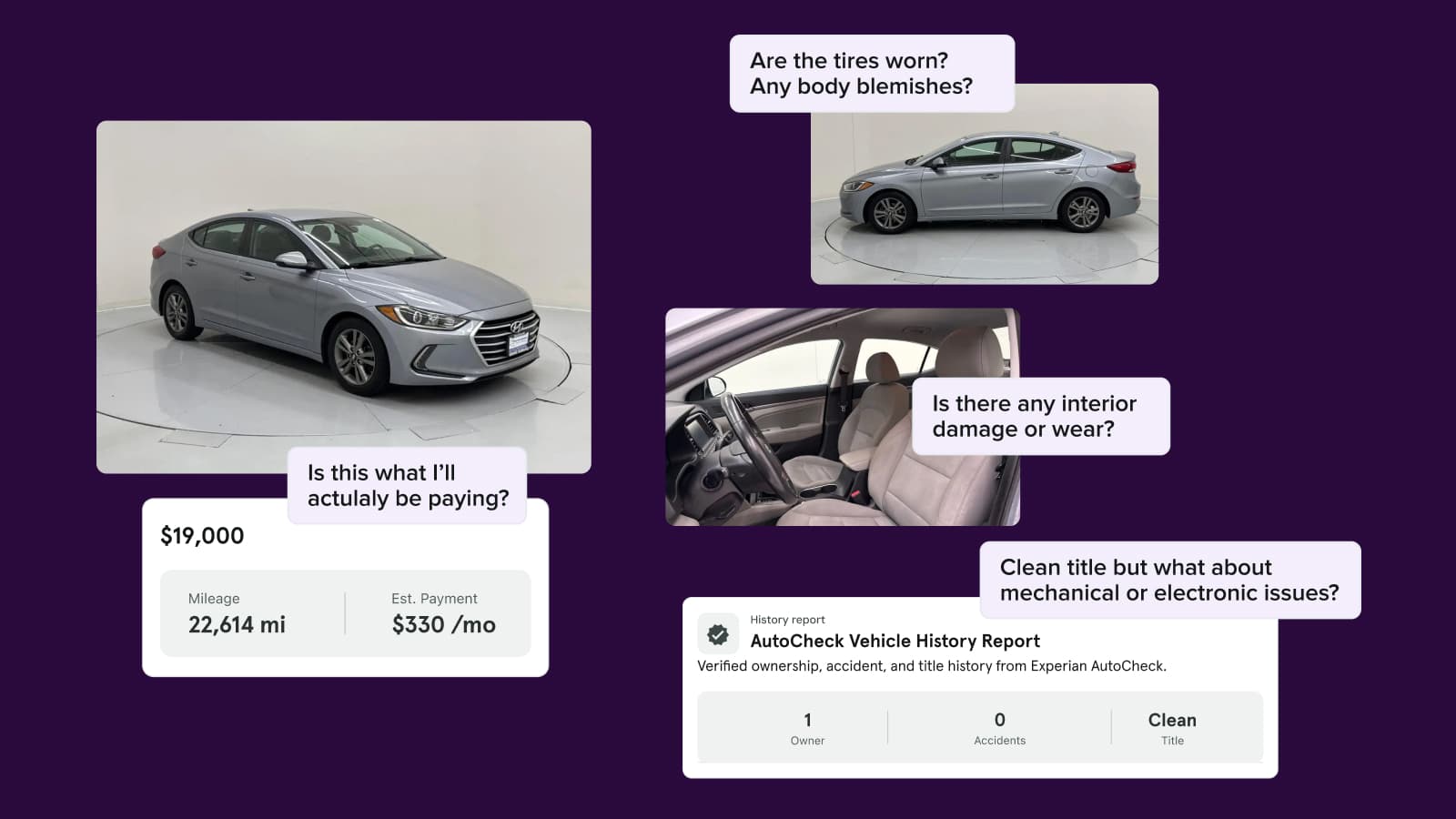
Use the VIN Performance Media report to quickly assess your campaign performance. This easily digestible report displays your campaign’s incremental reach, clicks, and leads, showing the direct impact on your listings. It also provides market-level insights to fuel your overall marketing strategy and accelerate vehicle turnover.
To get started
Go to the Cars.com Hub.
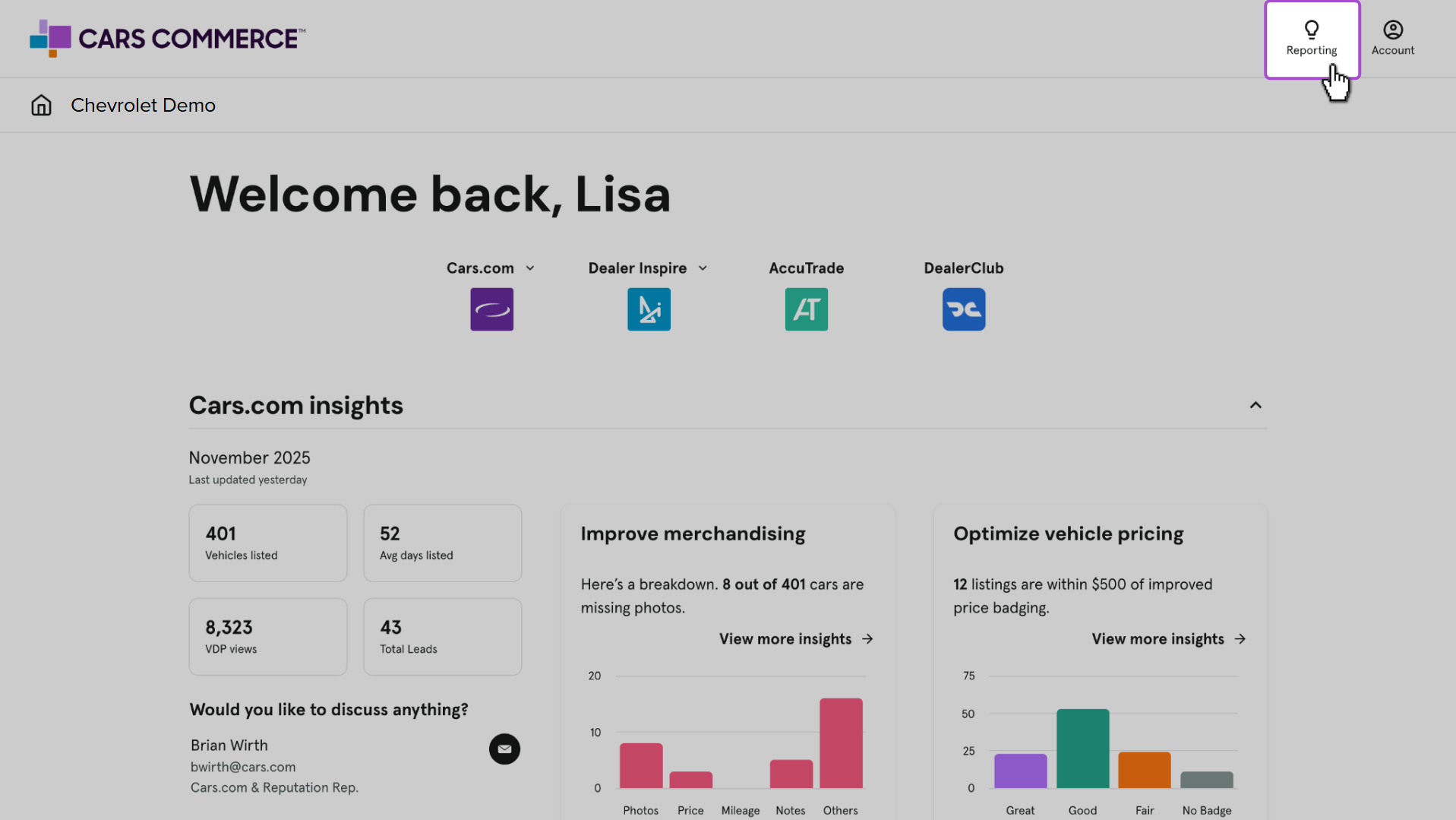
1 Find your reporting in the Hub
Once logged into the Hub, click Reporting, then Cars.com.

2 Select Customer Engagement
Click Customer Engagement, then the VIN Performance Media report from the dropdown.

3 Using the “Performance Overview” tab
Filter your report by: Month or Hide Current Month to filter the dashboard down to the month and determine whether or not you want the current month data to show, which may include partial data.
The snapshot summary showcases the total number of:
- Ad impressions
- Ad clicks
- Click-through-rate that the campaign received during the filtered month
- Cost-per-click calculated by the full monthly rate of $1,499
Note: In the filters, Hide Current Month defaults to Yes to ensure accurate calculations for the cost-per-click metric.
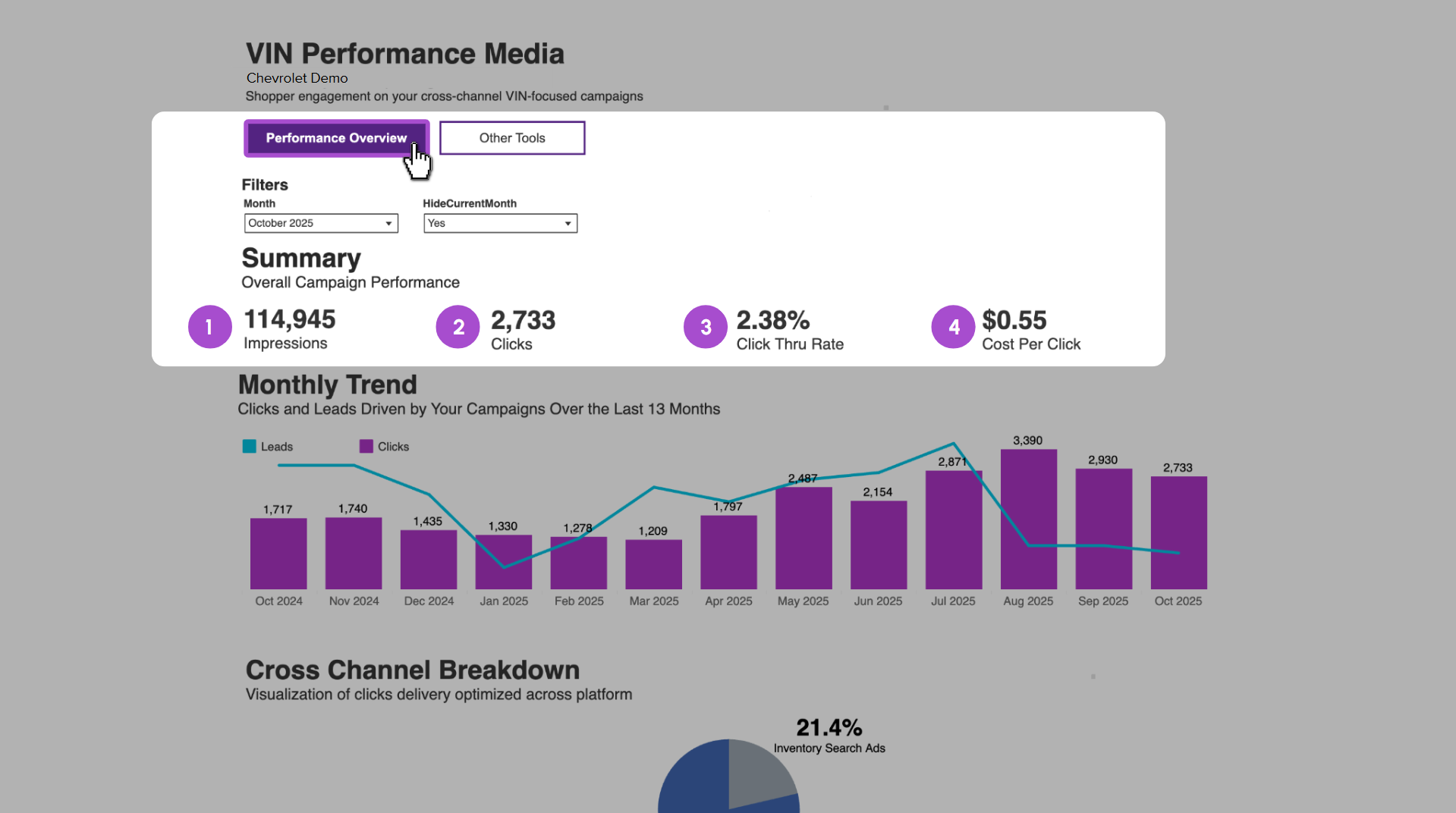
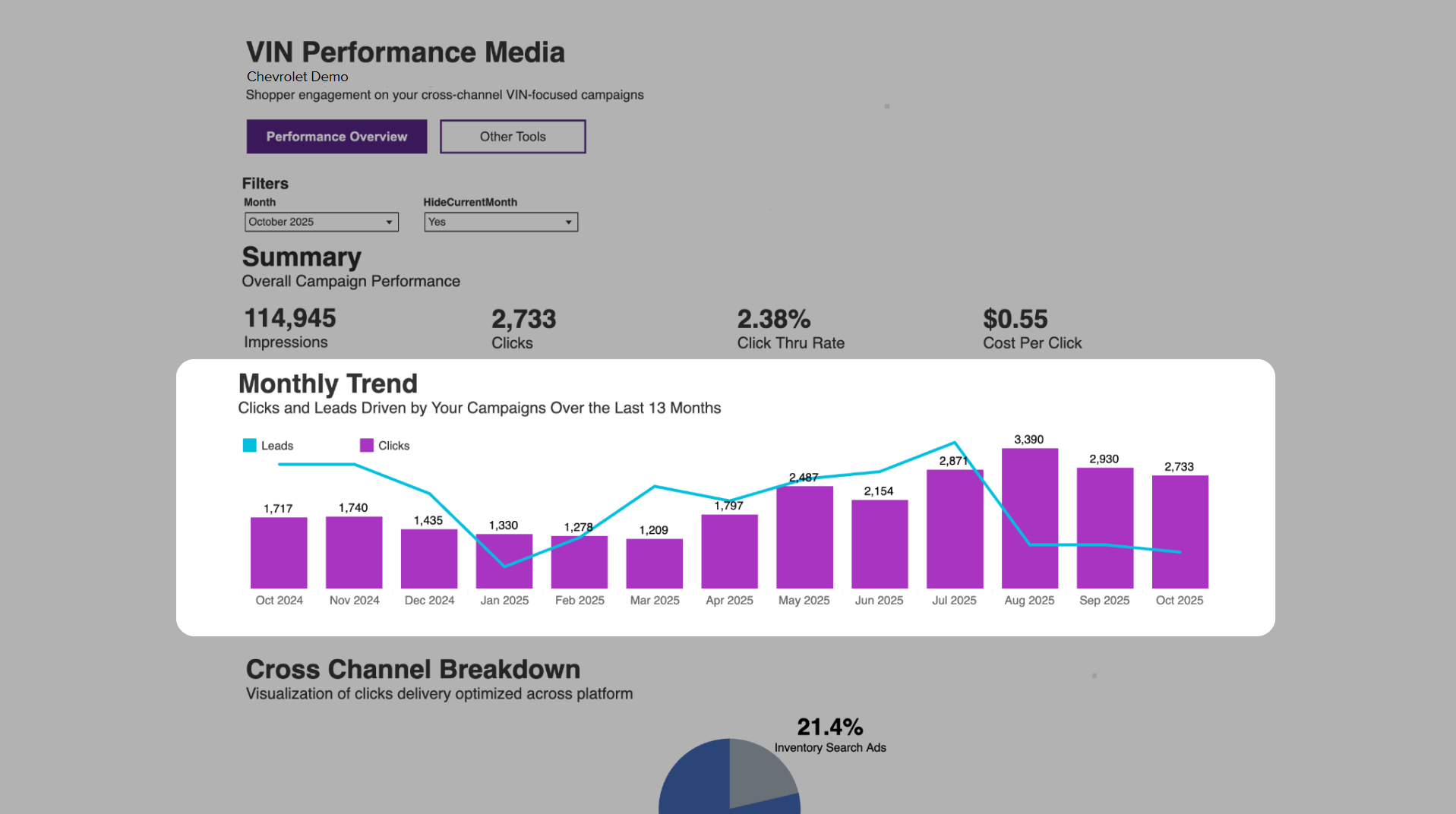
Monthly Trend
Use the Monthly Trends chart to easily visualize your performance history. You can see the month-over-month trend of Clicks (bar graph) compared to Leads (line graph). The chart automatically populates with the latest data as each new month’s information is added.
Cross Channel Breakdown
Use the Cross Channel Breakdown to see where your ads are being delivered to shoppers across your various platforms.

Top 10 Engaged Vehicles
Use theTop 10 Engaged Vehicles to highlight inventory is most popular; driving impressions and clicks from your ad campaign.
Use the Vehicles Shown bar to the right to adjust the number of vehicles to view.

Contact Details
Use the Contact Details section to gain insight into consumer information for leads submitted to Cars.com directly from your VIN Performance Media Campaign.

Note: The number of leads in the Contact Details section may differ from the chart above. The chart may include additional leads that were captured on your dealer website.
4 Using the “Other Tools” tab
Scroll back to the top of the page and select the Other Tools tab.
The Inventory Market Insights section shows how vehicles in your market are priced and how long they typically remain live on site. This data is designed to help inform inventory and pricing decisions.
This view presents the number of VDPs as a percentage of the DMA total.
Filter results by:
- Month
- Stock Type
- Group By: Make, Price Range, or Inventory Age
The chart compares:
- Market Level Data (orange): Percentage of total market VDP views, calculated as: (Number of VDP views for the selected category ÷ Total market VDP views)
- Dealer Level Data (blue): Percentage of total active dealer listings for the selected make, price range, or inventory age, divided by the total dealer listings. This calculation is specific to your inventory.

Group by Make
Analyze the market demand for a specific Make compared to your current stock level. If market demand (VDP share) exceeds your inventory share, you are in a strong position to sell those vehicles quickly and can focus on maximizing merchandising for that Make.
Group by Price Range
Review the market demand for vehicles within a specific Price Range. If market demand (VDP share) is higher than your inventory share in a certain range, you have a high opportunity to attract buyers and move the inventory you currently hold within that price bracket.
Group by Inventory Age
Evaluate the market interest for vehicles based on their Inventory Age (Days Live). If your inventory share aligns with a period where market demand (VDP share) is low, you should monitor those vehicles closely. If your inventory share is high in an age bracket with low demand, you may not need to apply extra focus, assuming you can turn those units based on your current stock level.