How to understand pricing rules for new cars
New car pricing in AccuTrade IMS involves several components working together: manufacturer-set pricing, dealer adjustments, and incentives. Understanding how these elements interact helps you build a compliant, competitive pricing strategy that supports your dealership’s goals.
In this article, you will learn how the math stack works, how to set your Internet Sale Price, how incentives are applied, and what MAAP compliance rules affect your advertised pricing.
To get started
Go to the Cars.com Hub, and click AccuTrade.
1Select the vehicle from your inventory
Click the Inventory tab to search for and select the new vehicle you want to price.
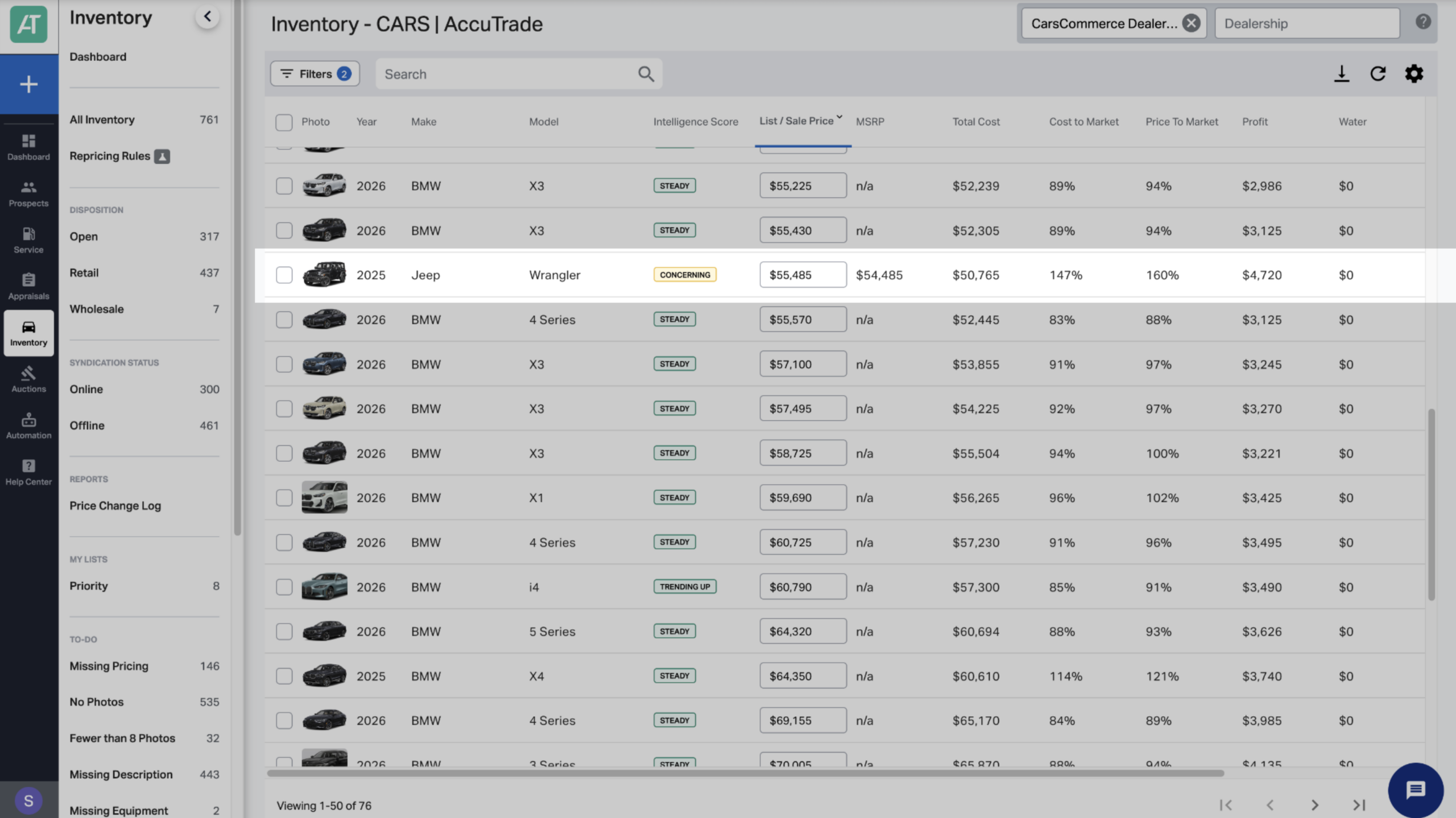
2Select Market pricing
On the vehicle screen, click the Market Pricing tab.
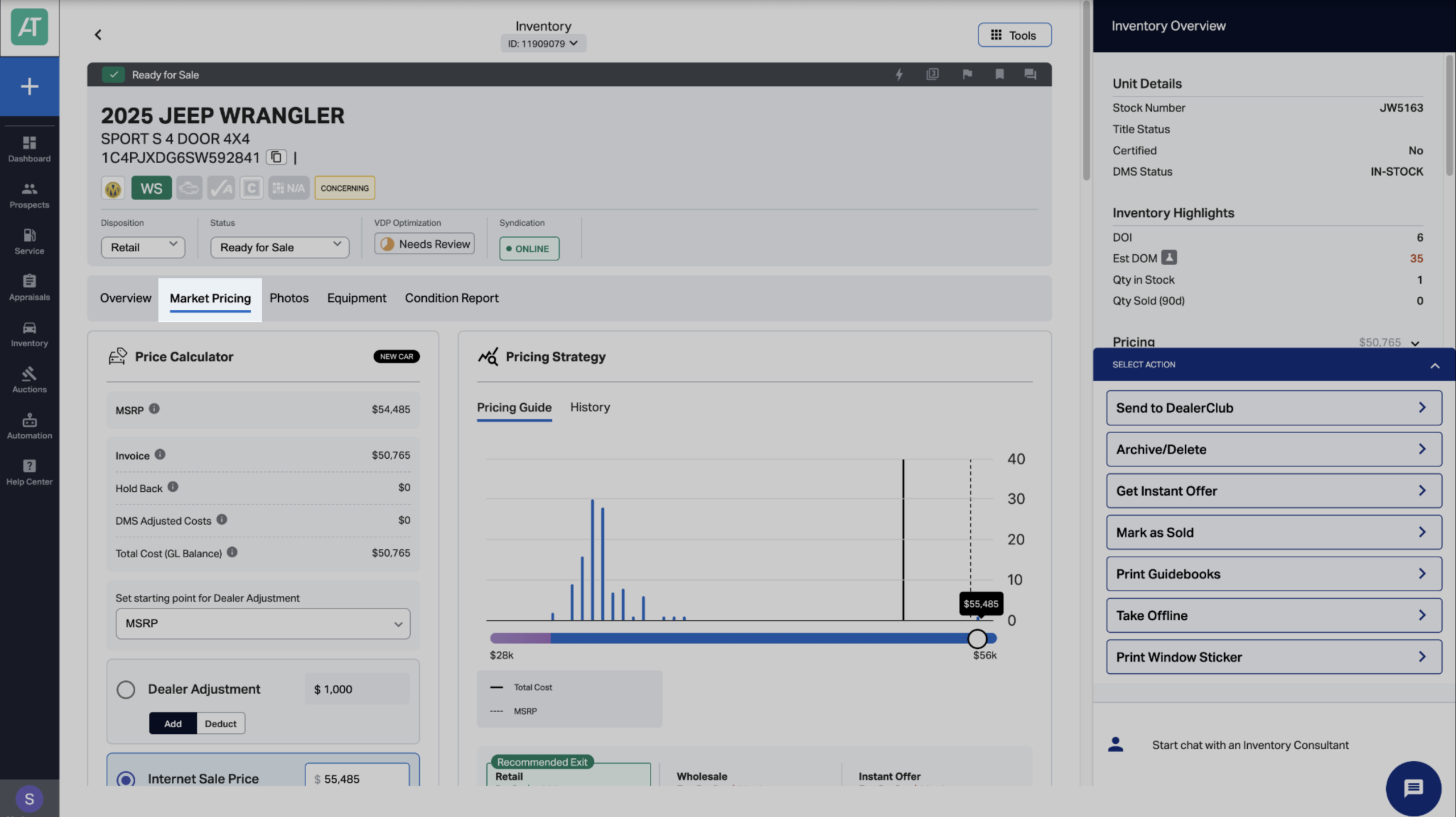
3Review the math stack
Locate the Price Calculator on the Market Pricing tab. The math stack shows how each component contributes to your final price:
- MSRP: Manufacturer’s Suggested Retail Price (set by OEM, read-only)
- Invoice: Your cost from the manufacturer (from DMS, read-only)
- Holdback: Manufacturer payment returned to you after sale (from DMS, read-only)
- Dealer Adjustment: Your markup or discount from MSRP
- Internet Sale Price: MSRP ± Dealer Adjustment (this is what you control)
- Applied Incentives: Cash rebates applied to the sale
- Final Sale Price: The price shown to consumers after incentives
Example:
MSRP: $35,000
Dealer Adjustment: -$1,000
Internet Sale Price: $34,000
Applied Incentives: -$1,750
Final Sale Price: $32,250
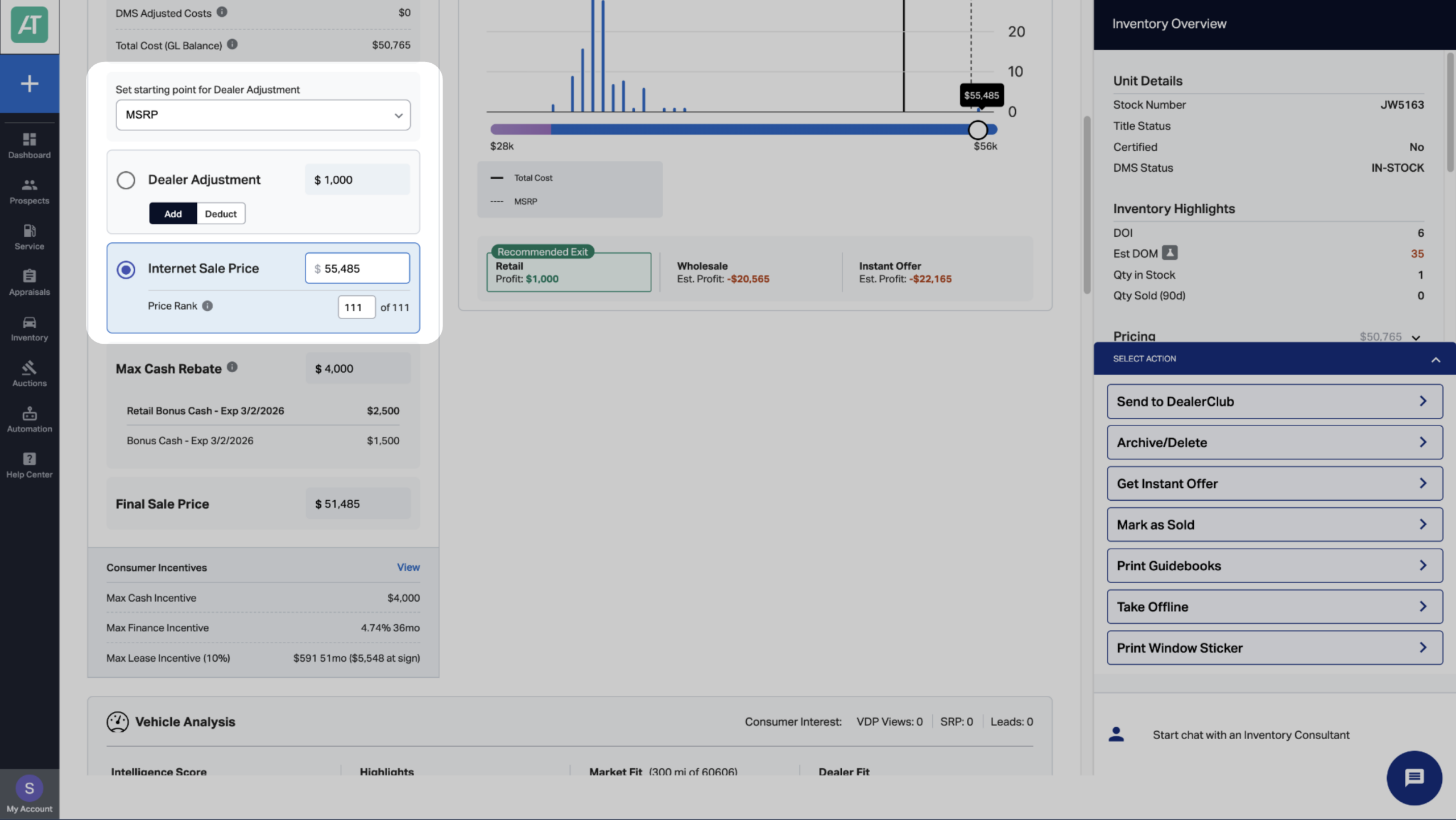
4Set your internet sale price
The Dealer Adjustment is the only part of the math stack you directly control.
Set the Internet Sale Price using one of three methods:
- Adjust from MSRP: Apply a dollar amount or percentage above/below MSRP
- Adjust from Invoice: Add a flat amount above invoice to set a target margin
- Set directly: Enter your desired Internet Sale Price manually or by Price Rank
All other fields — MSRP, Invoice, Holdback, and Incentives — are pulled from external data sources.
5Manage incentives
Manufacturer incentives — including cash rebates, financing, and lease offers — can significantly lower the Final Sale Price.
AccuTrade integrates with JD Power LenderDesk to automatically retrieve and apply available incentives per VIN. Stacking rules are also shown to indicate which offers can be combined.
- The Max Cash Rebate field displays the maximum stackable rebate amount.
- This value updates automatically as manufacturer programs change.
For additional guidance on viewing and applying incentives, see How to leverage incentives.
6Understand MAAP compliance
MAAP (Minimum Allowable Advertised Price) rules — defined by each OEM — restrict how low you can advertise new vehicles. Violating these policies can lead to:
- Manufacturer fines
- Loss of incentive eligibility
- Franchise agreement violations
Note: Always confirm pricing meets brand guidelines before publishing.
7Review syndicated fields
When pricing is updated in AccuTrade, the following fields are syndicated to your dealer website and third-party platforms:
- MSRP
- Invoice
- Internet Sale Price
- Dealer Adjustment
- Applied Incentives
- Final Sale Price
Syndicated fields are clearly marked in the math stack view.


