-
Ad Campaign Reqs
Essential guidelines for getting started with various campaign types and submitting custom creative. Find requirements for client-provided video for In-Market Video (IMV) campaigns, as well as guidelines for client-provided display ads. Additionally, learn how to successfully onboard for IMV, Cars Social, In-Market Display (IMD), Tentpole, and VIN Performance Media (VPM) campaigns, including setup steps, creative options, inventory requirements, timelines, and what to expect after launch.
-
Performance Reporting
Learn how to install the Cars Commerce attribution pixel to unlock AI-driven bid optimization, view-through conversion tracking, and full-funnel reporting for your media campaigns.
-
Compliance and Privacy
Learn how to review the terms and conditions for your Cars.com ads, including the Marketplace Terms and Conditions agreement. Additionally, explore how CCMN ensures compliance in audience targeting for products like IMD, IMV, VPM, and Cars Social by leveraging real Cars.com shopper behavior to build in-market audiences with daily refreshes and 90-day targeting.
-
Reporting and Analytics
Learn how to find and analyze Cars Commerce Media Network (CCMN) referral traffic within Google Analytics, including performance data for campaigns like In-Market Display, In-Market Video, VIN Performance Media, and Cars Social.
-
FAQs
Find answers to common questions about the Cars Commerce Media Network, covering topics like ordering BlueDriver OBD devices through the Cars.com Hub, verifying your ads are live by connecting with your Performance Manager, updating target addresses for VPM or Cars Social through your AE or support team, understanding Cars Social targeting options and vehicle eligibility, learning where In-Market Video (IMV) campaigns appear based on your tier, and details on the use of UTMs in ad campaigns.
-
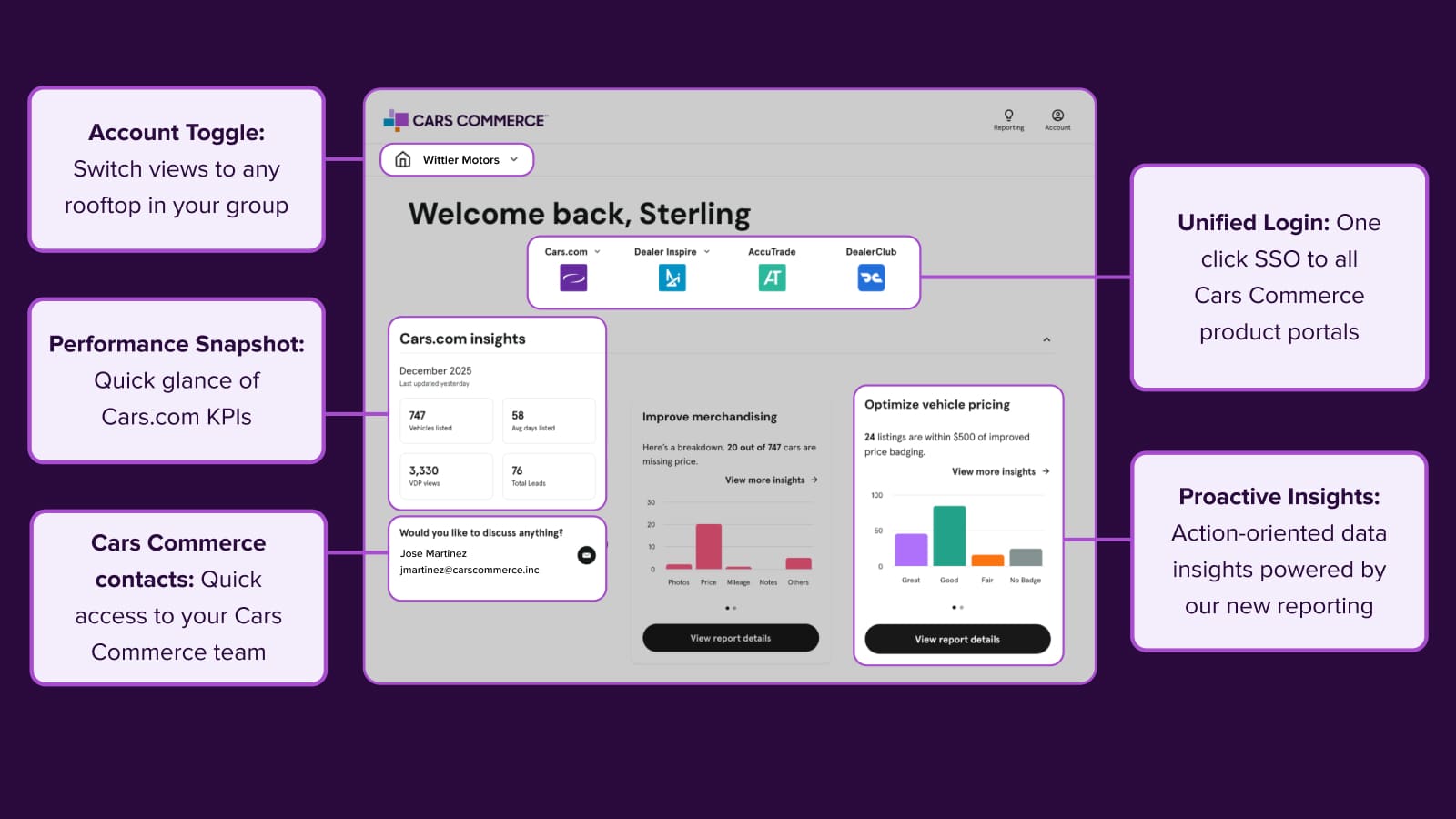
Platform Update
Welcome to your new command center
Access all your Cars Commerce solutions in one place. The redesigned Hub brings you actionable insights, streamlined reporting, and unified login for faster decisions.
January 26, 2026 | 3 min read
-
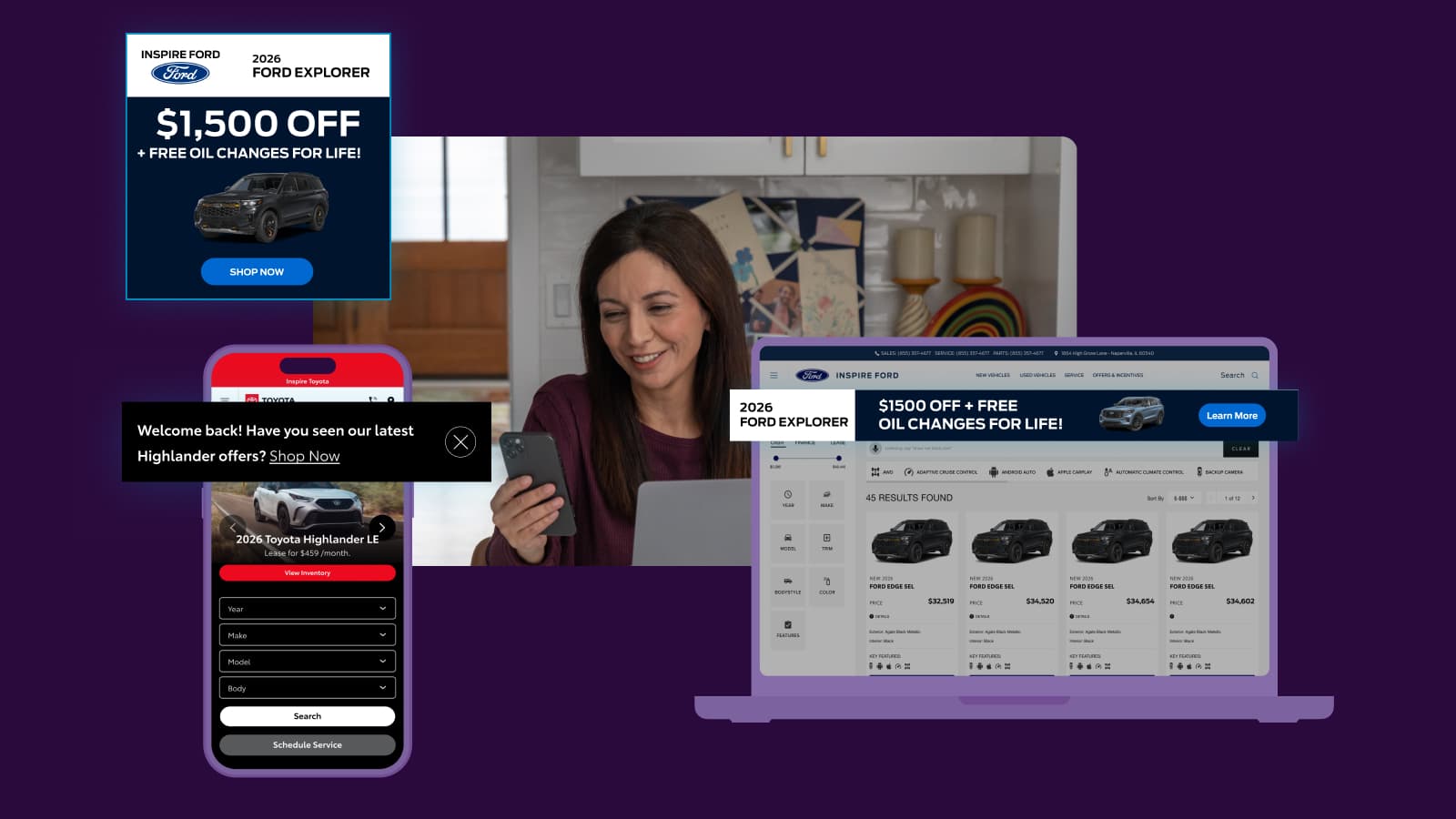
Strategy Guide
Full-Funnel Marketing Playbook: Chapter 3
Learn how bottom-funnel marketing converts high-intent shoppers with personalized experiences, validated audiences, and protected first-party data.
January 12, 2026 | 9 min read
-
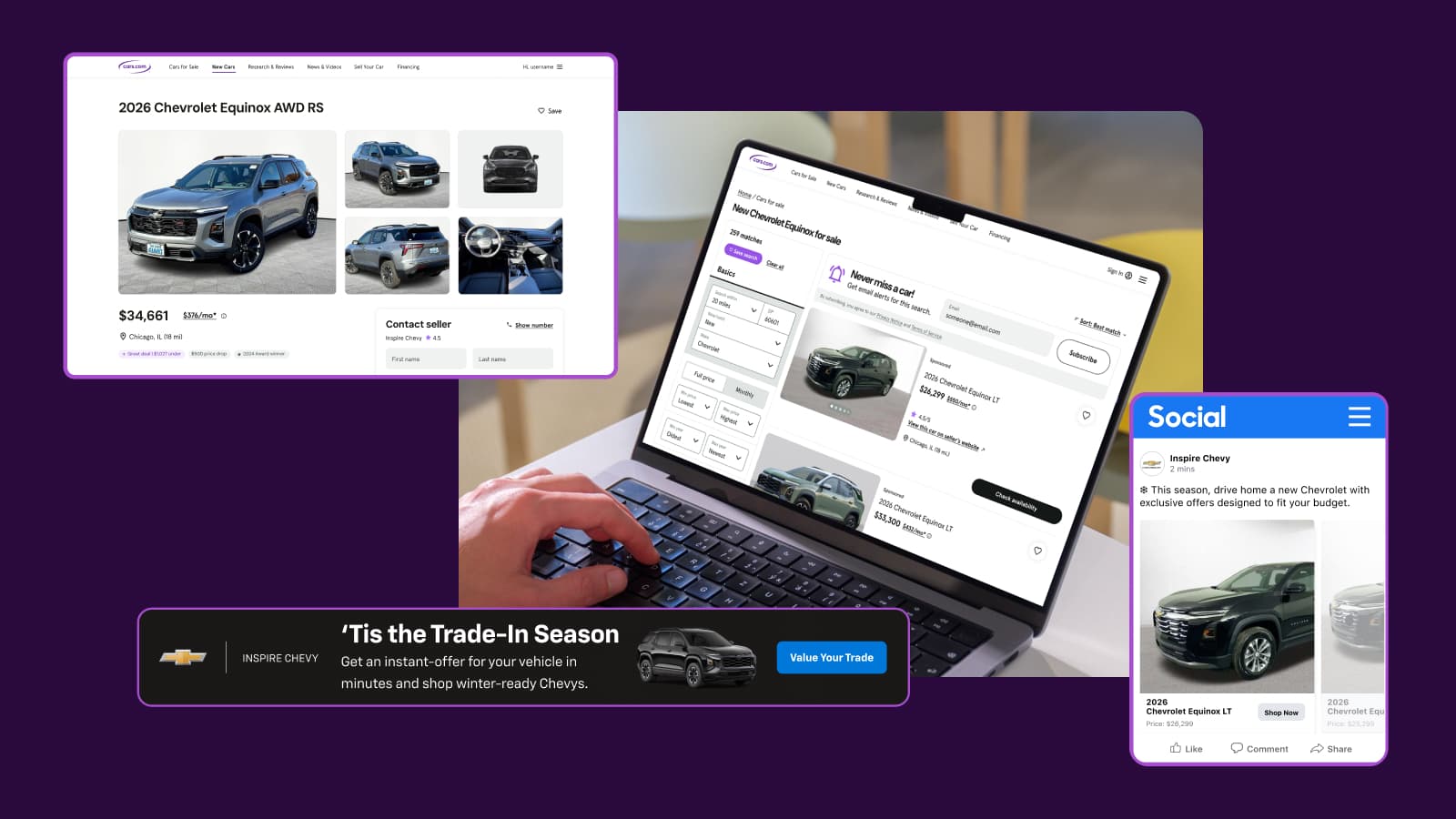
Strategy Guide
Full-Funnel Marketing Playbook: Chapter 2
Learn how mid-funnel marketing engages undecided shoppers, builds trust, and keeps your dealership top of mind to influence purchase decisions.
December 5, 2025 | 9 min read