-
How to set up and respond to chats
Learn how to begin accepting chats by updating your contact details, adding a profile photo, and installing the Chrome extension. Once you’re all set up, learn some best practices to make responding to chats efficient and error-free.
-
How to edit your dealer module
Learn how to edit your Cars.com dealer module from your Admin Dash or Dealer Dash. Update your About section, Highlights, and Service info to showcase your dealership.
-
Understanding Cars.com financing lead types
Learn the difference between Finance Intent and Prequalified leads. Understand what each type means and how to tailor your follow-up approach.
-
How to view and manage Cars.com financing leads
Learn how to view and manage Instant Financing leads in your CRM, Automatic, and RouteOne or Dealertrack. Includes filtering, application details, and deal management.
-
How to customize financing settings on your listings
Learn how to adjust your financing markups, lenders, and fees to match your dealership's finance process. Step-by-step guide for Premium and Premium+ dealers.
-
Troubleshooting financing lead delivery and access
Find solutions for missing leads, CRM delivery issues, Automatic login problems, and preapproval errors on your Cars.com listings.
-
How financing prequalification works for shoppers and dealers
See how Instant Financing helps shoppers explore financing on your VDPs and delivers finance-ready leads to your CRM. Covers the full process for shoppers and dealers.
-
How to enable or disable financing options on your VDPs
Control where Instant Financing appears on your Cars.com listings. Learn how to opt in, opt out, or adjust which inventory types display financing options.
-
Expert Article
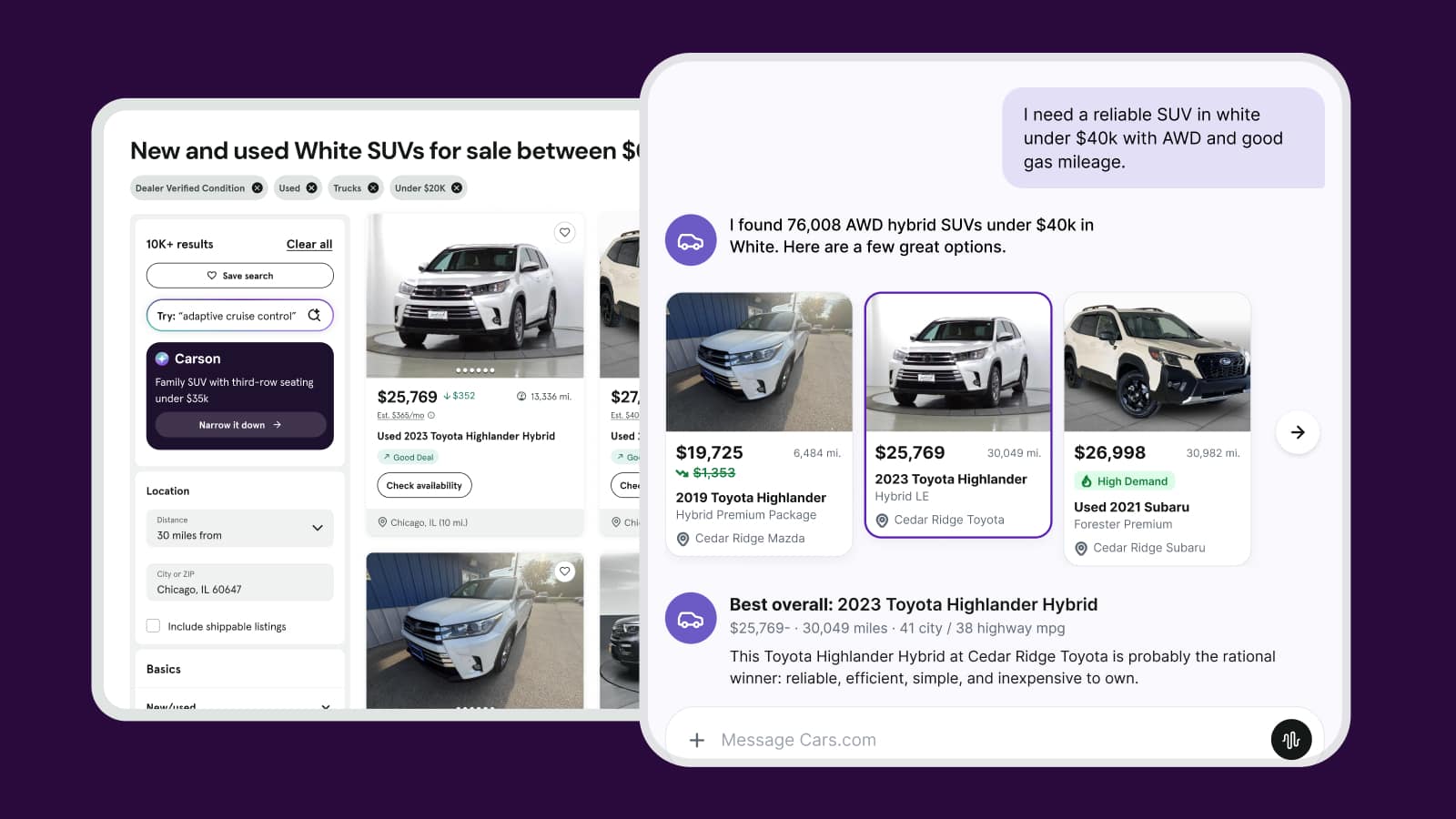
How dealers show up in the age of AI shopping
AI is changing how shoppers find dealerships. Learn which signals shape how your store shows up and what you can influence to strengthen them.
October 23, 2026 | 11 min read
-
Expert Article
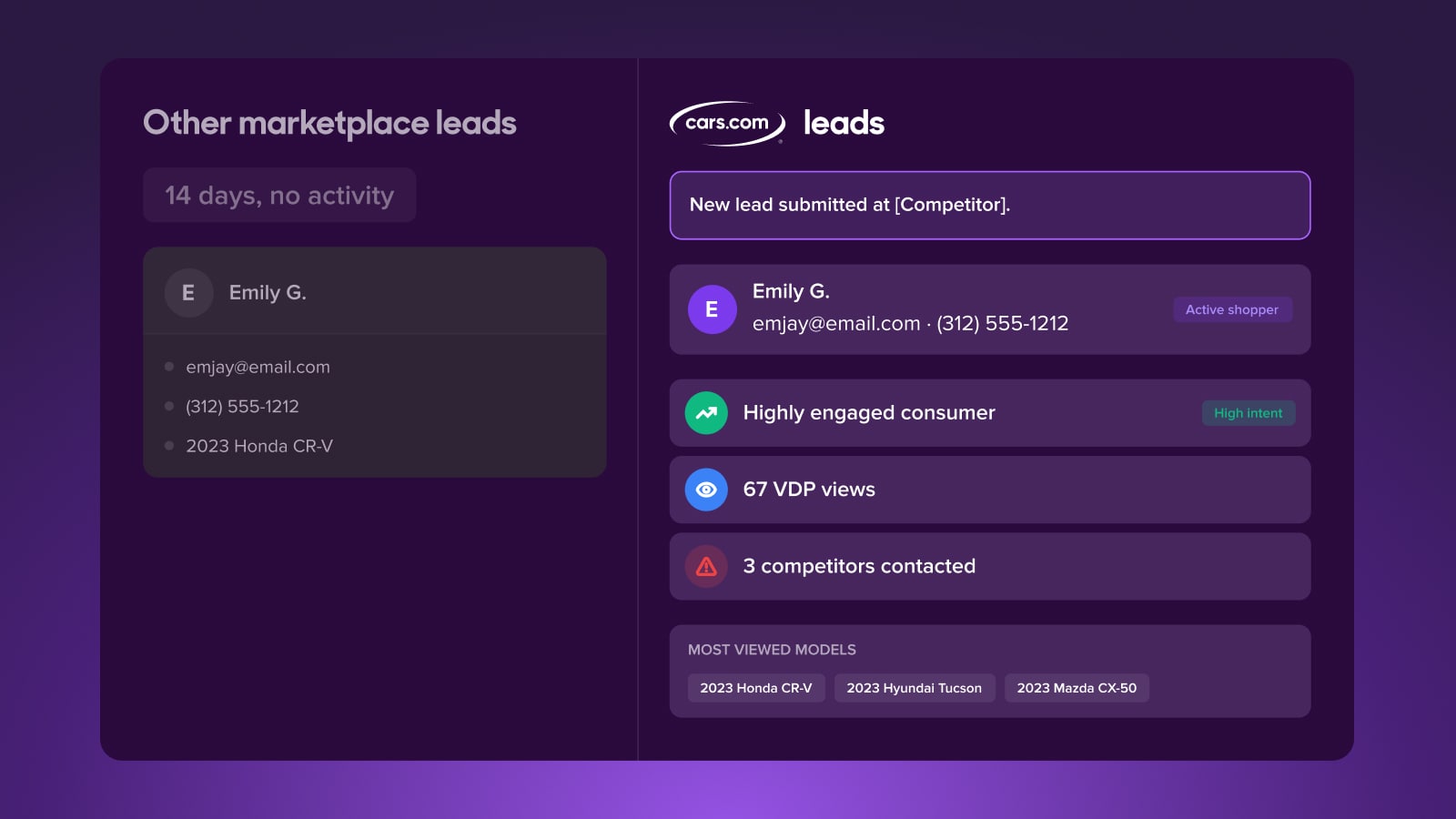
The leads are there, why aren’t they converting?
Lead quality depends on what happens after a lead lands. See why the conversion gap opens there, and how shopper activity data helps you close it.
October 7, 2026 | 11 min read
-
Video
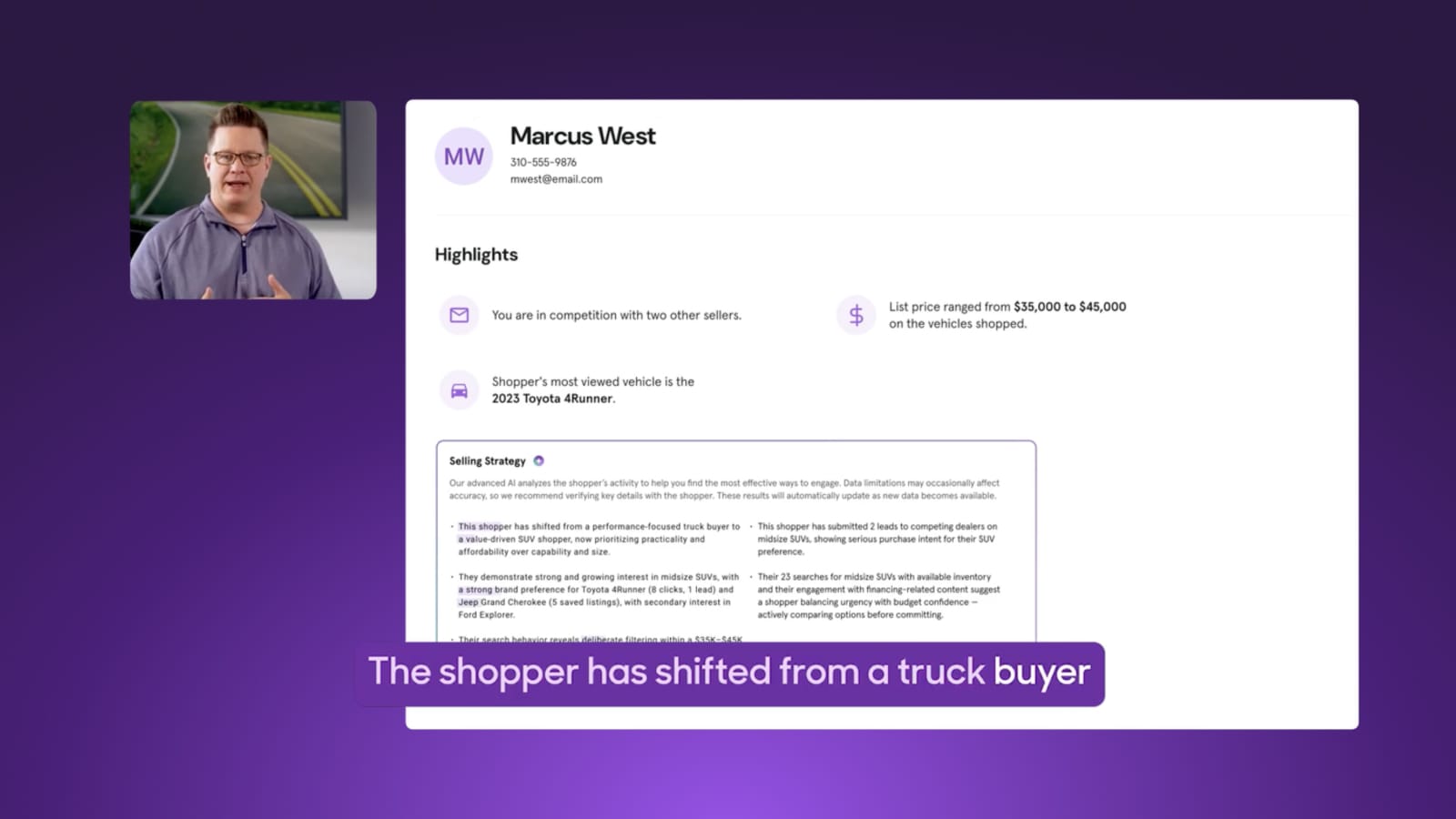
How to re-engage a lead who’s already moved on
See how selling strategy alerts surface shifts in shopper behavior and activity straight to your CRM, so you can meet shoppers right where they are.
October 5, 2026 | 2 min read