How to play the pricing game
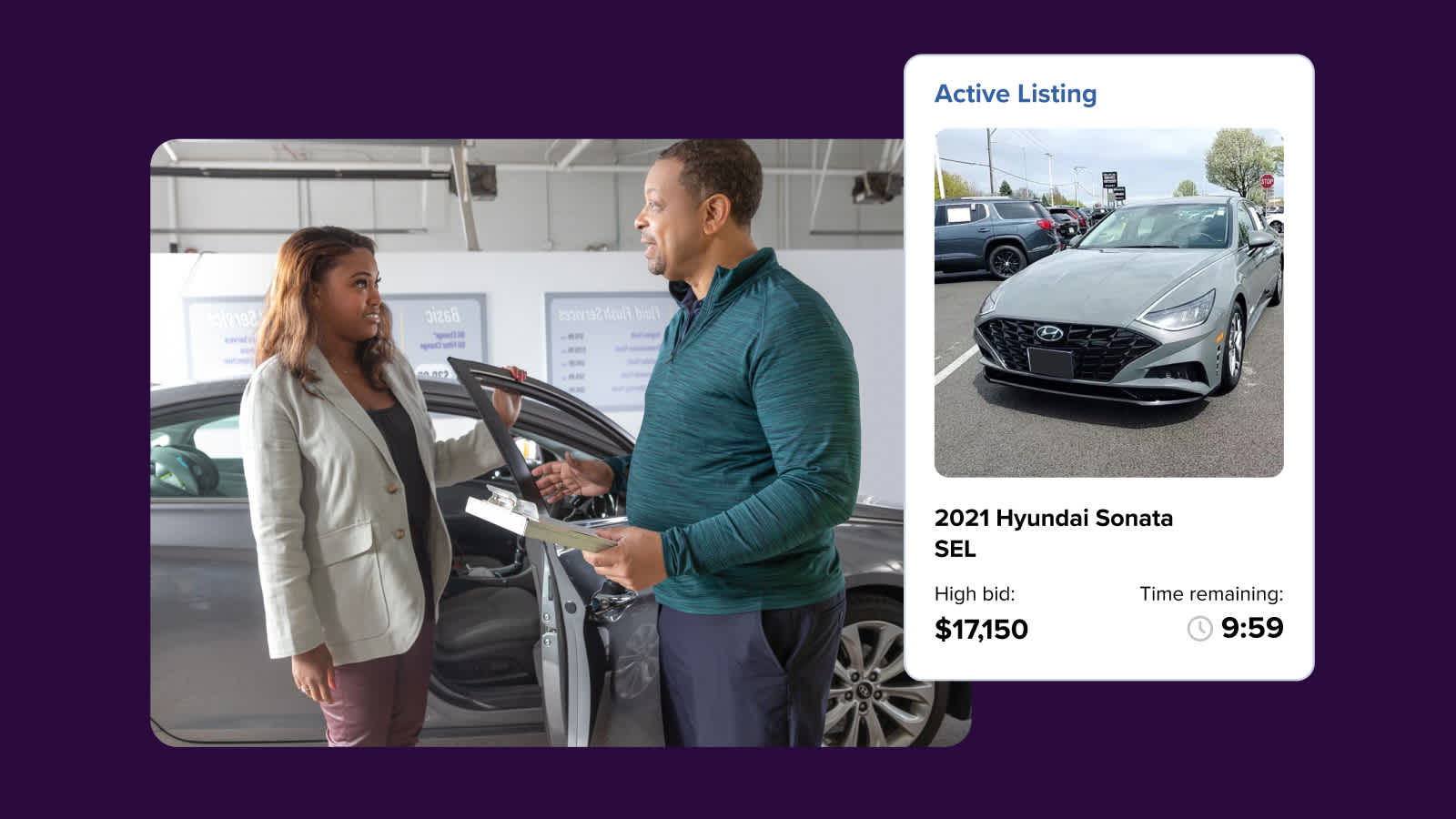
The DealerClub Pricing Game is a monthly competition where you predict the final sale price of vehicles listed in active auctions. The more accurate your predictions, the more points you earn. Top performers at the end of each month receive buyer credits that can be applied toward DealerClub vehicle purchases.
In addition to the in-app competition, DealerClub hosts a weekly Pricing Game on LinkedIn where dealers can watch real vehicles sell and, optionally, participate as a guest panelist.
In this article, you’ll learn how to submit a price prediction on an active auction vehicle, view your points and leaderboard ranking, understand the monthly prize structure, use earned buyer credits toward a purchase, check your credit balance, and join the weekly LinkedIn Pricing Game.
To get started
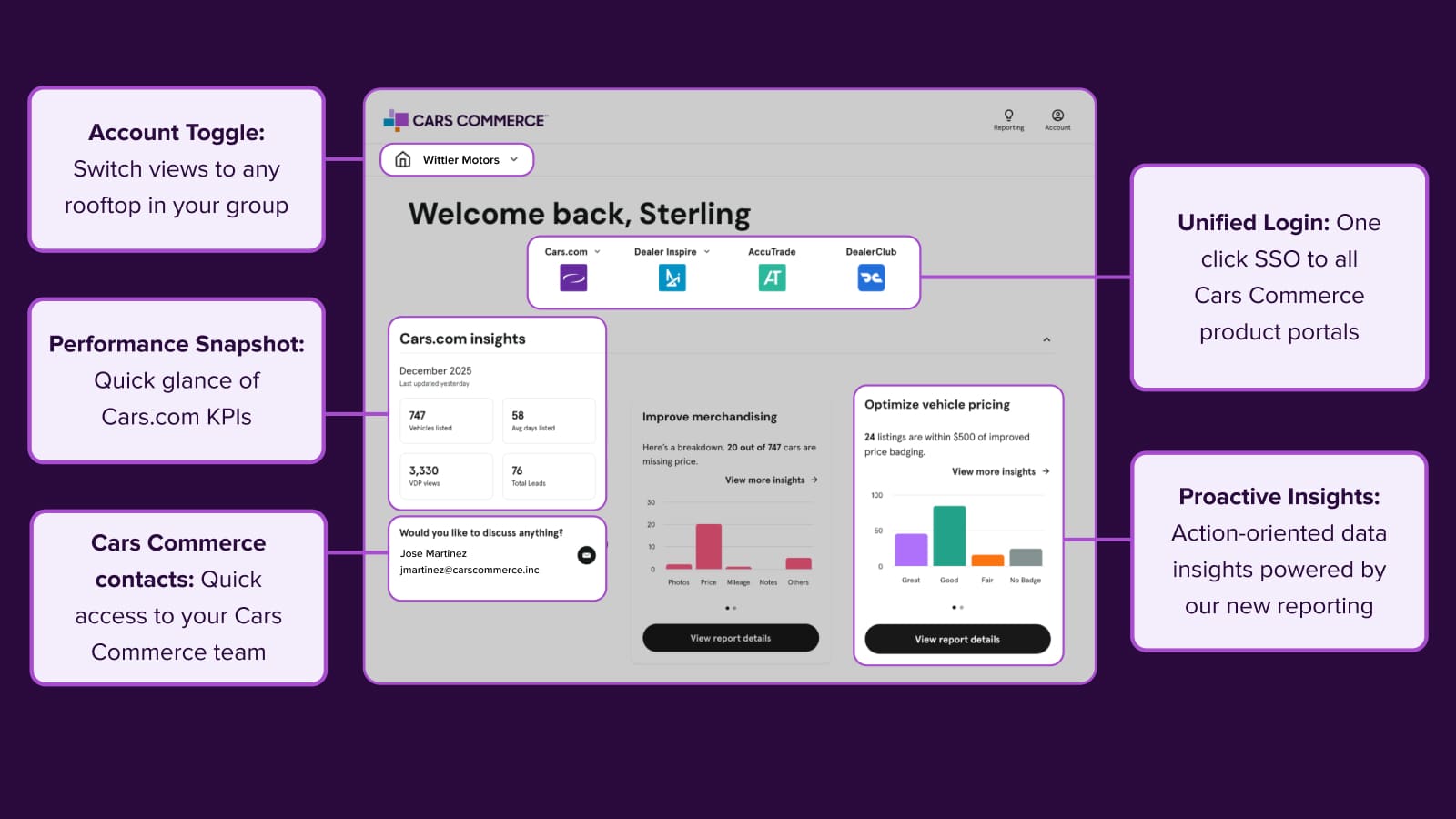
Go to the Cars.com Hub and then click on DealerClub.
1 How to play
You can predict the price of any vehicle in an active auction. Your guess is not a bid and will not impact the auction.
To submit a guess:
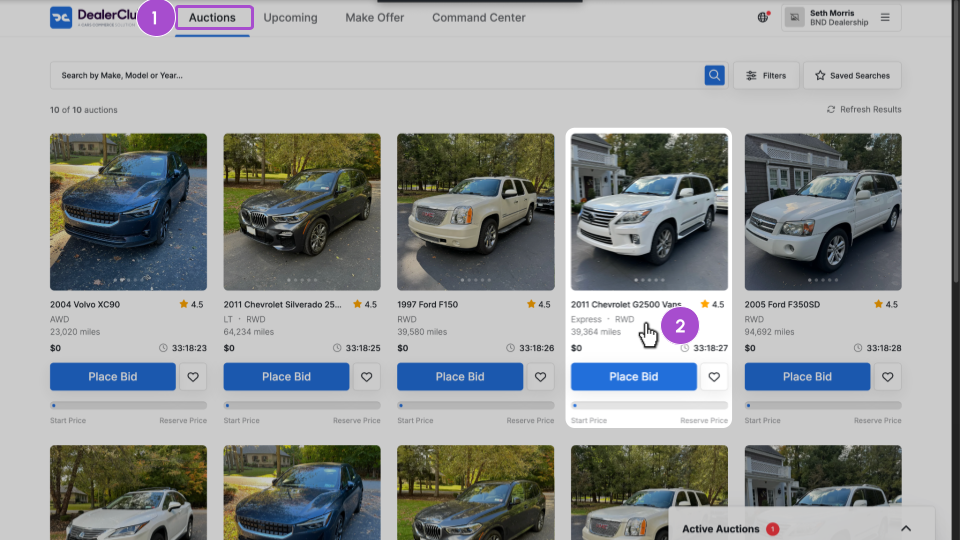
- Click the Auctions tab to browse active auctions.
- Select the vehicle you want to predict a price for.
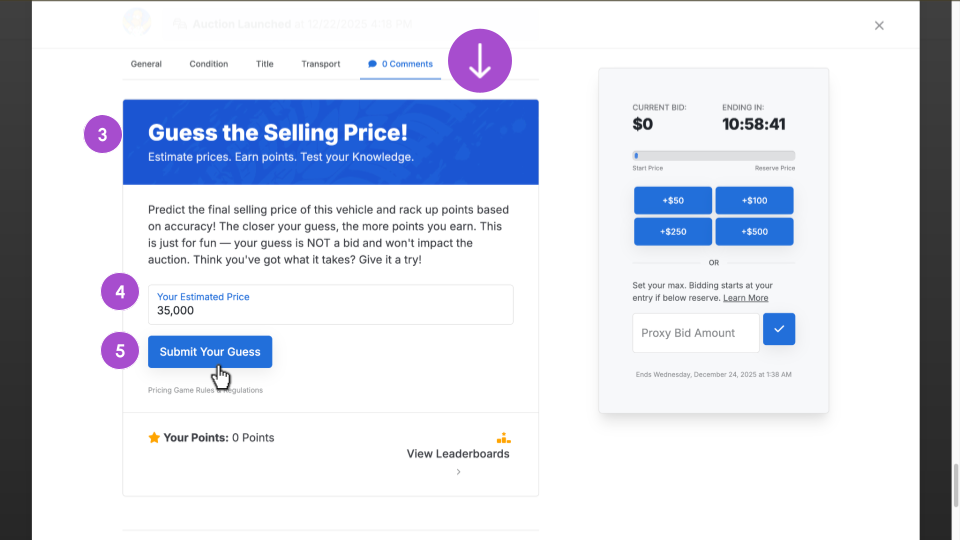
3. Scroll down to the Guess the Selling Price! section.
4. Enter your price prediction for the vehicle’s final sale price.
5. Click Submit Your Guess.
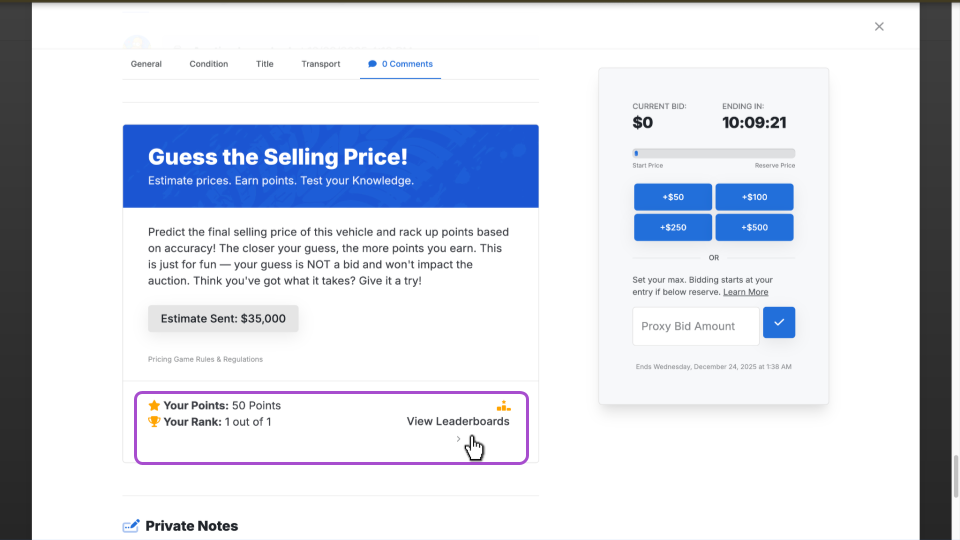
After submitting, you will see your current points and rank. To see how your monthly and all-time points compare to other dealers, click View Leaderboards.
You can repeat this process for as many vehicles as you want.
Tip: Consistently close predictions will rank higher than a single accurate guess. The more vehicles you submit predictions for, the better your chances of placing on the leaderboard.
2 Monthly prizes
The leaderboard resets at the end of each month. The top three dealers receive buyer credits:
| Place | Prize |
| ?1st Place | $500 |
| ?2nd Place | $250 |
| ?3rd Place | $100 |
Credits are automatically added to your DealerClub account after the monthly competition ends.
3 Using your buyer credits
Once earned, your buyer credits are ready to use on your next vehicle purchase. These credits are:
- Applied at checkout: If you have an available credit balance, it is automatically applied when you pay for a won auction. You can toggle this off at checkout if you prefer to save your credits for a later purchase.
- Single-use: Credits are deducted once applied.
- For vehicle purchases only: Credits cannot be redeemed for cash.
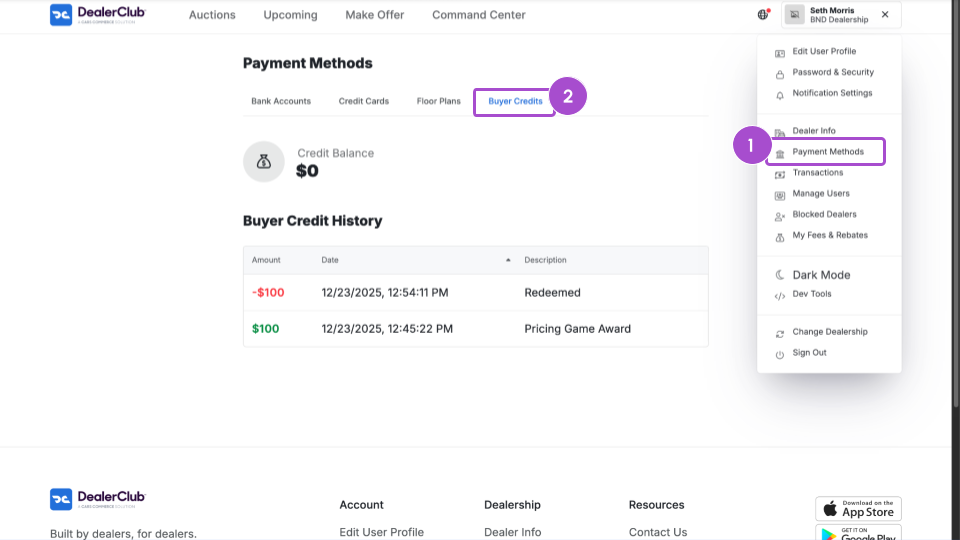
To view your buyer credit balance and history:
- Select Payment Methods from your profile menu.
- Click the Buyer Credits tab.
4 Join the weekly LinkedIn Pricing Game
The LinkedIn Pricing Game is a live 30-minute LinkedIn event held every Friday at 10:00 a.m. ET. Tune in to watch dealers predict the wholesale sale prices of real vehicles sold on DealerClub.
To join as a viewer, use the event link: Tune in to our next event here.Want to participate as a panelist?
Dealers can apply to join the panel as a guest participant. To express interest, complete the application form: Fill out the form here.