-
How to create a new inline banner
Learn how to create, customize, and publish a standard inline banner to drive engagement and guide shoppers to action.
-
How to use inline banner templates
Learn how to leverage customizable inline banner templates to boost engagement and showcase your dealership’s unique messages to drive conversion.
-
How to capture leads with Vehicle Build & Price
Learn how to enable the Lead Gate feature, customize the lead form actions and disclaimers, and understand how the lead capture experience appears to shoppers.
-
How to create image carousels on the VRP
Learn how to update and customize your image carousel settings so a shopper can scroll through vehicle images directly from the VRP to enhance the visitor experience.
-
How to create special offers
Learn how to create special offers to highlight discounts on your inventory, and embed them on any page using the Site Builder widget.
-
How to embed special offers anywhere on your website
Learn how to embed special offers anywhere on your website using the Site Builder widget. Special offers allow you to highlight discounts on your inventory. Including them on other pages of your website offer higher visibility and more conversion on the offers you’re displaying to shoppers.
-
How to add inline banners using HTML
Learn how to create and publish an HTML inline banner on your Dealer Inspire website — including how to upload your image, set a custom link, schedule display dates, and push your banner live.
-
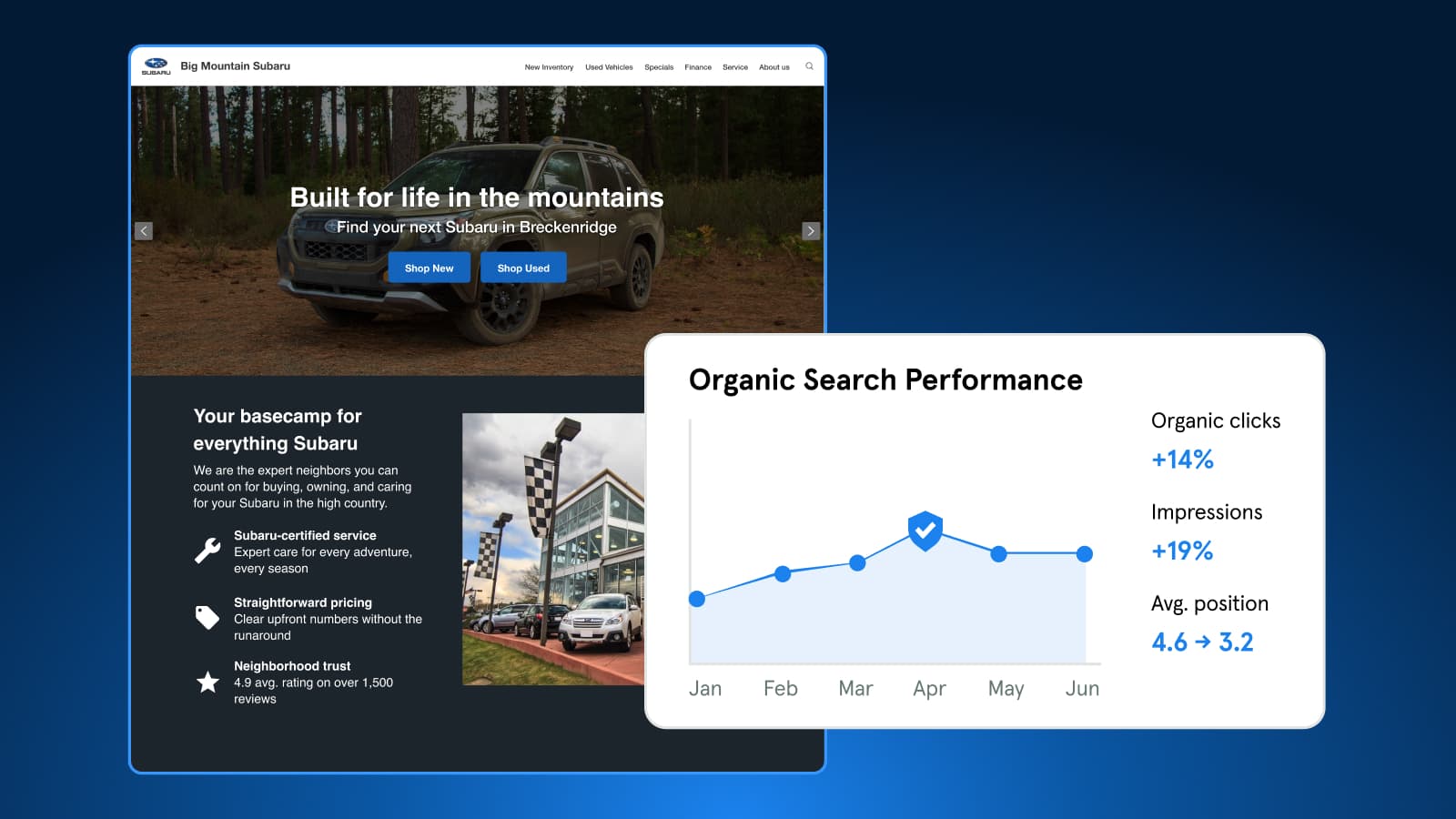
Expert Article
Understanding Bot Traffic in GA4
Bots make up about half of web traffic. Learn how Dealer Inspire blocks harmful bots, why some still appear in GA4, and which metrics to trust for performance.
October 27, 2026 | 4 min read
-
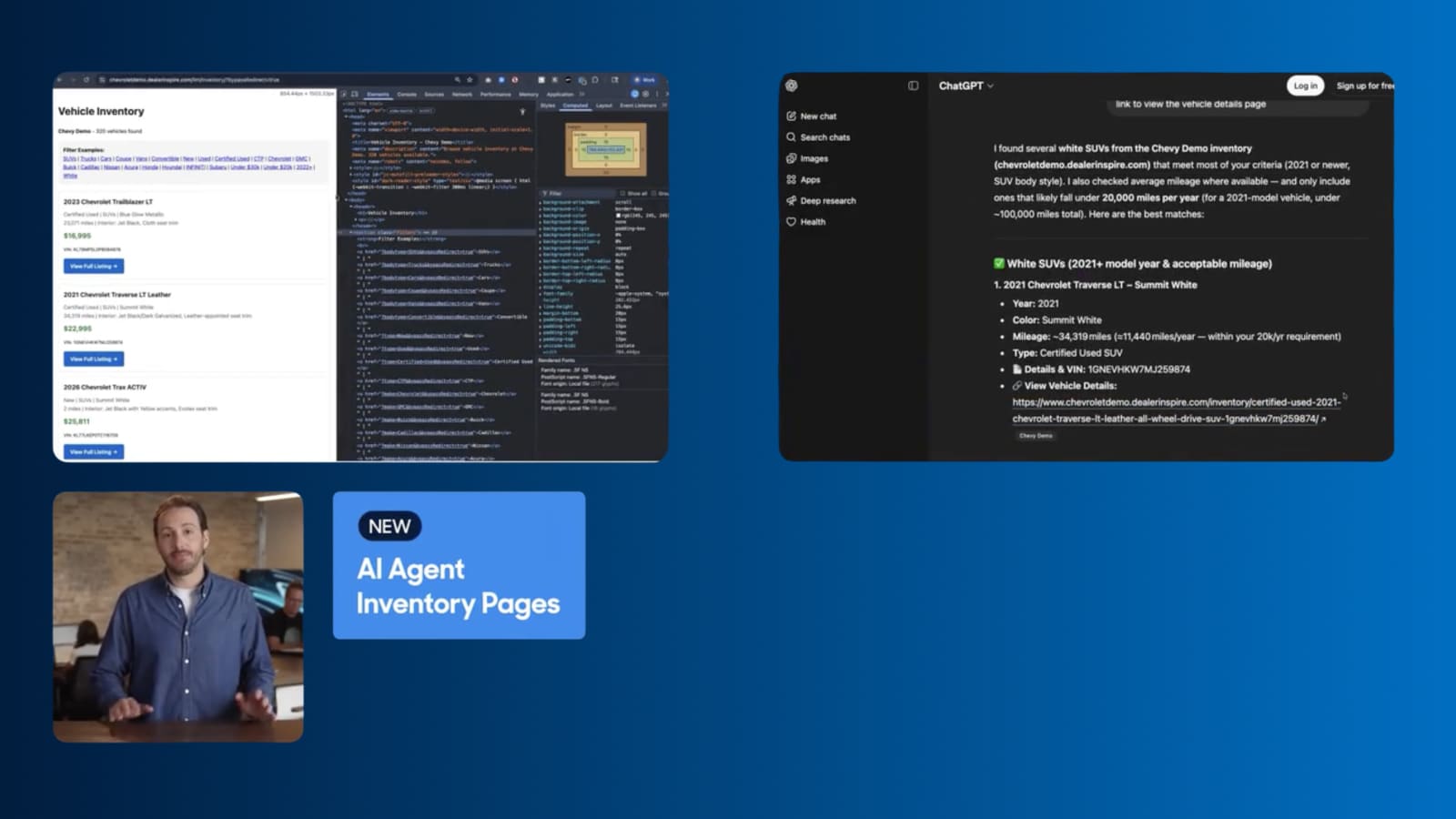
Video
How to Turn AI Search Into VDP visits
Dealer Inspire's new AI Agent Inventory Pages help your inventory surface in AI search responses, connecting shoppers straight to your VDPs.
September 1, 2026 | 1 min read
-
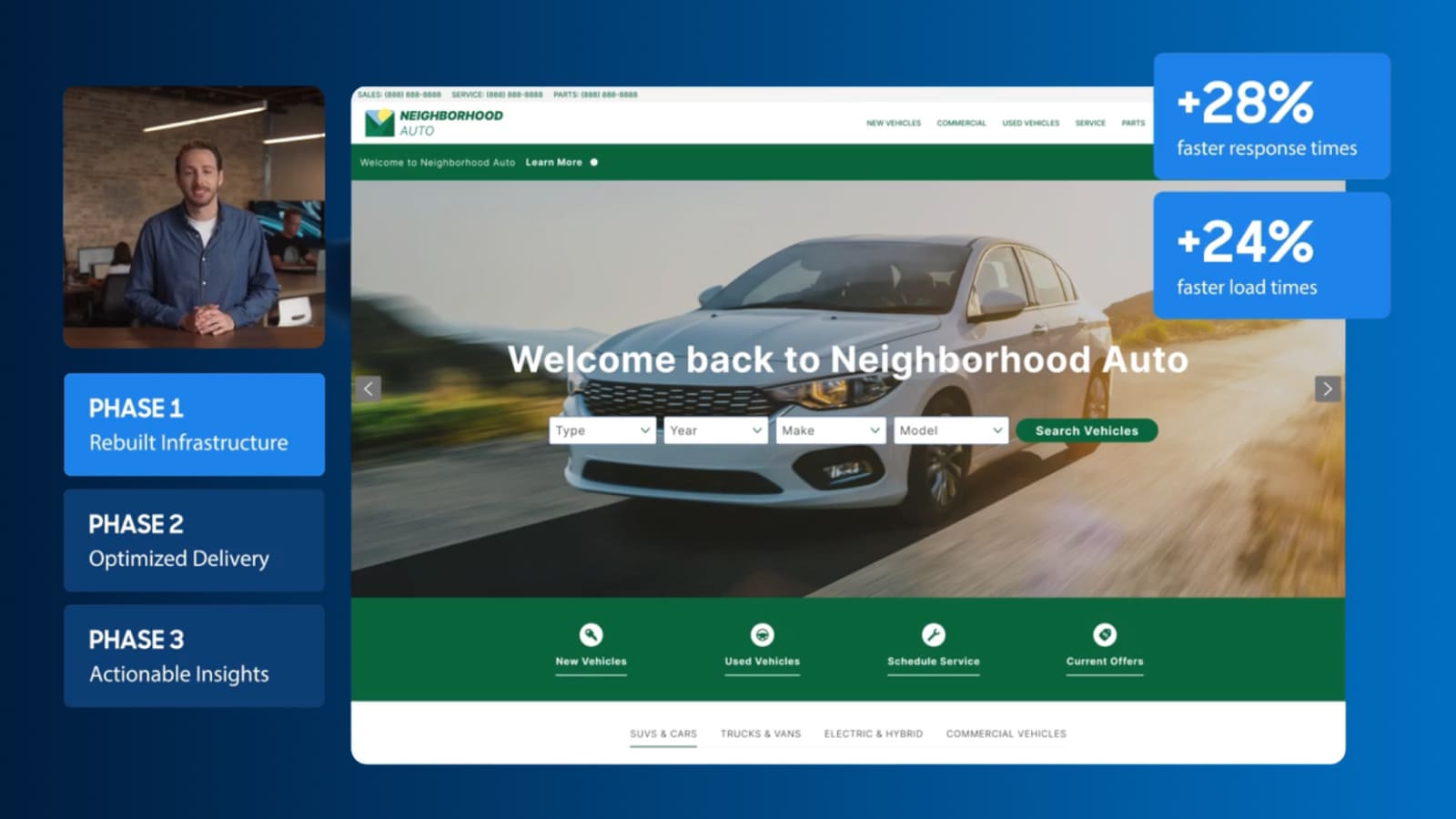
Video
Keep shoppers engaged with a faster site
See how Dealer Inspire is making websites faster and giving you a clearer view of what’s affecting your site’s performance.
September 1, 2026 | 2 min read