-
How to perform a vehicle inspection
Learn how to conduct a comprehensive vehicle inspection on DealerClub from scanning the VIN to performance testing. This article covers documenting cosmetic damage to performing a 10-minute high-speed test drive to ensure a transparent and trusted Condition Report.
-
How to add a clear description to your listing
Having a clear vehicle description is crucial for driving competitive bidding on DealerClub. Include a clear description that tells an accurate story of the vehicle and its current condition to show bidders why it would be a great fit.
-
How to add vehicle photos and descriptions
Learn how to create a new auction listing, upload the required VIN and vehicle images, complete vehicle details and condition fields, and add a clear, accurate description before scheduling your auction.
-
How to list a vehicle
From importing the VIN to scheduling the final auction, listing a vehicle on DealerClub is seamless. By providing high-quality images, transparent condition details, and clear descriptions, you build the bidder confidence necessary to drive competitive activity and move your inventory effectively.
-
How to fill out the condition report
Maximize your auction success by learning how to create a transparent, high-quality Condition Report. This article covers everything from scanning the VIN to filling out the necessary condition details, including guarantees and the perfect grade for the vehicle.
-
How to relaunch a vehicle
Learn how to quickly relist vehicles, update reserve prices, and schedule new auction events to get your inventory back in front of motivated buyers.
-
How to schedule a launch
Learn how to finalize your auction on DealerClub, a strategic process that involves setting reserve pricing and selecting the optimal launch window. By choosing between immediate, scheduled, or event-based launches and confirming critical vehicle details, you ensure your inventory reaches the right bidders at the right time.
-
How to set your reserve using AccuTrade pricing insights
Maximize your listing's visibility and auction success by setting a strategic reserve price. Learn how to leverage real-time AccuTrade market data to pinpoint your vehicle's value and earn the "Priced to Sell" badge to attract more motivated bidders.
-
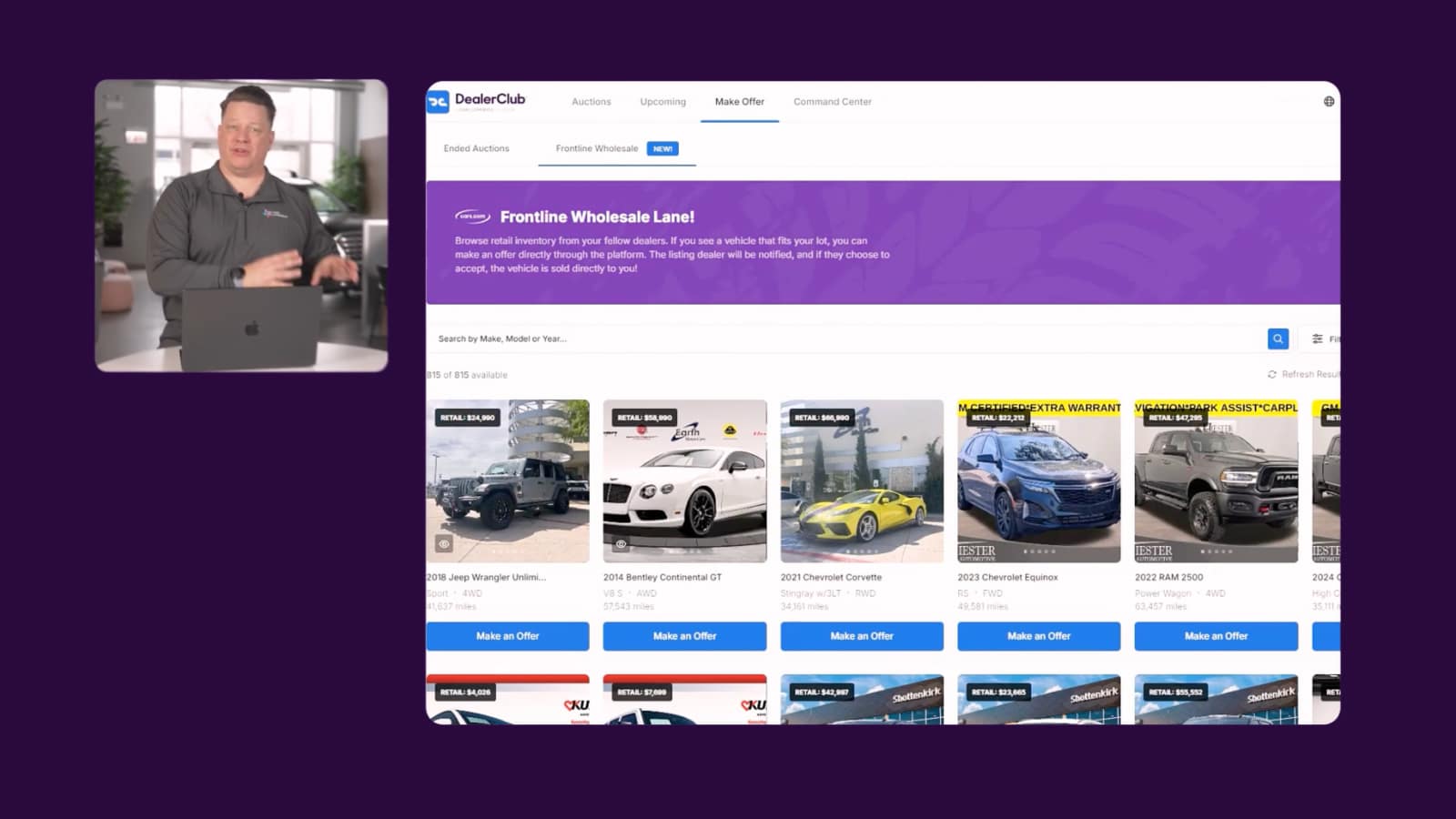
Video
How to turn your Cars.com listings into wholesale opportunities
DealerClub's Frontline Wholesale Lane surfaces your Cars.com listings to verified buyers without the auction fees. Watch the video to see how it works.
February 14, 2026 | 2 min read
-
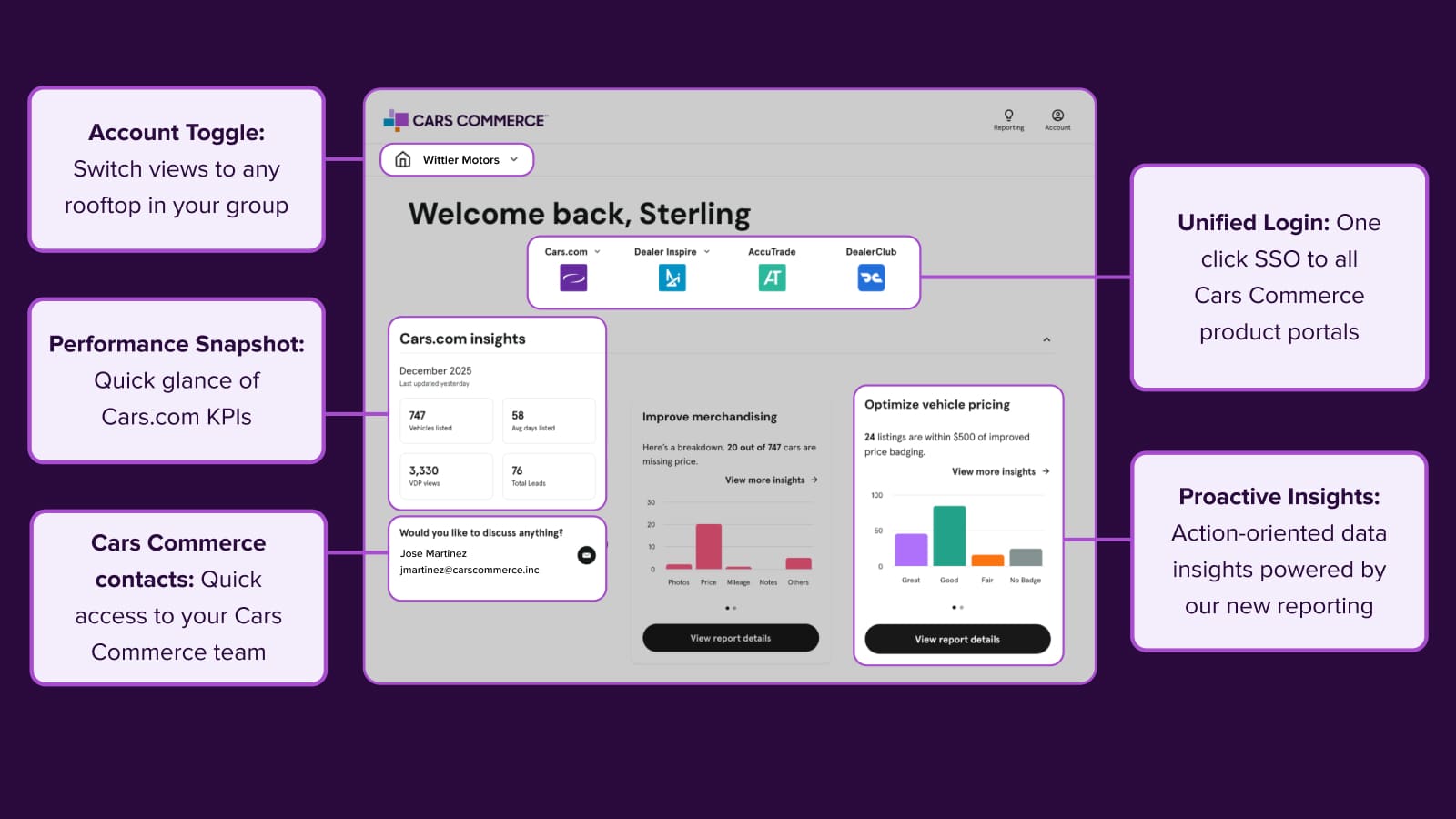
Platform Update
Welcome to your new command center
Access all your Cars Commerce solutions in one place. The redesigned Hub brings you actionable insights, streamlined reporting, and unified login for faster decisions.
January 26, 2026 | 3 min read
-
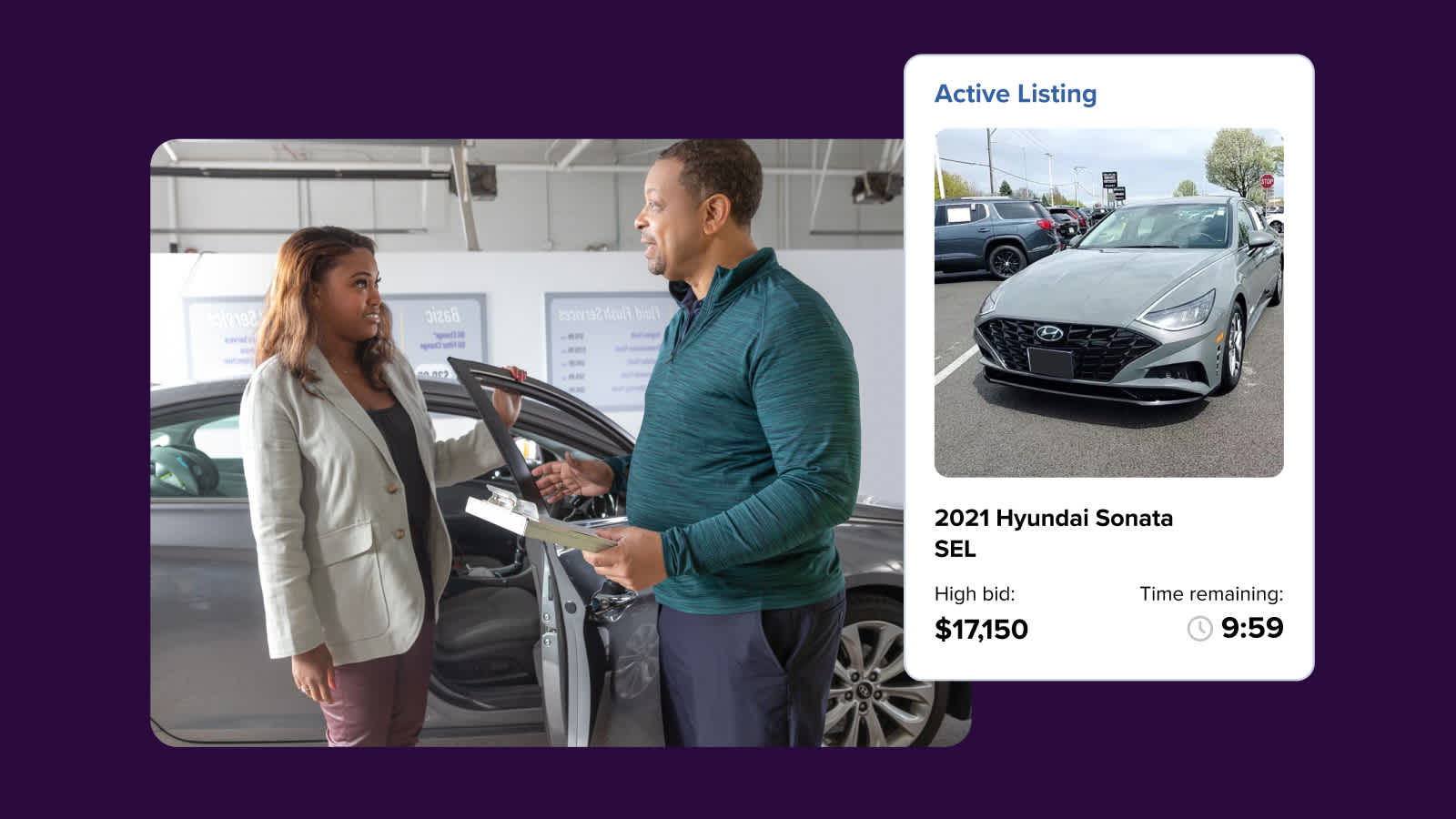
Platform Update
New integration speeds up wholesale listing workflow
The new AccuTrade x DealerClub integration connects your appraisal and wholesale workflows to help you list vehicles more efficiently.
October 16, 2025 | 3 min read