-
Account Setup
The DealerClub Account Setup topic page provides essential resources for managing your DealerClub account and team. Learn how to add and edit payment methods, including bank accounts, credit cards, floor plan financing, and buyer credits. Discover how to enhance your profile with a professional photo and description to build trust and relationships. Additionally, find detailed instructions on managing your team, covering how to add new users, resend invitations, understand permission levels, and modify or remove team members.
-
Listing Vehicles
Listing a vehicle on DealerClub is a seamless process, from importing the VIN to scheduling the final auction. To ensure a transparent and trusted Condition Report and drive competitive bidding, you should perform a comprehensive vehicle inspection, document any cosmetic damage, and conduct a high-speed test drive. Providing high-quality images, clear and accurate descriptions that tell the vehicle's story, and transparent condition details builds the bidder confidence necessary to drive competitive activity and maximize your return.
-
Dealer Reputation and Ratings
Manage your auction experience and build trust on DealerClub by utilizing reputation and rating features. You can easily follow trusted dealers to get instant inventory alerts, block unwanted users or dealerships from your feed, and contribute to platform transparency by leaving and viewing accurate seller ratings and detailed performance reviews before you bid.
-
Communication and Offers
Effectively manage all buyer interactions on DealerClub, from accepting and declining offers directly within the Command Center to mastering negotiation best practices using transparent data. Utilize the platform's communication tools to engage directly with sellers on listings—across Auctions, Upcoming, and Make Offer tabs—to quickly ask questions, share interest, and tag colleagues, streamlining your ability to close deals efficiently.
-
Integrations
Learn how to access your Cars.com inventory feed directly from DealerClub, enabling you to easily wholesale units fast and securely to verified dealers.
-
Notifications and Alerts
Customize your notification preferences in DealerClub to receive alerts for auction activity via mobile, email, or text, ensuring you never miss an opportunity.
-
Reporting and Analytics
Leverage the DealerClub Command Center's Reporting and Analytics tools to gain essential insight into your buying and selling performance. Learn how to access quick snapshots of your activity and utilize CrowdSource Pricing Insights—real-time pricing feedback from other dealers—to set smarter reserves, relaunch inventory with confidence, and turn "no-sales" into successful transactions.
-
Buying Vehicles
Maximize your inventory sourcing with DealerClub’s bidding tools, which allow you to navigate live auctions, analyze vehicle condition reports, and use automated proxy bidding to secure the best deals on the units you need. Utilize the Make Offer feature to submit offers on unsold auction vehicles and negotiate directly with sellers. Plus, learn how to set up auction search filters to cast a wide or narrow net so you can find the exact inventory you’re looking for.
-
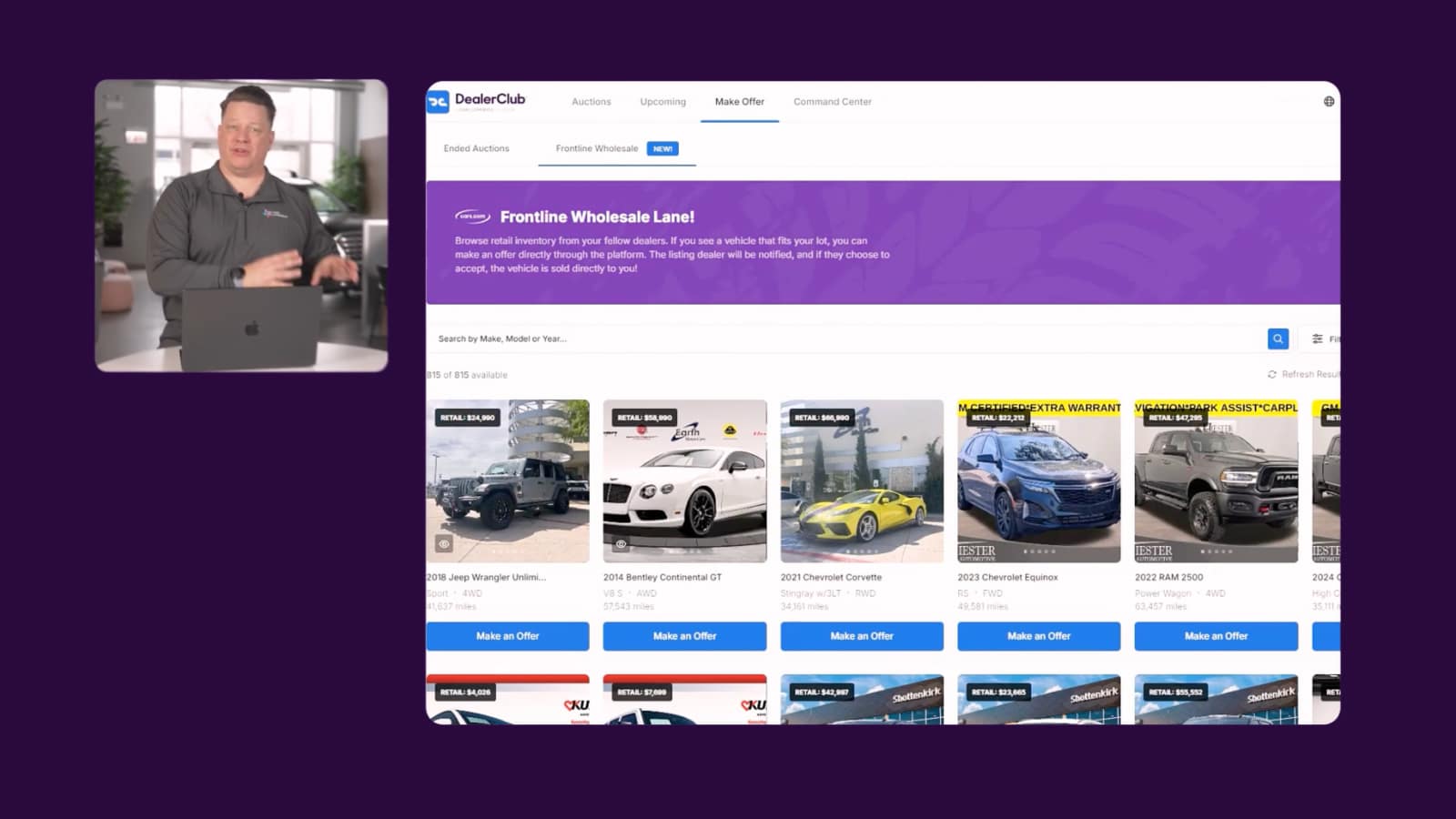
Video
How to turn your Cars.com listings into wholesale opportunities
DealerClub's Frontline Wholesale Lane surfaces your Cars.com listings to verified buyers without the auction fees. Watch the video to see how it works.
February 14, 2026 | 2 min read
-
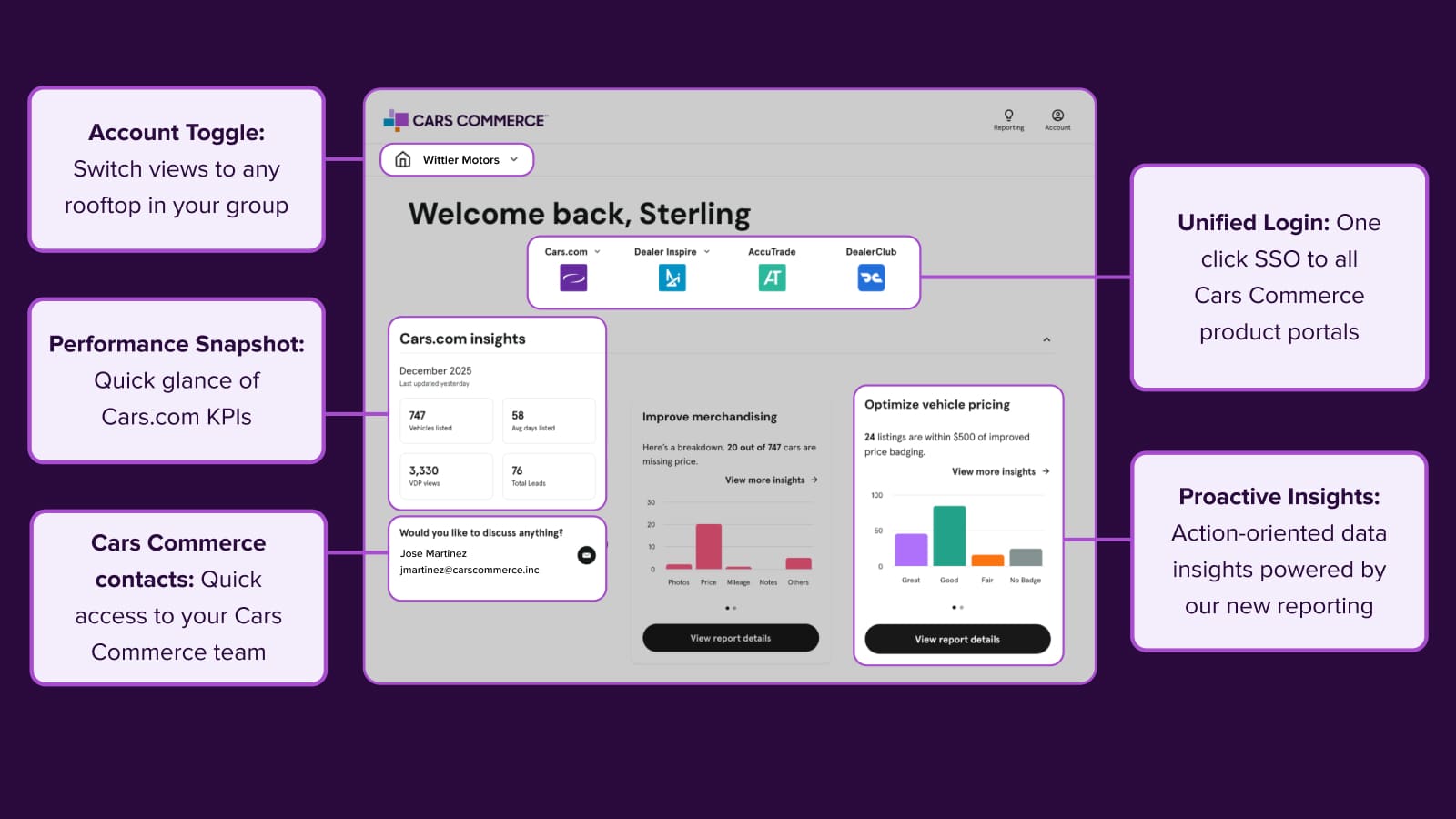
Platform Update
Welcome to your new command center
Access all your Cars Commerce solutions in one place. The redesigned Hub brings you actionable insights, streamlined reporting, and unified login for faster decisions.
January 26, 2026 | 3 min read
-
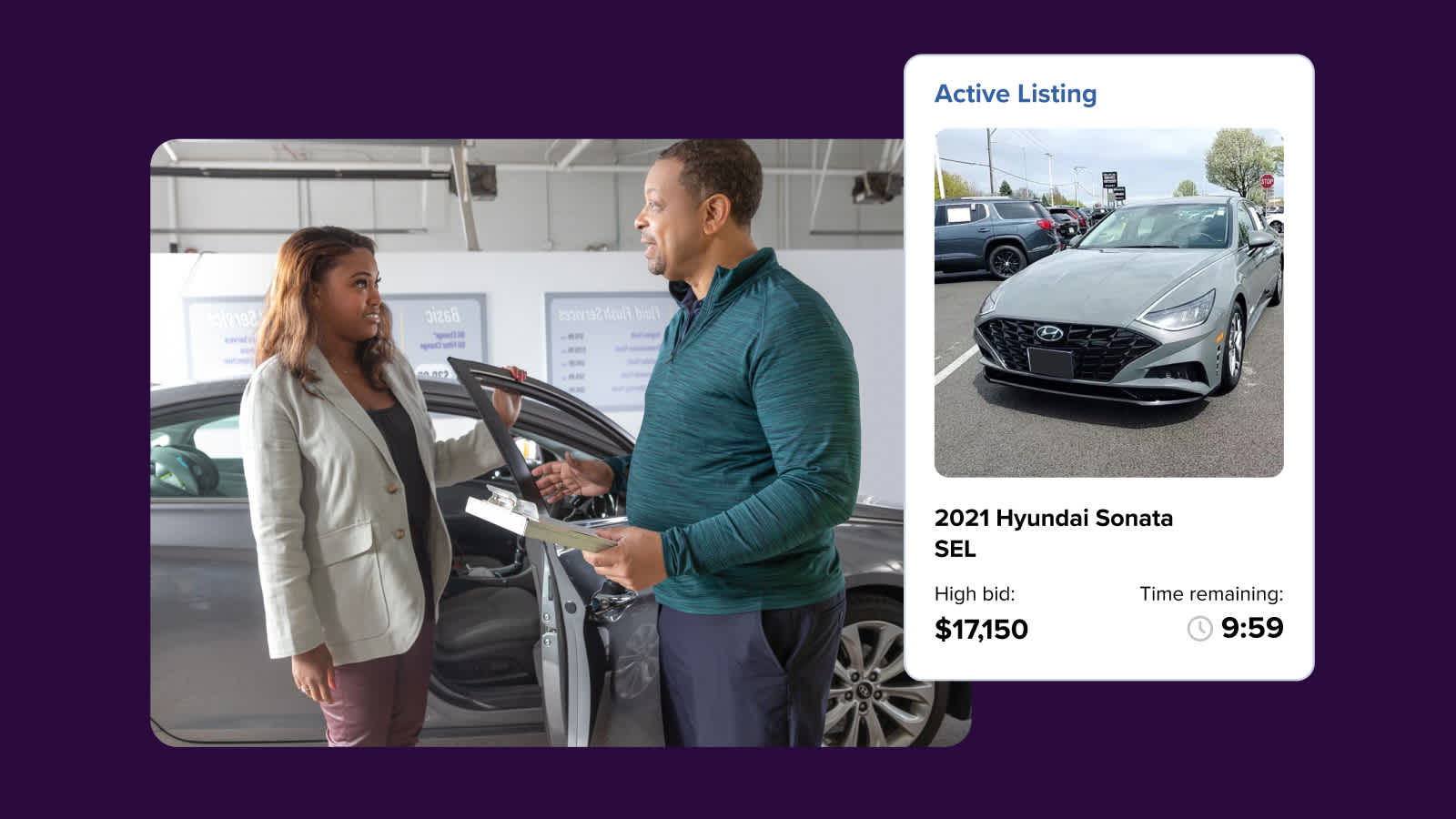
Platform Update
New integration speeds up wholesale listing workflow
The new AccuTrade x DealerClub integration connects your appraisal and wholesale workflows to help you list vehicles more efficiently.
October 16, 2025 | 3 min read