How to set up your Hunter integration
AccuTrade can now generate an appraisal with the Hunter Quick Check Drive® integration. Hunter automatically captures essential inspection data, like VIN and tire tread depth, as vehicles simply drive through the Hunter Quick Check Drive® technology. This data launches an AccuTrade Service Prospect, giving your team a head start to begin appraising.
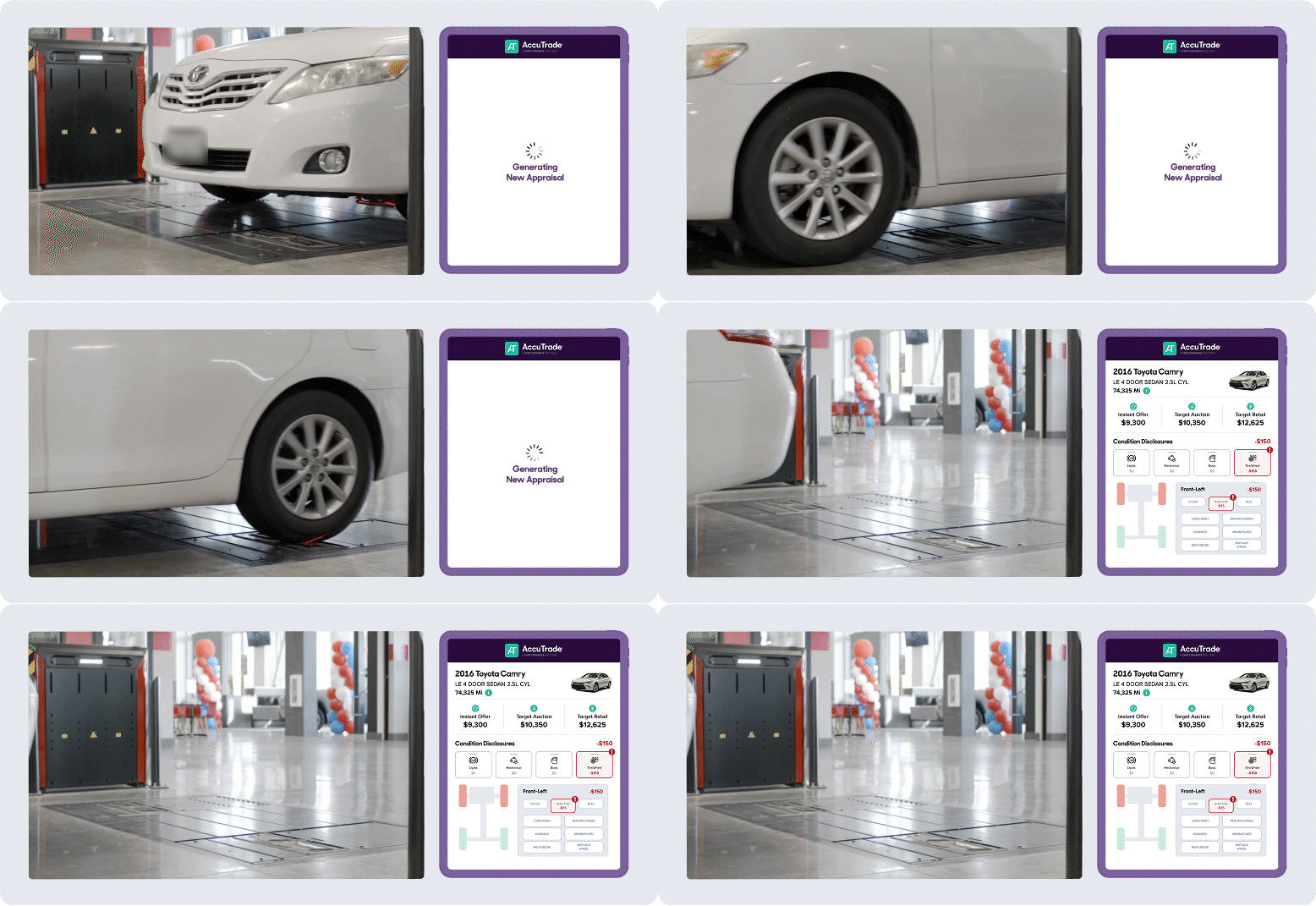
This integration requires some technical coordination between AccuTrade and our partners at Hunter, but our Support team will take care of that for you. All we need is a support ticket to get started.
Submit a Support request
Our Support team will fulfill all Hunter integration requests. Please reach out to accutradesupport@carscommerce.inc and include the following information:
- Ask to activate the AccuTrade x Hunter integration for your dealership
- Dealership name
- Dealer ID (CCID or AccuTrade ID)
When the request is marked complete, you will be notified that the integration is active. The request may take 2 to 3 business days to set up when working with the AccuTrade Support team. They will connect with you about what steps to expect next with the Hunter representative.
Note: Hunter contractors may charge dealers a service fee to get this integration set up. The average rate a Hunter rep will charge is ~$135.


