How financing prequalification works for shoppers and dealers
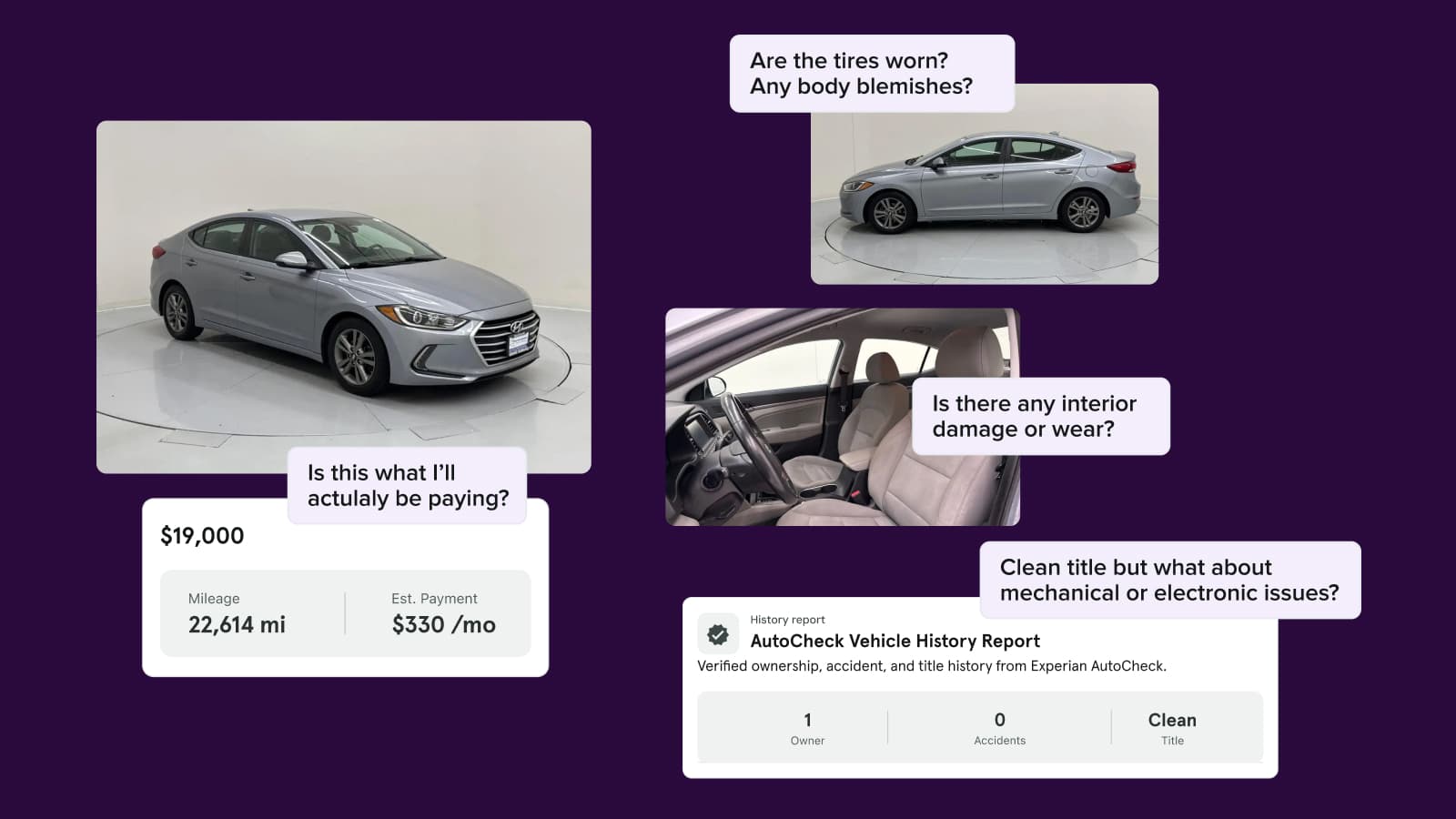
The Cars.com marketplace allows shoppers to get prequalified for financing directly from your listings. This capability helps buyers understand their credit options and estimated monthly payments — before they even contact your team.
In this article, you’ll learn how financing prequalification works for shoppers, how it benefits your dealership, and how to view application details.
What Financing Prequalification Does
Shoppers can explore real financing scenarios — based on a soft credit pull that won’t impact their credit score — while browsing your inventory. This helps them:
- Understand affordability
- Connect with participating lenders
- Take a meaningful step toward purchase
Note: Cars.com does not provide financing directly. Offers come from lenders that partner with your dealership.
1 Shopper begins the financing process
There are two ways shoppers can start the financing process:
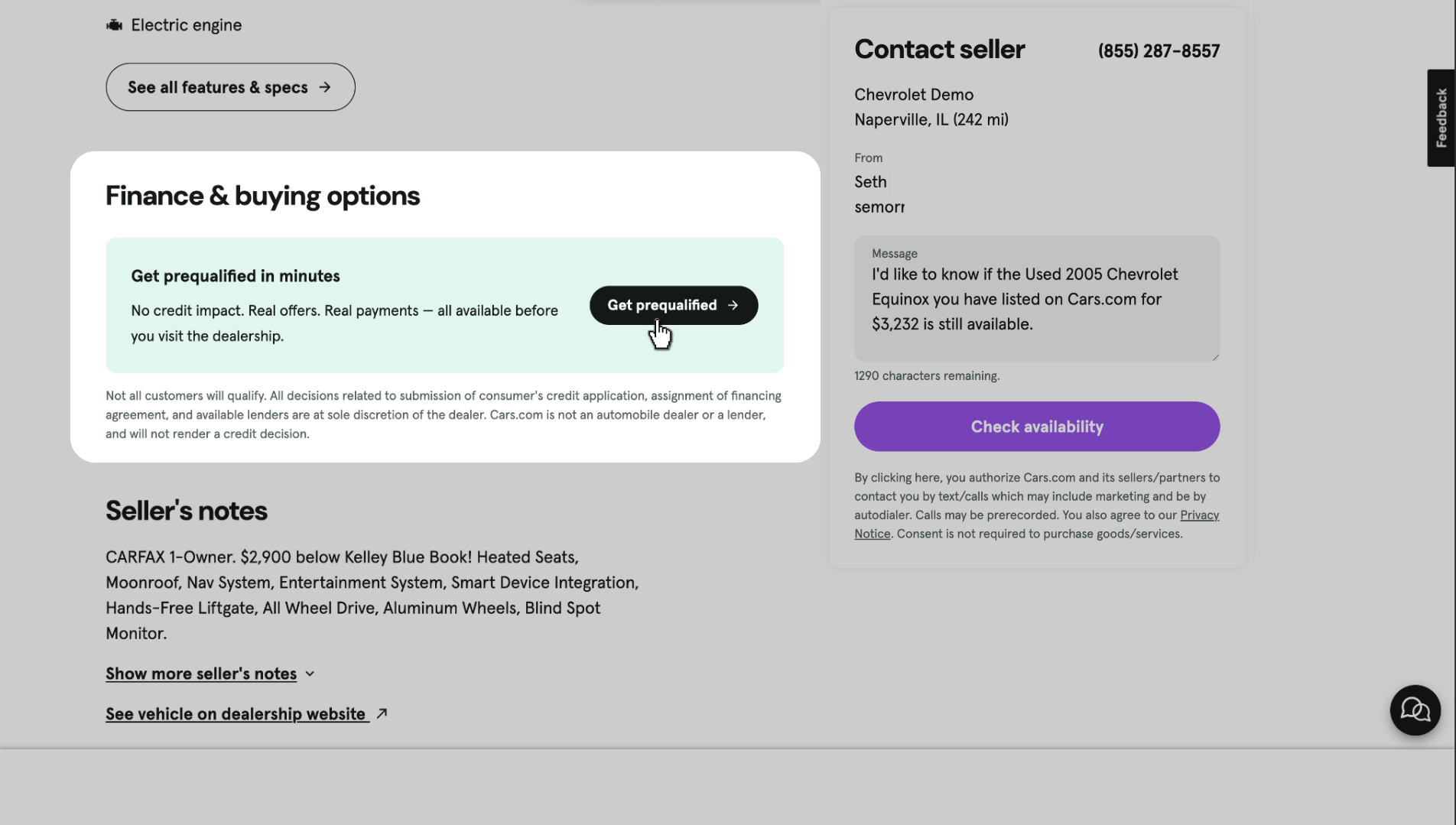
- From a Vehicle Detail Page (VDP): Clicking “Get Prequalified” on a specific listing
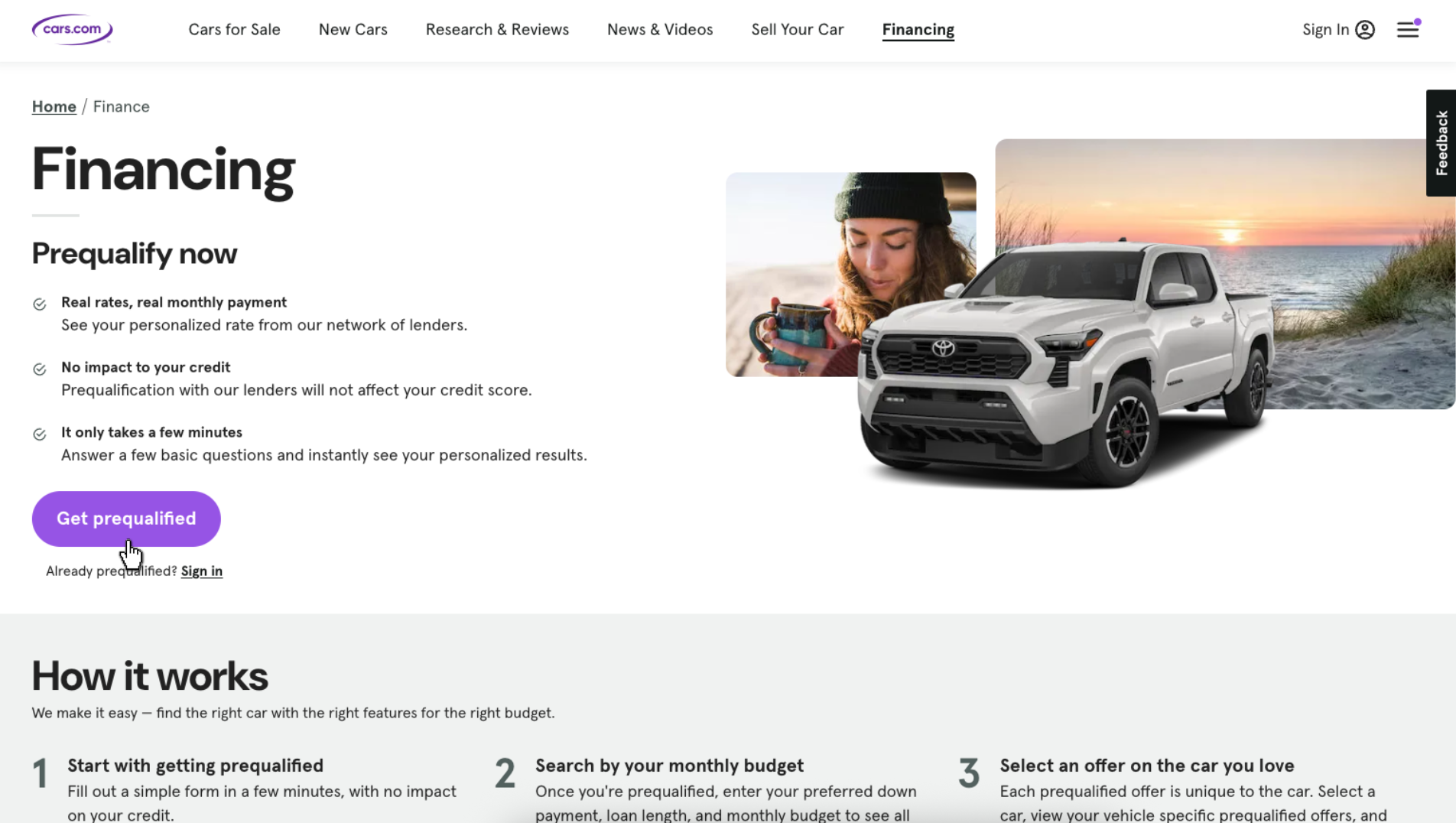
- From the Finance Hub: At cars.com/finance, where they can begin without selecting a vehicle (the “VINless” experience)
2 Shopper enters basic information
The financing form asks for:
- Name, contact details, and address
- Social Security number (required for credit evaluation)
- Employment and income
- Residency information
- Optional trade-in and loan payoff details
3 Shopper receives financing options
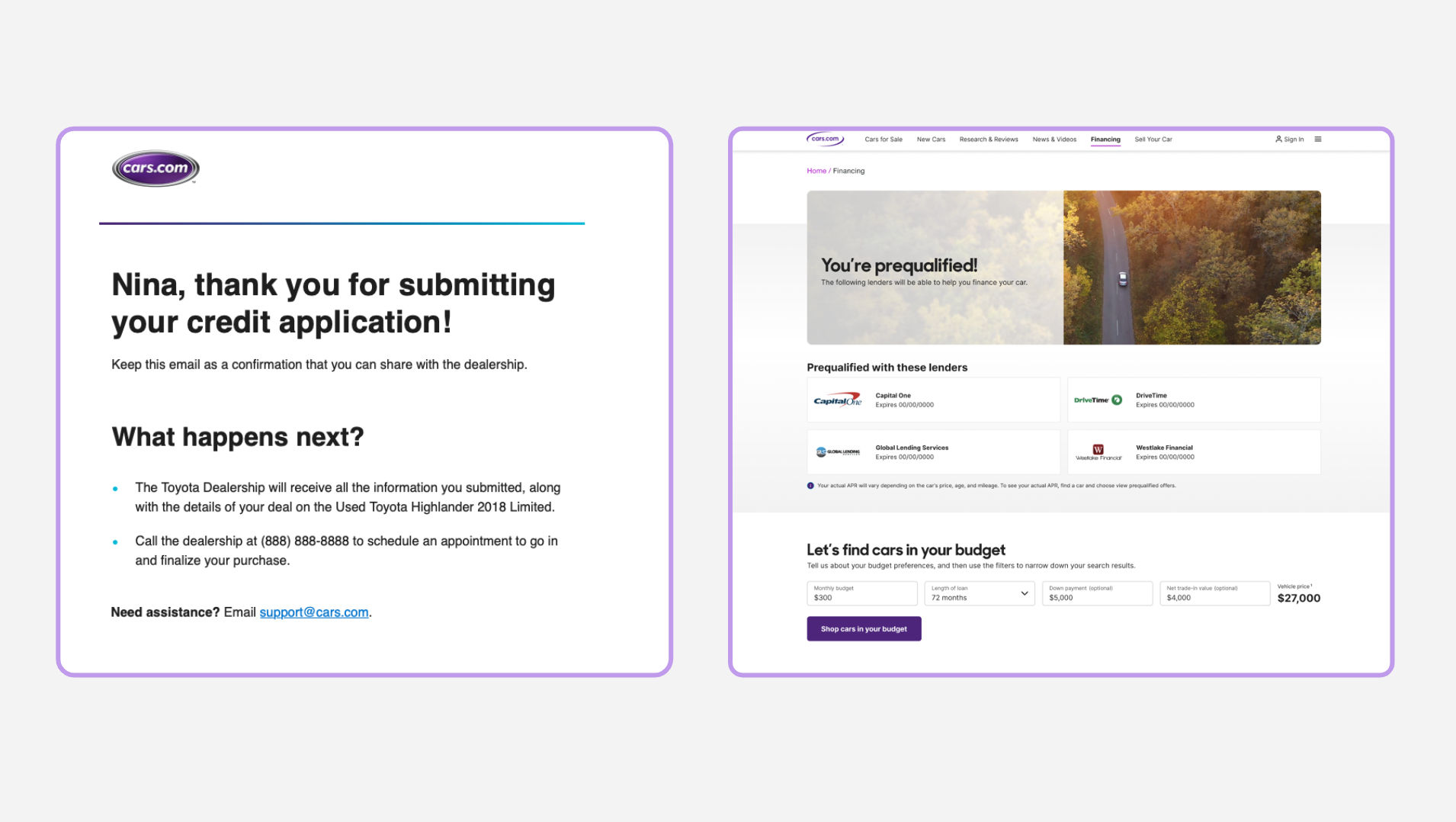
After submitting their information, shoppers receive an estimated offer based on a soft credit pull, which doesn’t impact their credit score. This is an invitation to apply — not a guaranteed approval.
4 Shopper takes next steps
After completing the form, shoppers can:
- Save their financing details to their Cars.com profile
- Continue browsing vehicles that fit their budget
- Contact your dealership directly
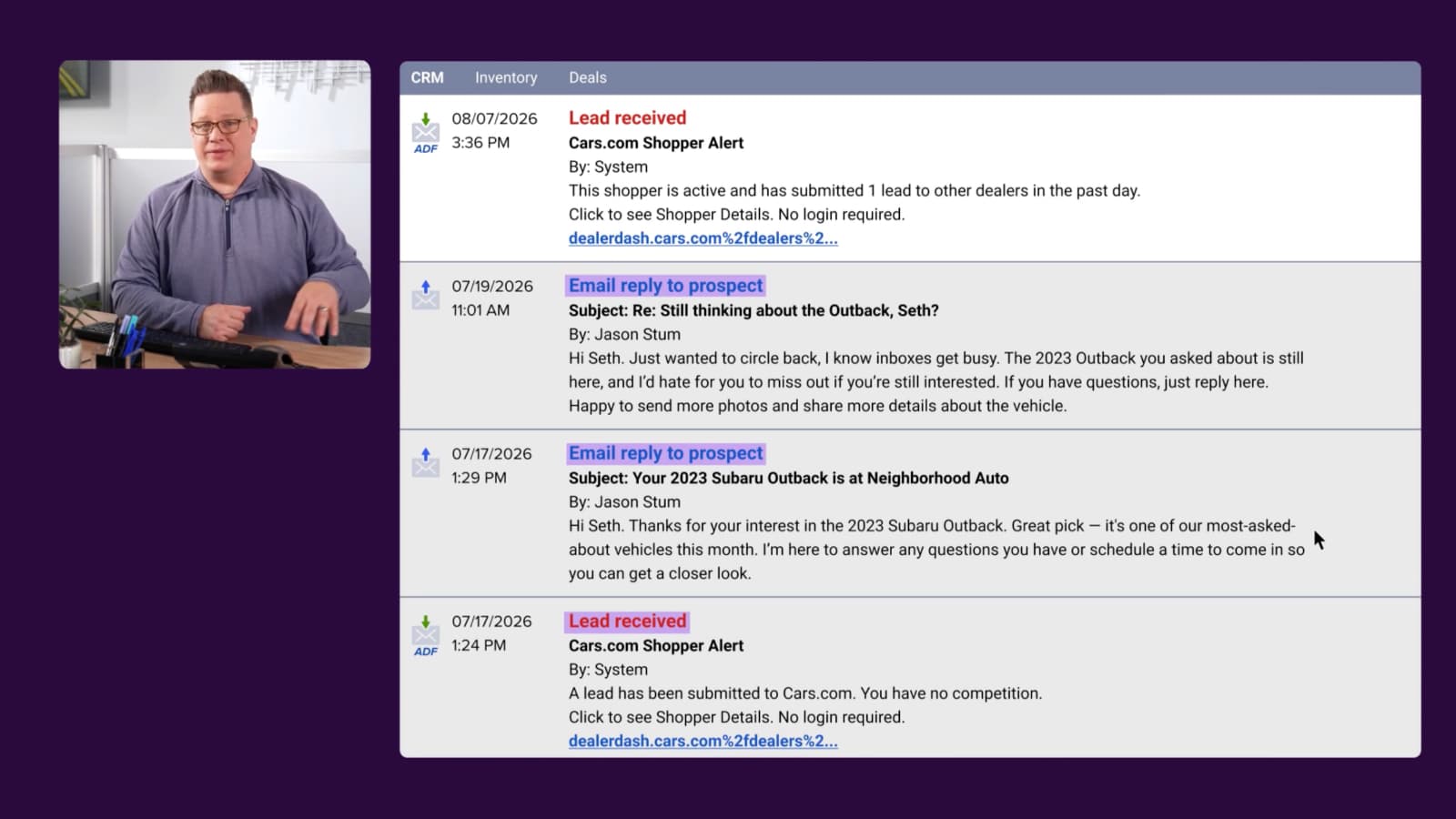
Either way, your team receives a lead with their submitted information.
5 Lead delivery to your team
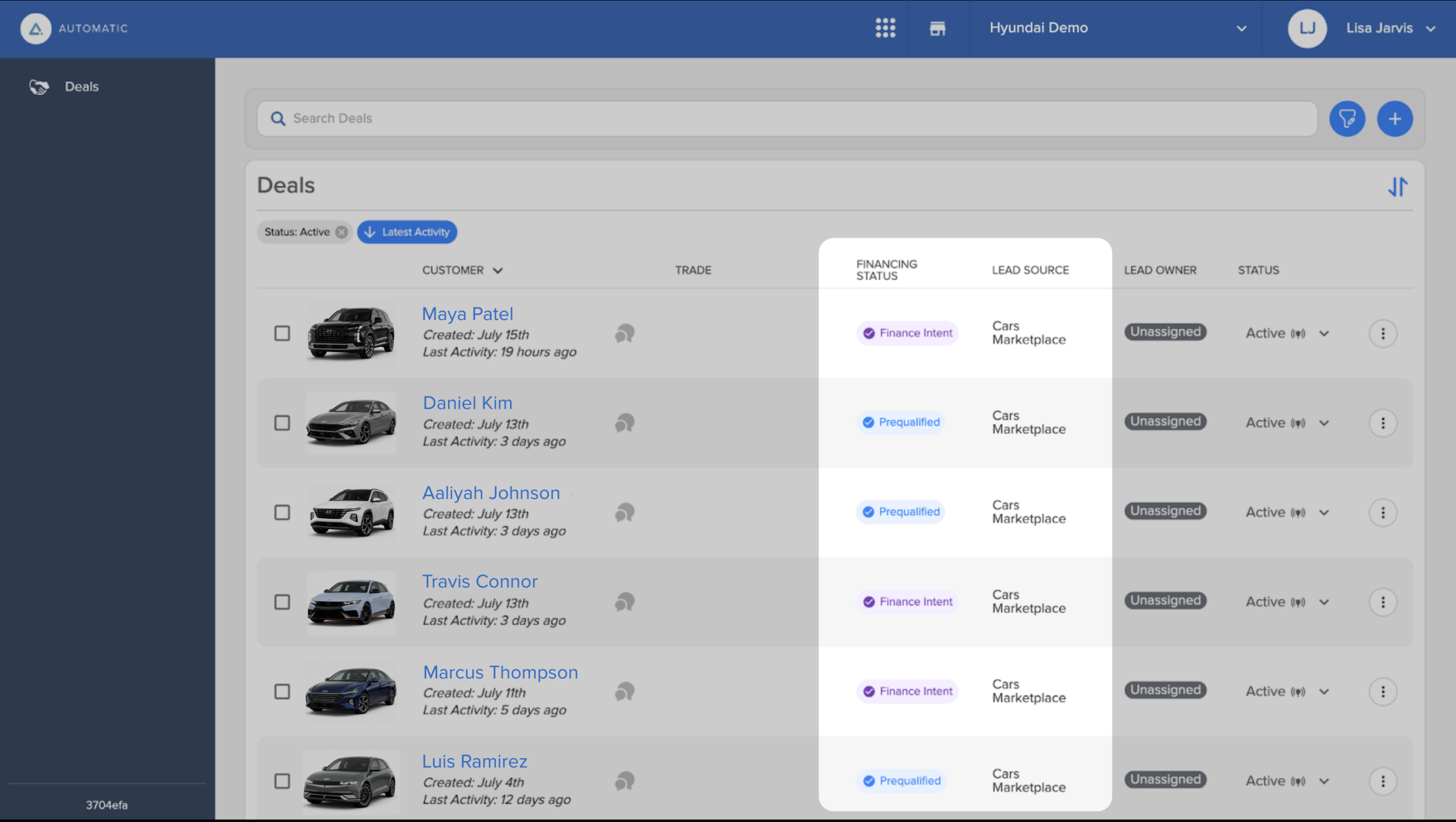
Each financing interaction generates a lead delivered to:
- Your CRM
- The Deals page in Automatic
Financing Status indicates how far a shopper has progressed in their Soft Credit Application. This provides insight into how serious the shopper is on financing the vehicle that they’ve selected:
- Finance Intent: Basic contract information was provided. The shopper intends to finance but hasn’t submitted enough details to prequalify.
- Prequalified: Completed the soft credit application and received an estimated offer, placing them further down the sales funnel.
For more information, check out our article on understanding financing lead types.
Lead records include a link to view financing details in Automatic.