-
How to embed videos on your website
Showcase your inventory and dealership with video content. This guide covers how to embed YouTube videos on VDPs, DI Slides, and page content on your Dealer Inspire website.
-
How to personalize your slides by make and model
Learn how to personalize your dealership's homepage banners by specific make or models. By using specific cookie data, you can dynamically rearrange your slides to show the exact makes and models your customers are already interested in.
-
How to add Banners to VRPs
Add image sliders to your Lightning VRP to showcase inventory and engage shoppers. This guide walks you through creating customizable sliders that highlight featured vehicles, offers, and promotions.
-
How to create a slider with DI Slides
Learn how to create sliders with rotating image or video banners and add them to your web pages.
-
How to use DI Slides to add videos to your website
Learn how to add YouTube videos to your dealership website's rotating banners using DI Slides. Get step-by-step instructions for creating, customizing, and troubleshooting video slides.
-
How to use DI Slides to add images to your website
Learn how to create a slide, upload desktop and mobile images, customize slide behavior, control display settings, publish your slide, and manage existing slides.
-
Expert Article
Understanding Bot Traffic in GA4
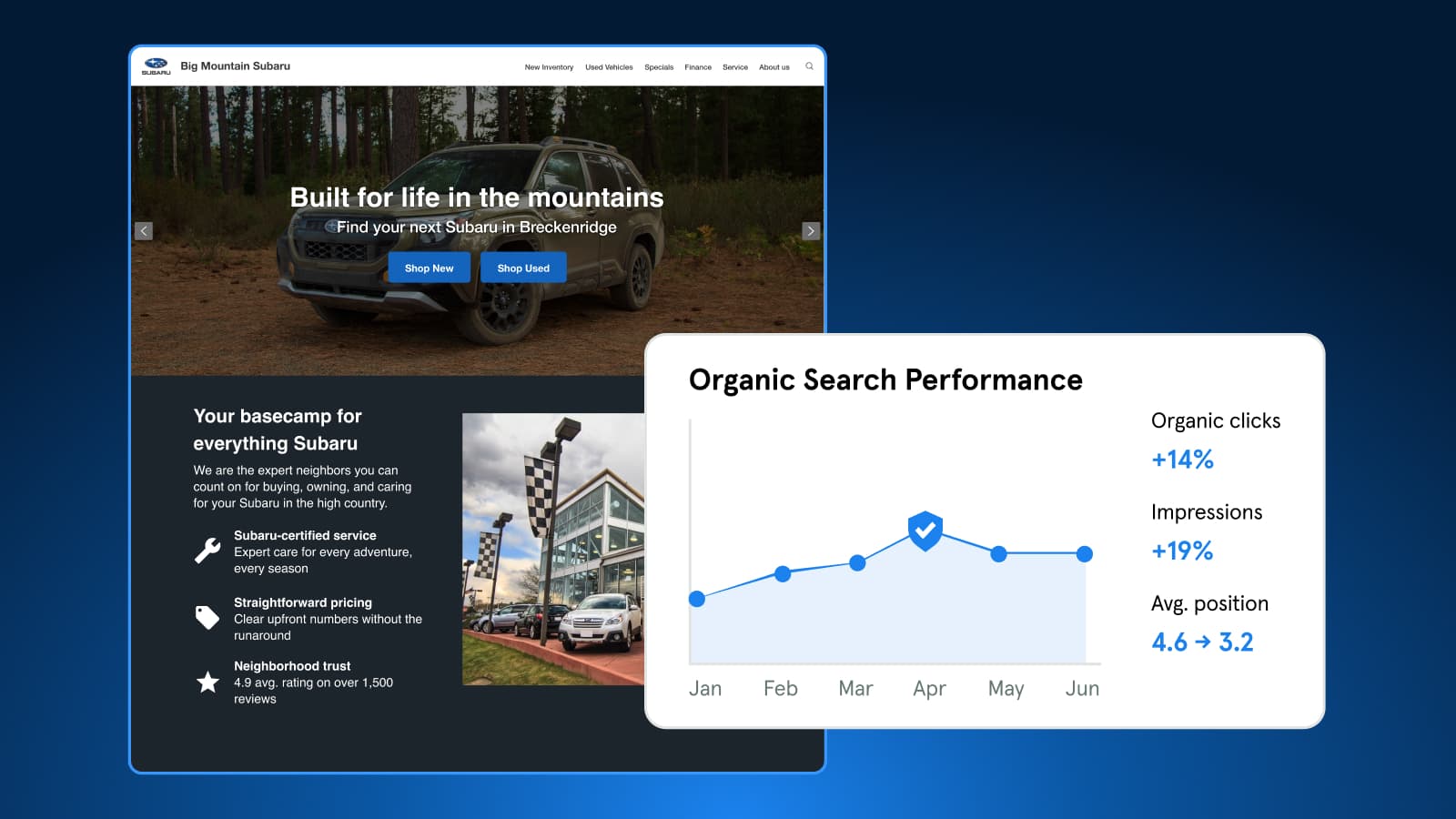
Bots make up about half of web traffic. Learn how Dealer Inspire blocks harmful bots, why some still appear in GA4, and which metrics to trust for performance.
October 27, 2026 | 4 min read
-
Video
How to Turn AI Search Into VDP visits
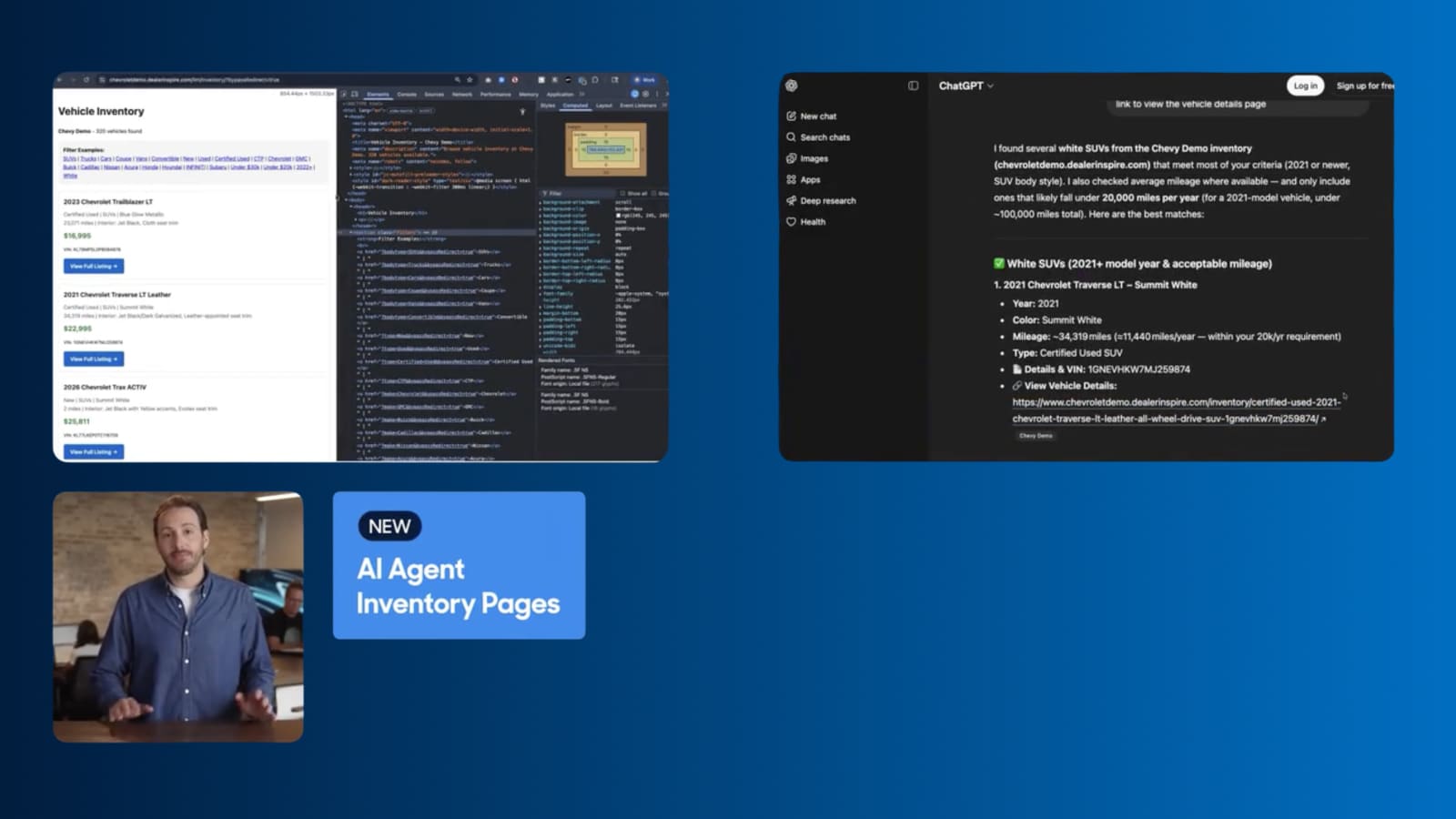
Dealer Inspire's new AI Agent Inventory Pages help your inventory surface in AI search responses, connecting shoppers straight to your VDPs.
September 1, 2026 | 1 min read
-
Video
Keep shoppers engaged with a faster site
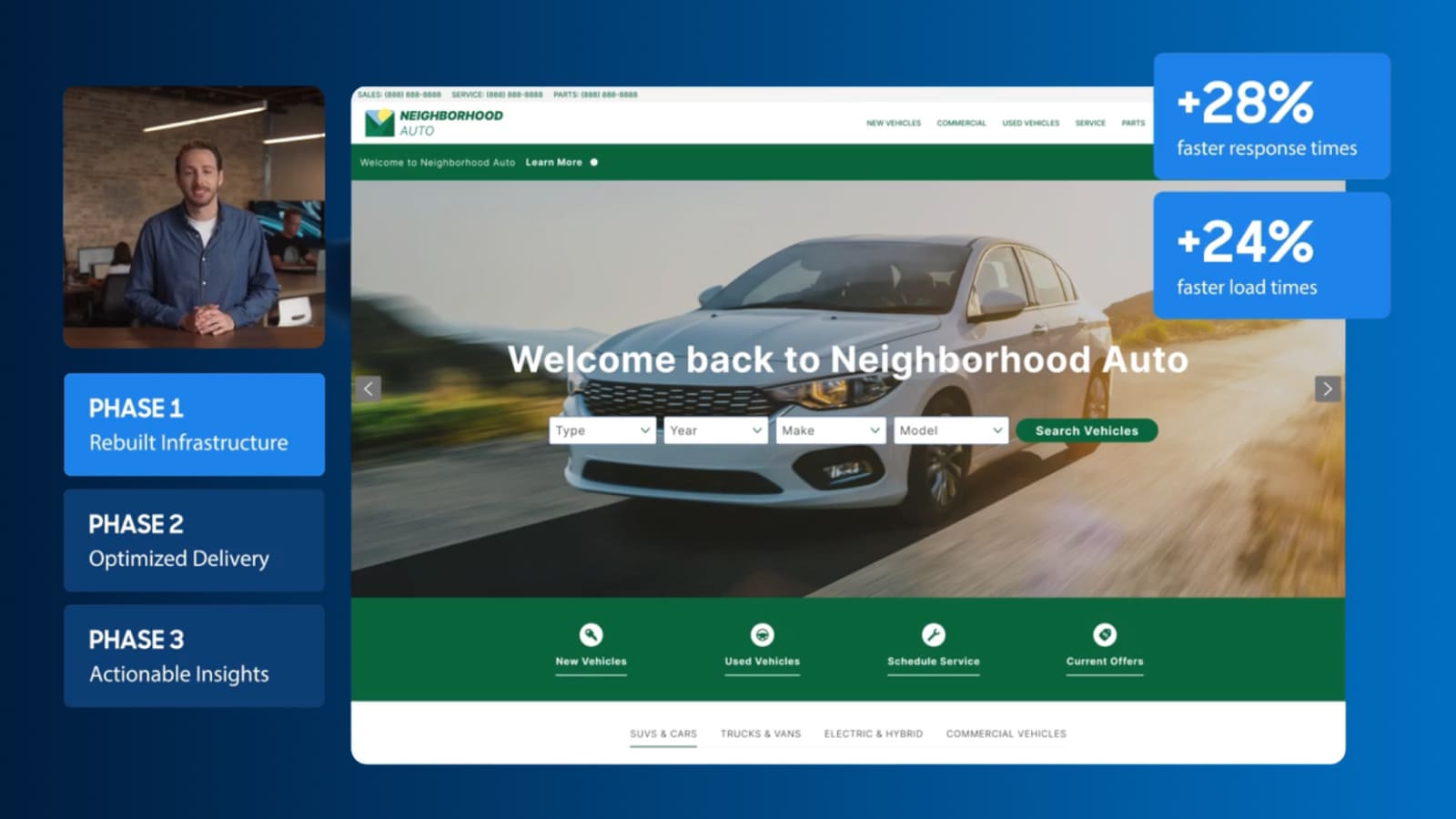
See how Dealer Inspire is making websites faster and giving you a clearer view of what’s affecting your site’s performance.
September 1, 2026 | 2 min read