-
Additional Tools
Highlights a guide on How to create a pop-up. More resources will be added to this section in the future.
-
Homepage Banners
Guides for implementing banner and slider content, mainly on Dealer Inspire platforms. Resources include embedding YouTube videos on VDPs, DI Slides, and page content; personalizing homepage banners with make/model based on customer interest; and adding image sliders to VRPs for inventory and promotions. Detailed instructions are provided for creating and managing DI Slides with rotating images or videos, covering slide creation, image uploads (desktop/mobile), behavior customization, and display settings.
-
Inventory Management
The Inventory Management resources offer guidance on improving vehicle merchandising and lead capture. Users can learn to create inline banners from templates to boost shopper engagement, enable the Lead Gate feature on the Vehicle Build & Price tool to capture leads, update image carousel settings on the VRP for a better visitor experience, and create and embed special offers to highlight inventory discounts.
-
Pages and Content Management
Learn how to effectively manage your Dealer Inspire website content, covering essential tasks like creating and managing blog posts, leveraging SEO keywords and tags, updating dealership hours and staff pages, and navigating the WordPress backend. These guides provide the knowledge to keep your content fresh, organized, optimized for SEO, and to present a professional impression to car shoppers.
-
Personalization and Geofencing
Learn how to utilize Dealer Inspire's Personalizer and Geofencing features to create highly engaging and relevant website experiences for your shoppers. These guides cover the setup of Personalizer, how to leverage its usage rules for targeted messaging based on shopper behavior, and how to configure geofencing to deliver the right messages to local shoppers at the right time.
-
Service and FixedOps
Learn how to leverage the Fixed Ops plugin to create and manage your dealership’s Service and Parts coupons, including options to customize layouts, assign them to specific pages, and set automatic expiration dates to keep offers current and drive service appointments. Additionally, discover how to create a Wallet pass for digital wallets, configure expiration and geofence settings, generate a sharing link, and connect it to a Fixed Ops coupon for easy download and redemption by customers on their mobile devices.
-
Conversations (Chat and Messaging)
Master the Dealer Inspire Conversations tool with guides on setting up and responding to chats, using hotkeys for efficiency, leveraging managed chat for 24/7 coverage, and customizing the visitor experience to match your brand. Learn to navigate admin settings to oversee performance, manage teams, and utilize the AI Virtual Assistant to answer questions around the clock. Finally, discover how to use Conversations reporting to monitor agent performance, track sales ROI, and make data-driven operational decisions for your chat strategy.
-
Digital Retailing (Automatic)
Dealer Inspire's Digital Retailing tools, like Shop By Payment and Online Shopper, enhance the car buying experience by letting shoppers browse by payment and generating pre-qualified financing leads (Finance Intent, Prequalified, Credit Application) for dealer CRMs. Dealers can customize Instant Financing settings, including lenders, rates, trade-in values, and fees, managing all leads through their CRM, Automatic, and RouteOne or Dealertrack.
-
Reporting and Analytics
Easily access all your website's form submissions directly from your Dealer Inspire site, ensuring you never miss a lead, and use the Website Health Report to gain real-time insights into website performance, helping you improve site speed, user experience, and conversion rates to stay competitive in your market.
-
FAQs
Find answers to frequently asked questions about optimizing image quality for your Dealer Inspire website to ensure visual appeal and a seamless user experience, along with details on how Dealer Inspire's financing tools, like Instant Financing and Shop By Payment, function to power your online shopping experience.
-
Google Analytics 4
Dealer Inspire provides comprehensive resources and support for Google Analytics 4 (GA4), covering everything from initial setup and configuration, including locating a Measurement ID and creating a secret API key, to advanced event tracking based on Automotive Standards Council (ASC) events, and building custom reports and dashboards. Learn how to analyze performance metrics, troubleshoot tagging issues, understand user and location data, and create detailed reports like the Cohort Analysis and Multi-Channel Funnels to gain deeper insights into your website traffic and user engagement.
-
The California CARS Act: What’s changing for your dealership
A breakdown of California's CARS Act (SB 766) requirements effective October 1, 2026, and how Dealer Inspire supports compliance-ready advertising.
-
Expert Article
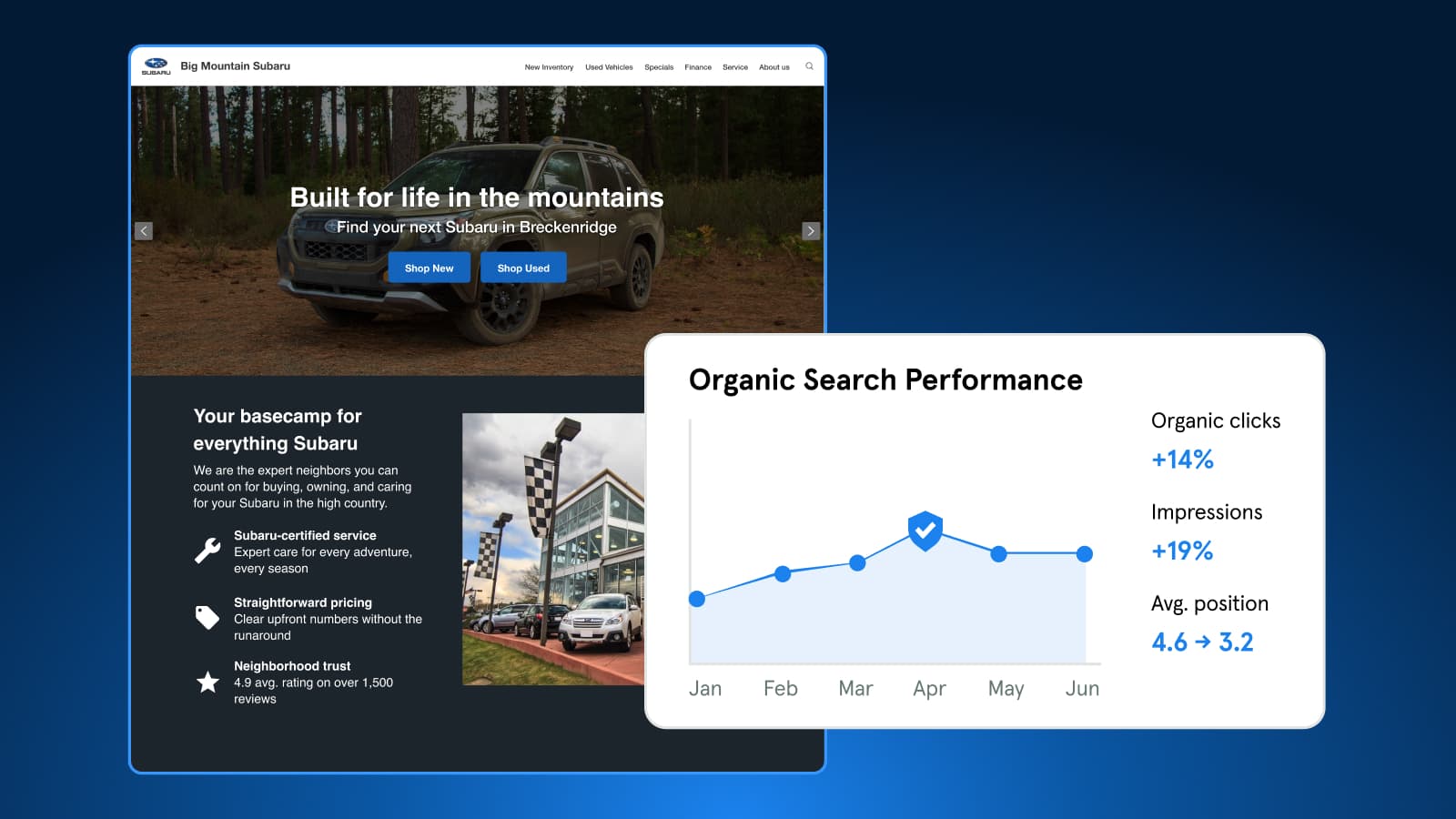
Understanding Bot Traffic in GA4
Bots make up about half of web traffic. Learn how Dealer Inspire blocks harmful bots, why some still appear in GA4, and which metrics to trust for performance.
October 27, 2026 | 4 min read
-
Video
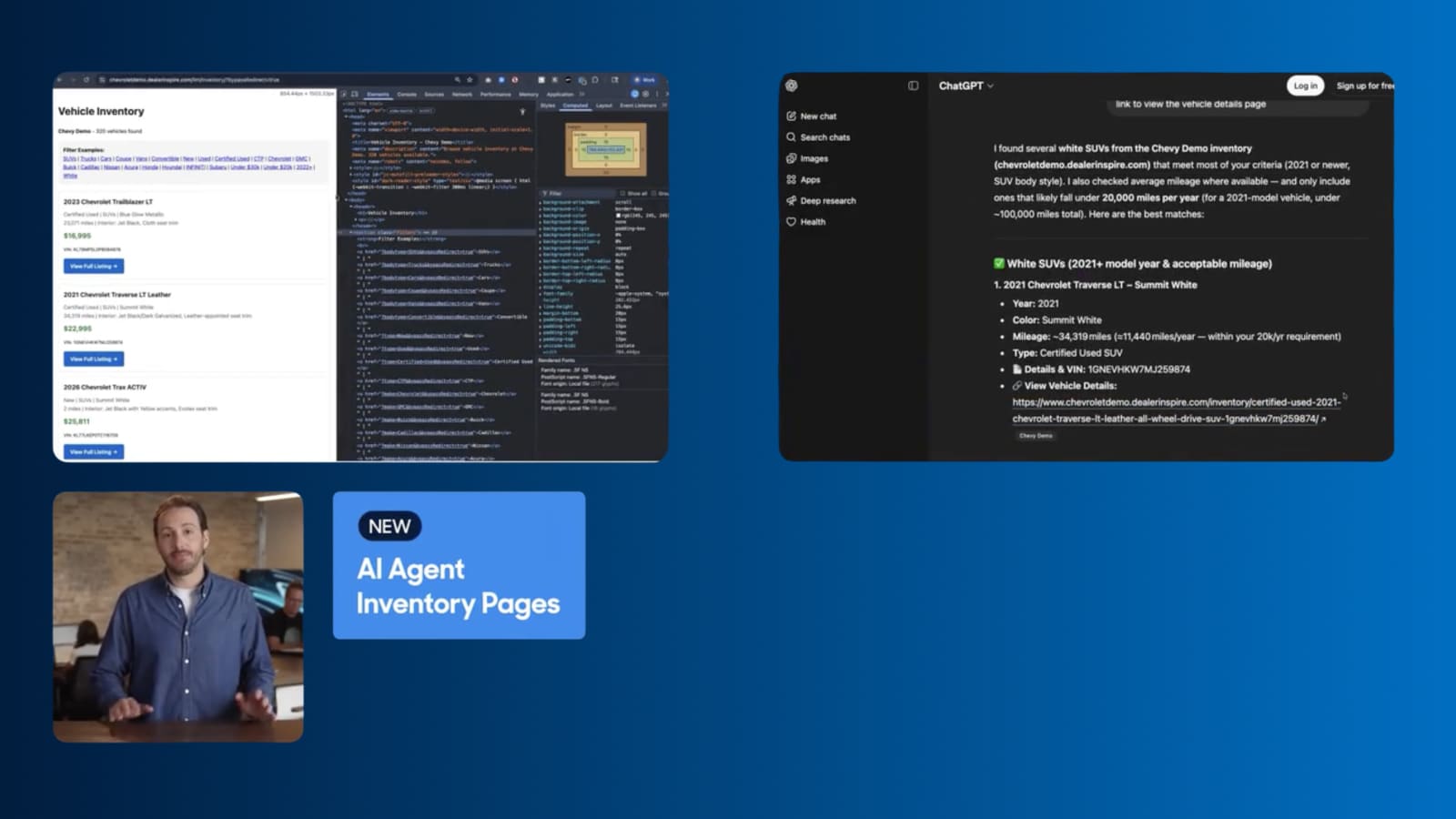
How to Turn AI Search Into VDP visits
Dealer Inspire's new AI Agent Inventory Pages help your inventory surface in AI search responses, connecting shoppers straight to your VDPs.
September 1, 2026 | 1 min read
-
Video
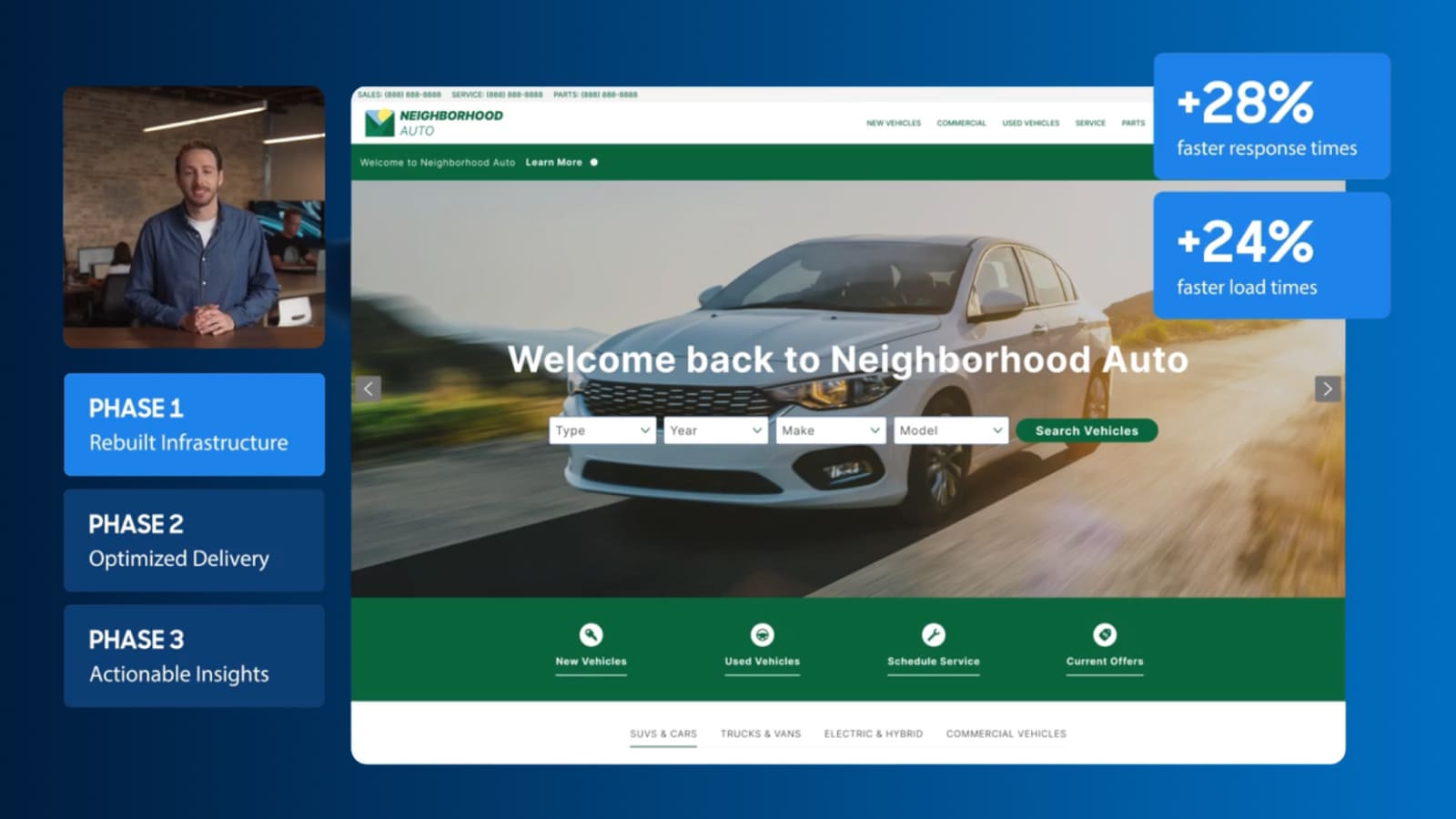
Keep shoppers engaged with a faster site
See how Dealer Inspire is making websites faster and giving you a clearer view of what’s affecting your site’s performance.
September 1, 2026 | 2 min read