How to add or edit your legal disclaimer
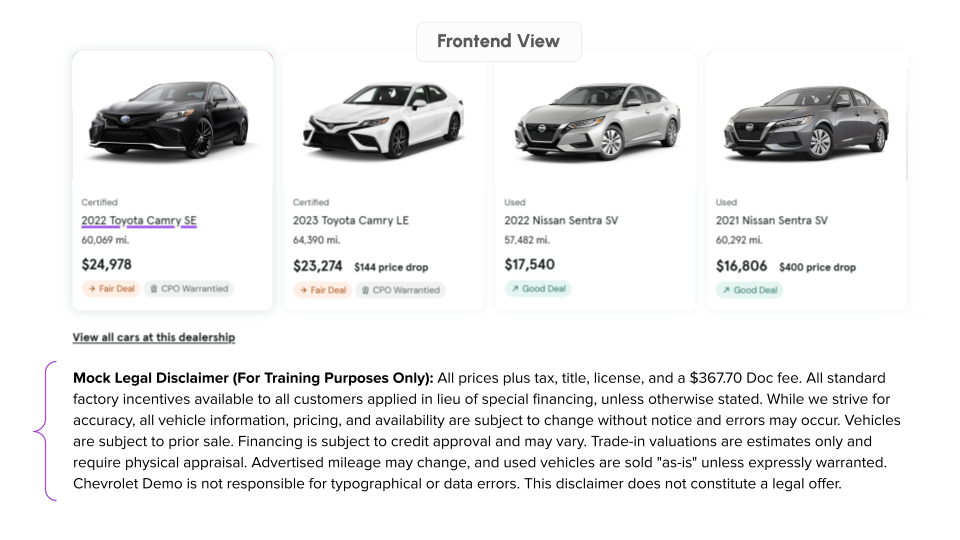
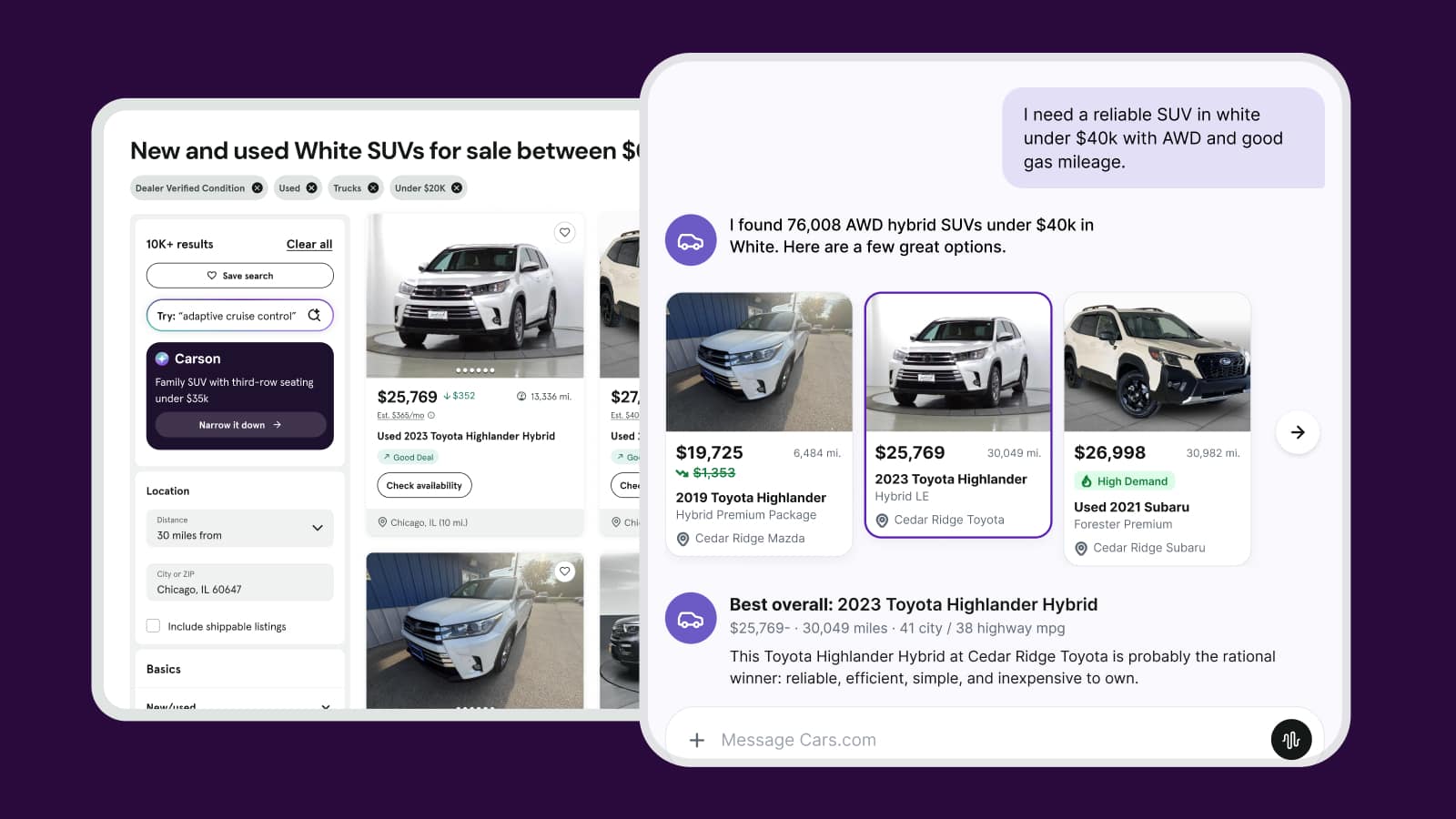
You can display consistent messages under your seller’s notes on all of your Cars.com listsings. This feature enables you to include brand taglines and any legal disclaimers you need to provide on every vehicle detail page (VDP).
To Get Started
Log in to the Cars.com Hub. Click Cars.com, then Dealer Dash.
1 Select dealership
Select the dealership you’d like to edit from your Dealer Dash homepage.
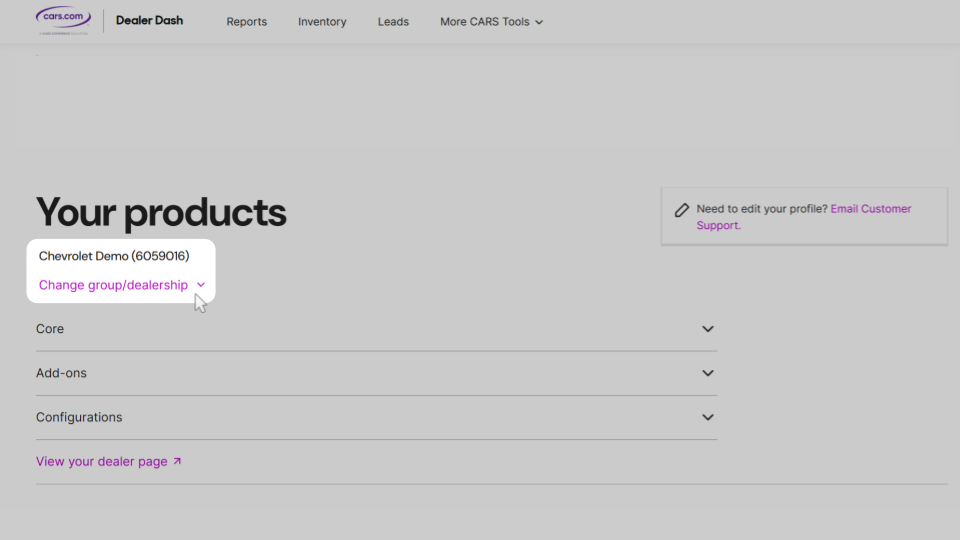
2 Select “edit disclaimer”
Scroll down until you see Batch tagline, and click Edit legal disclaimer to open the text box where you’ll enter the information.
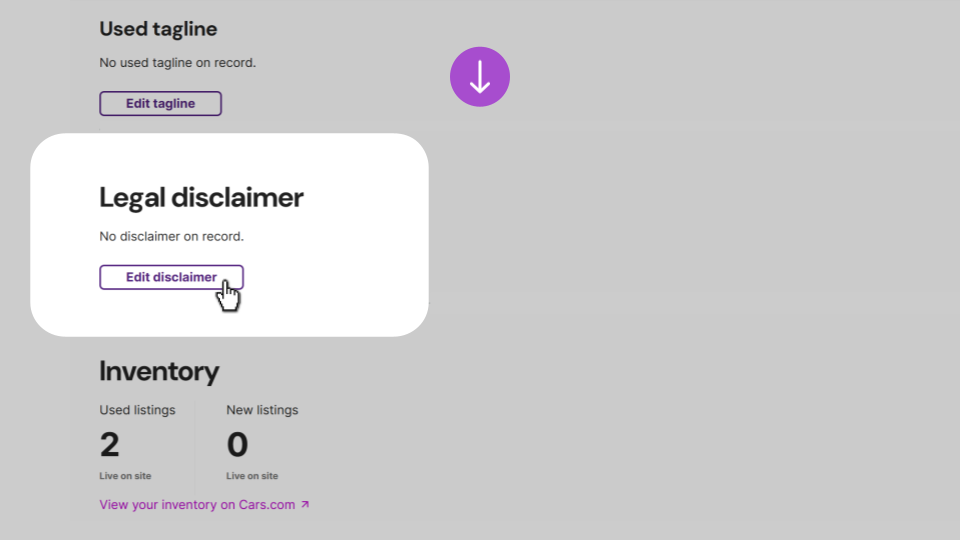
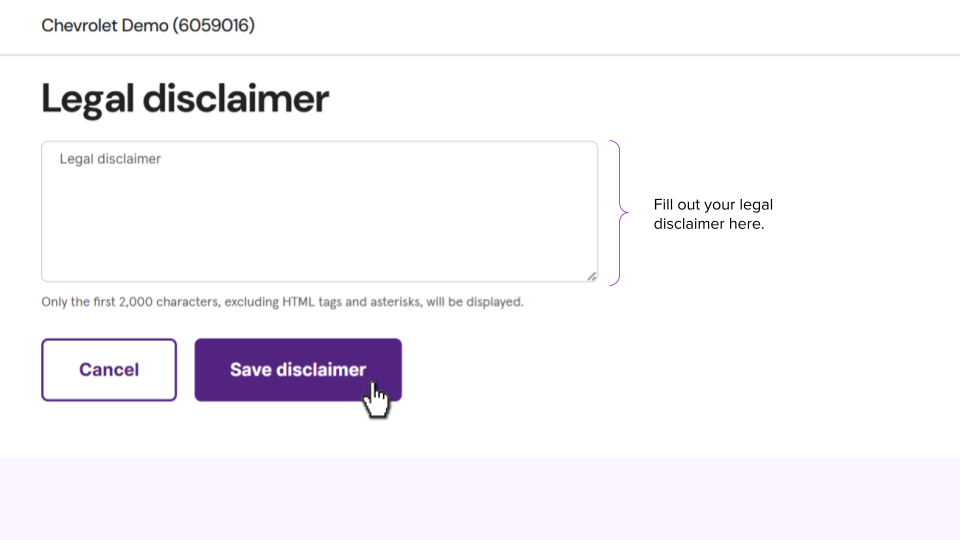
3 Edit legal disclaimer
Fill out the box with your legal disclaimer text and click Save disclaimer.
4 View new legal disclaimer
The updated disclaimer will display at the bottom of your Cars.com VDP listings, just above the footer. Scroll down to verify it appears correctly. Please note, Cars.com cannot add a disclaimer on your behalf.