-
How to set up and respond to chats
Learn how to begin accepting chats by updating your contact details, adding a profile photo, and installing the Chrome extension. Once you’re all set up, learn some best practices to make responding to chats efficient and error-free.
-
How to create a hotkey in Conversations
Learn how to create hotkeys for common phrases in Conversations, streamlining your communication with shoppers and enhancing your team's efficiency. This guide will empower you to set up templated responses, saving time and ensuring consistent messaging.
-
How to leverage managed chat
Learn how to set custom rollover rules, empower Call Center Agents, and align on departmental hours to ensure a seamless 24/7 customer experience between your dealership’s chat strategy and the Managed Chat Call Center Agents.
-
How to customize the visitor experience in Conversations
Learn how to use the Visitor Experience to personalize your chat interface. From adjusting brand colors for the chat icon and positioning to setting up proactive messaging and custom welcome cards, this article covers everything you need to create a seamless, branded shopper experience.
-
How to navigate admin settings in Conversations
Learn how to use the Conversations admin settings to oversee performance, manage user and team settings, and customize the shopper experience.
-
How to make the most of the AI Virtual Assistant in Conversations
Learn how AI-powered Conversations works and how to leverage the virtual assistant to provide 24/7 answers, improve operational efficiency, and bridge the gap between online research and in-person dealership visits.
-
How to use Conversations reporting to improve performance
Learn how to use Conversations reporting to monitor agent performance, track sales ROI from leads, and manage live chats. This article covers how to access the admin backend to make data-driven, operational decisions with your Dealer Inspire chat tool.
-
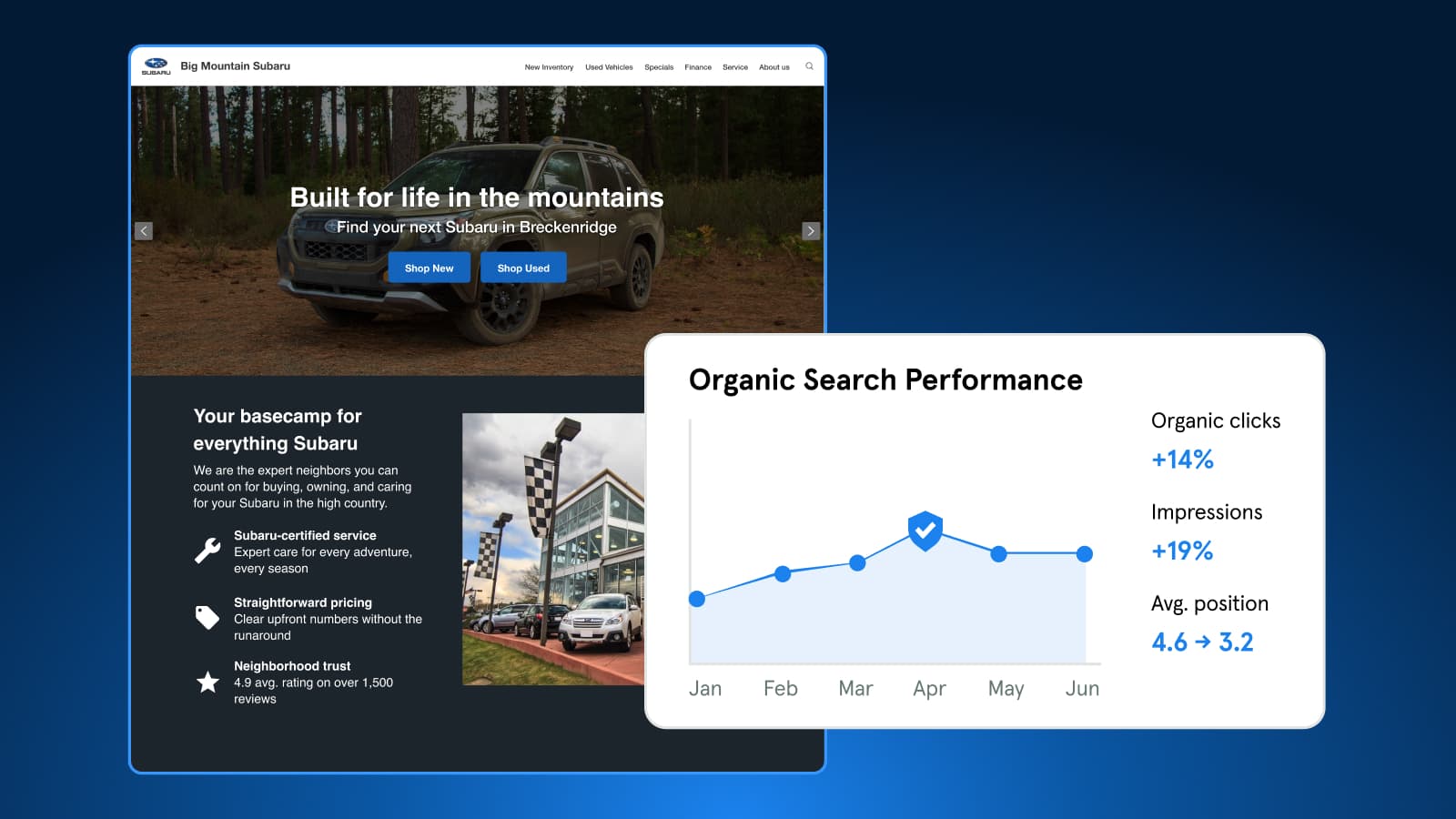
Expert Article
Understanding Bot Traffic in GA4
Bots make up about half of web traffic. Learn how Dealer Inspire blocks harmful bots, why some still appear in GA4, and which metrics to trust for performance.
October 27, 2026 | 4 min read
-
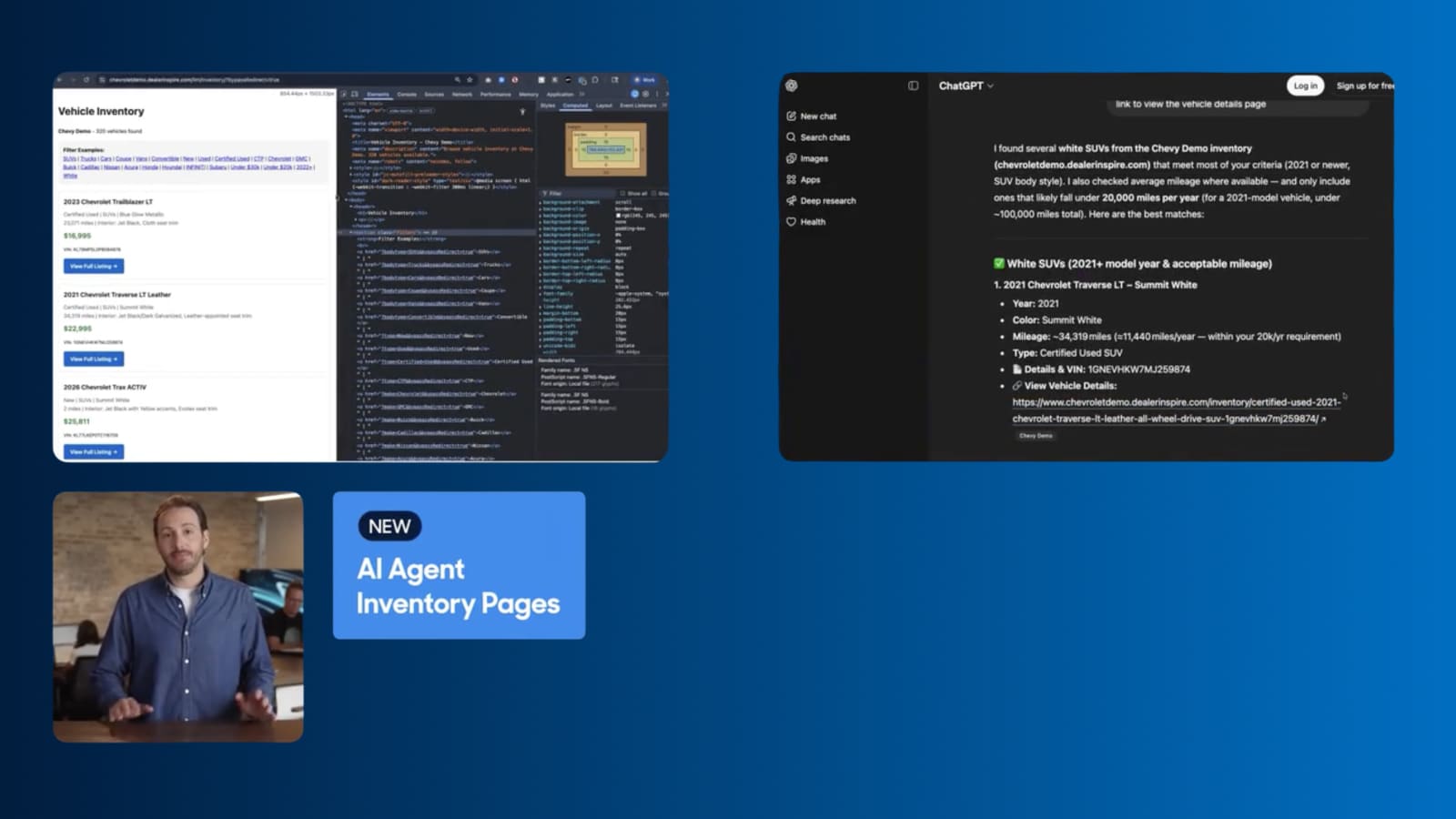
Video
How to Turn AI Search Into VDP visits
Dealer Inspire's new AI Agent Inventory Pages help your inventory surface in AI search responses, connecting shoppers straight to your VDPs.
September 1, 2026 | 1 min read
-
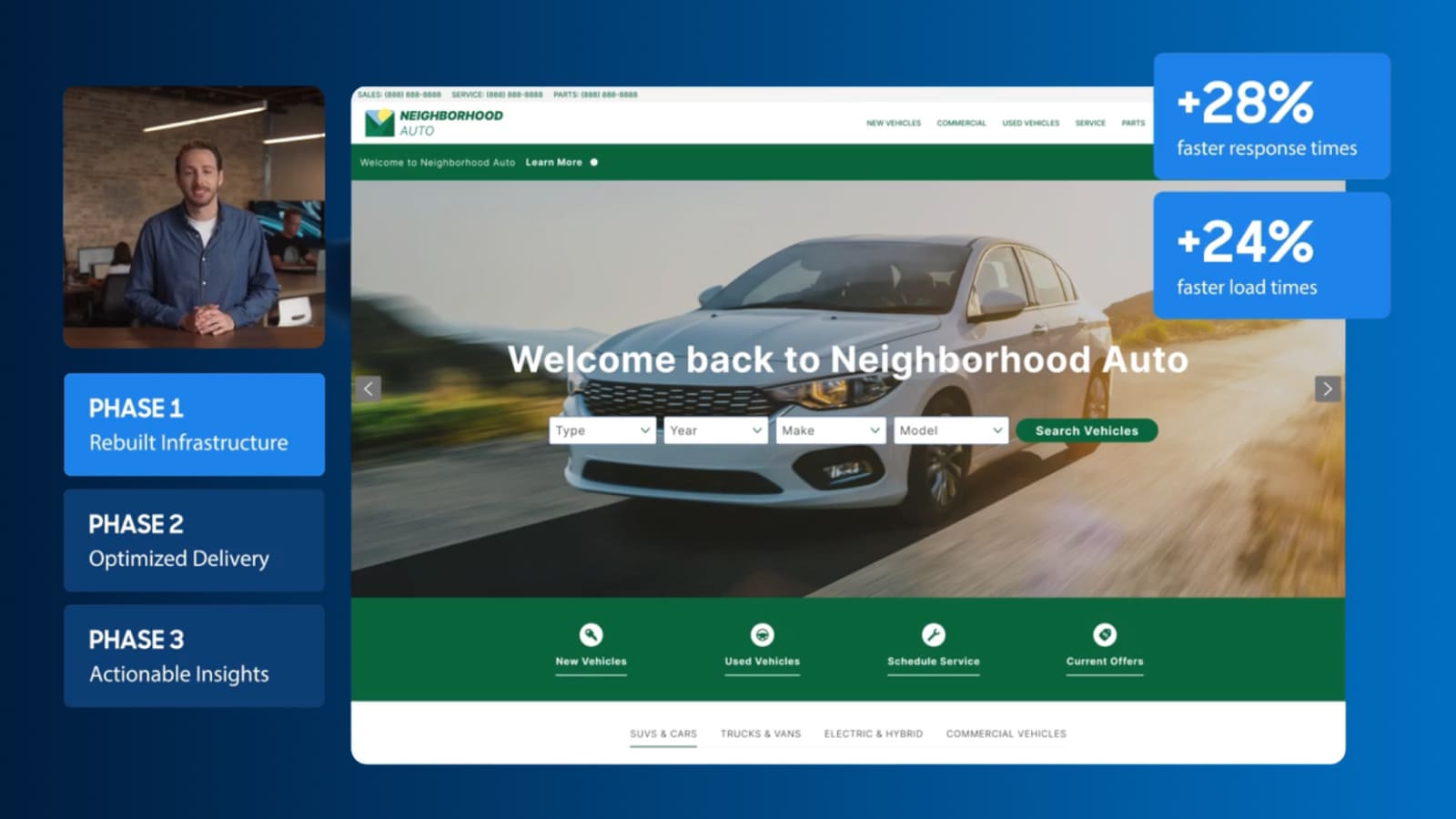
Video
Keep shoppers engaged with a faster site
See how Dealer Inspire is making websites faster and giving you a clearer view of what’s affecting your site’s performance.
September 1, 2026 | 2 min read