-
Inventory Listings
Help topics: adding/editing legal disclaimers (for compliance and consistency), changing pricing, editing batch taglines (marketing messages for Vehicle Detail Pages), and sizing inventory photos for optimal display.
-
Reputation Tools
Topics include: a guide on automated review solicitation; instructions for responding to reviews from Cars.com, Google, and Facebook within the Dealer Panel; information on managing Cars.com salesperson profiles to build trust and drive leads; and a guide to setting up Smart Response for automatically generating and posting personalized review responses to save time and improve SEO/engagement.
-
VDP Optimization
To maintain an accurate and current dealership presence on Cars.com, focus on key areas: consistently updating Vehicle Details Page (VDP) information, including features, photos, and pricing, and ensuring your Dealership Profile is current with accurate hours, photos, messaging, fees, and dealer highlights.
-
Lead Management
The "Lead Management" section offers resources for dealerships to effectively handle Cars.com leads. This includes using shopper alerts for re-engagement, developing personalized response strategies, utilizing shopper details to gauge buyer intent and prioritize follow-up, and understanding how Cars.com lead sources appear in the dealership's CRM to close deals.
-
Shopper Experience Tools
The Shopper Experience Tools section offers dealers resources to improve customer interactions on Cars.com. These include guides on setting up and managing customer chats, editing the dealer module, and a comprehensive set of articles on Instant Financing. The Instant Financing content covers understanding and managing different lead types (Finance Intent, Prequalified, Credit Application), customizing settings, troubleshooting lead delivery, and controlling the display of financing options on VDPs.
-
Reporting and Analytics
Cars.com provides dealerships with various reporting and analytics options to track performance. Reports cover Marketplace and Reputation metrics, VIN performance, demand trends (including walk-in), listings optimization, demand signals, connections, DMV market share, Cars social, Premier, reputation health, and sales attribution. These data-driven insights help measure campaign effectiveness, inventory impact, customer behavior, market trends, competitive positioning, and the overall value of Cars.com in driving sales and service quality.
-
FAQs
This section lists FAQs covering various Cars.com and Cars Commerce features and awards. Topics include using "Best Of" and Consumer Satisfaction awards, understanding Deal Badges, earning Cars Commerce rewards, accessing Dealer of the Year awards, interpreting the American Made Index, comprehending Certified listings, and finding Instant Financing powered by CreditIQ answers. Each entry briefly describes the content.
-
Expert Article
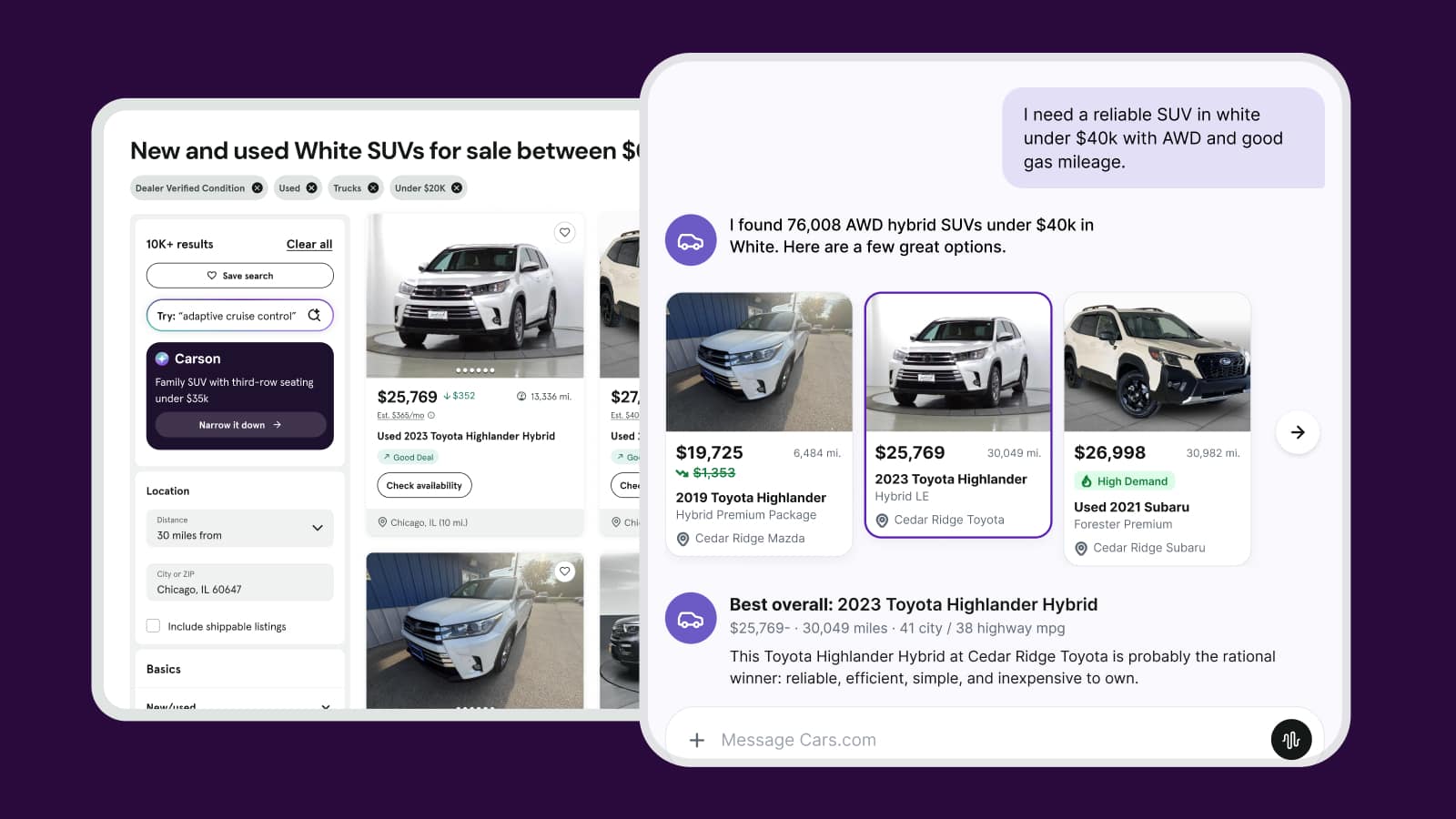
How dealers show up in the age of AI shopping
AI is changing how shoppers find dealerships. Learn which signals shape how your store shows up and what you can influence to strengthen them.
October 23, 2026 | 11 min read
-
Expert Article
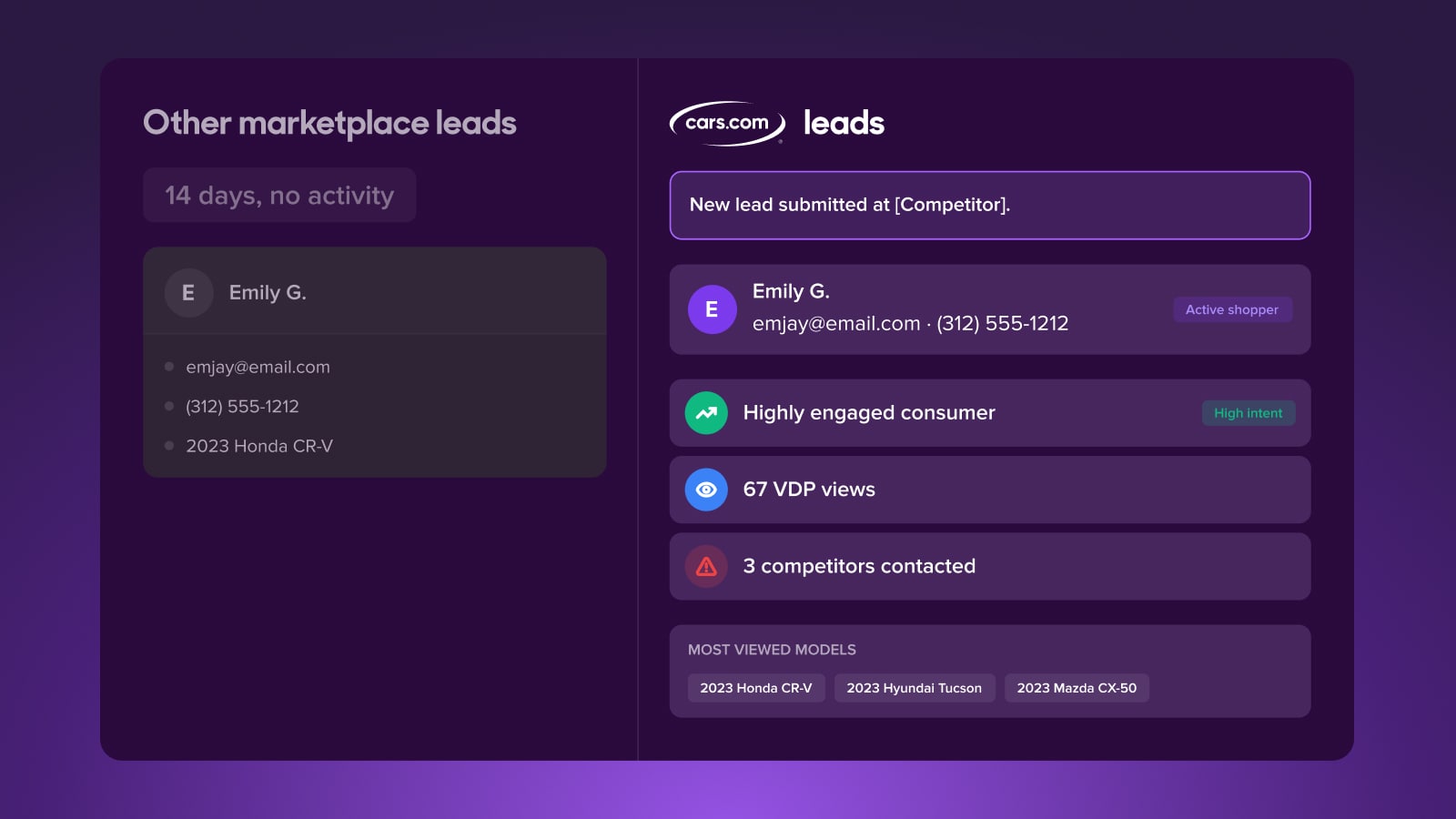
The leads are there, why aren’t they converting?
Lead quality depends on what happens after a lead lands. See why the conversion gap opens there, and how shopper activity data helps you close it.
October 7, 2026 | 11 min read
-
Video
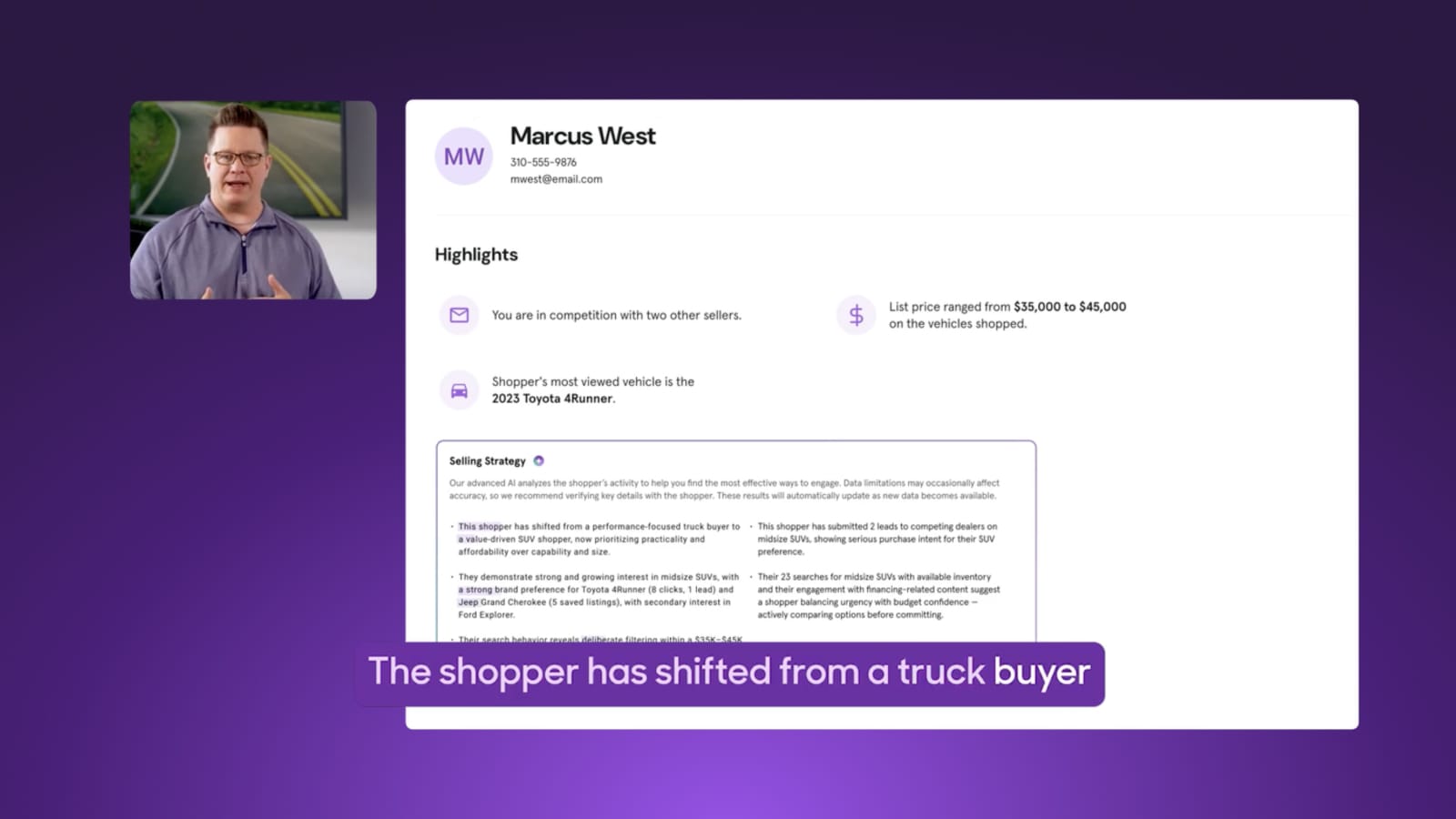
How to re-engage a lead who’s already moved on
See how selling strategy alerts surface shifts in shopper behavior and activity straight to your CRM, so you can meet shoppers right where they are.
October 5, 2026 | 2 min read