-
How to use automated review solicitation to build your reputation
Learn how you can build your reputation by automatically sending out review requests after a customer’s experience at your dealership. Find out how you can ensure this was set up during your onboarding process and opt-in to the data necessary to automate this process for your dealership and build your reputation seamlessly.
-
How to personally respond to reviews
Learn how to personally respond to reviews left by customers from all your sites: Cars.com, Google, and Facebook directly from your Dealer Panel.
-
How to set up and remove salesperson profiles
Salesperson profiles on Cars.com connect in-market shoppers with your top sellers, build trust with transparent and personalized information, and drive more qualified leads straight to your store.
-
How to set up Smart Response
Smart Response automatically crafts and posts personalized responses to dealership reviews on Facebook, Google, and Cars Commerce, saving time while boosting SEO and customer engagement.
-
How to opt in to Salesperson Connect
Learn how to add and manage your staff page and salesperson profiles on your Dealer Inspire website to create a consistent, welcoming, and professional first impression for every shopper who starts on your website and walks onto your lot.
-
How to connect external review sources
Connect your Google, Facebook, and other third-party review platforms directly to the Dealer Panel, so you can read, respond to, and manage all your reviews in one place.
-
How to set up ReviewBuilder
Learn how to configure ReviewBuilder to control which transactions trigger review requests, where customers are directed to leave reviews, and how to customize your outreach emails.
-
Expert Article
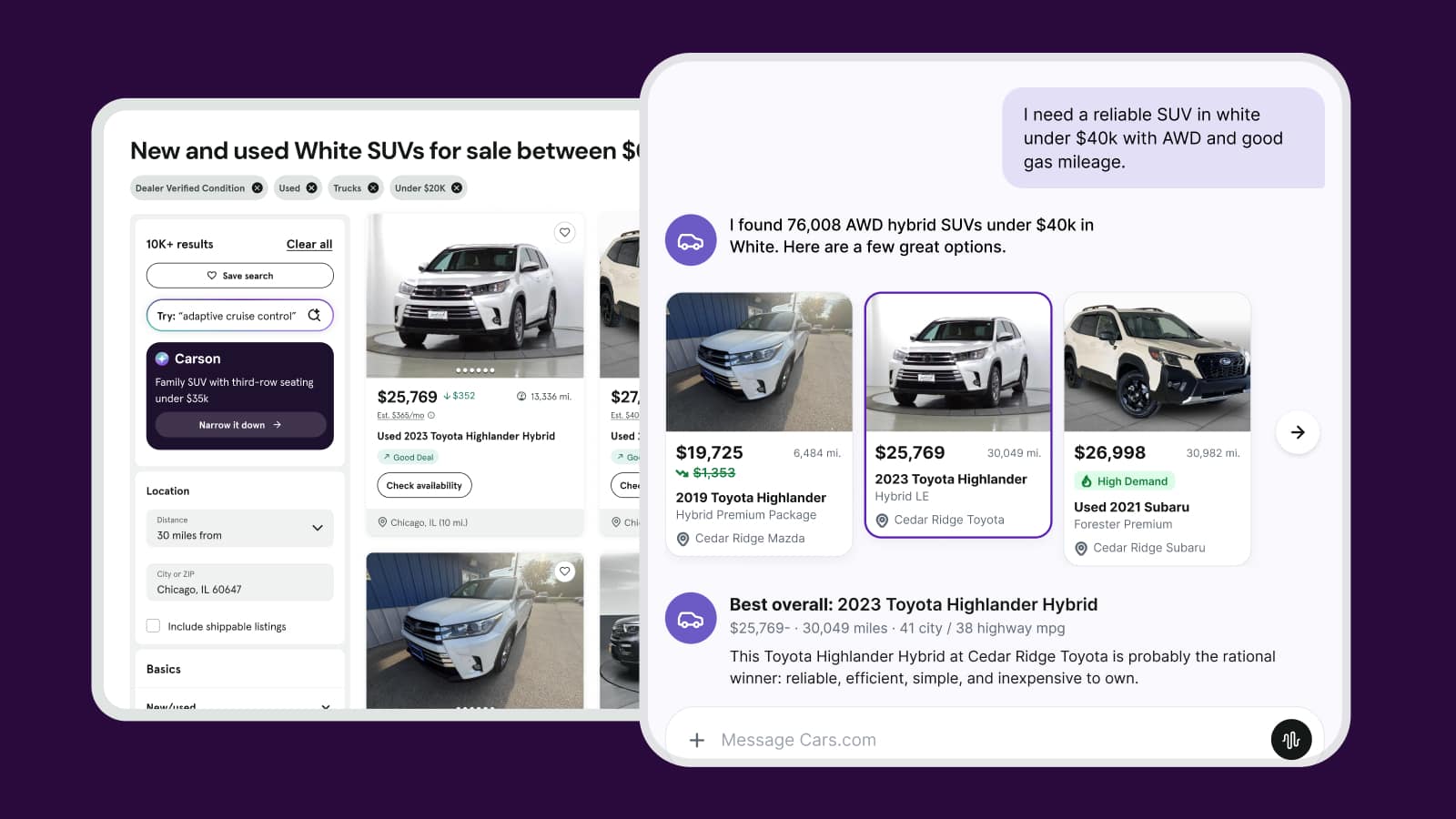
How dealers show up in the age of AI shopping
AI is changing how shoppers find dealerships. Learn which signals shape how your store shows up and what you can influence to strengthen them.
October 23, 2026 | 11 min read
-
Expert Article
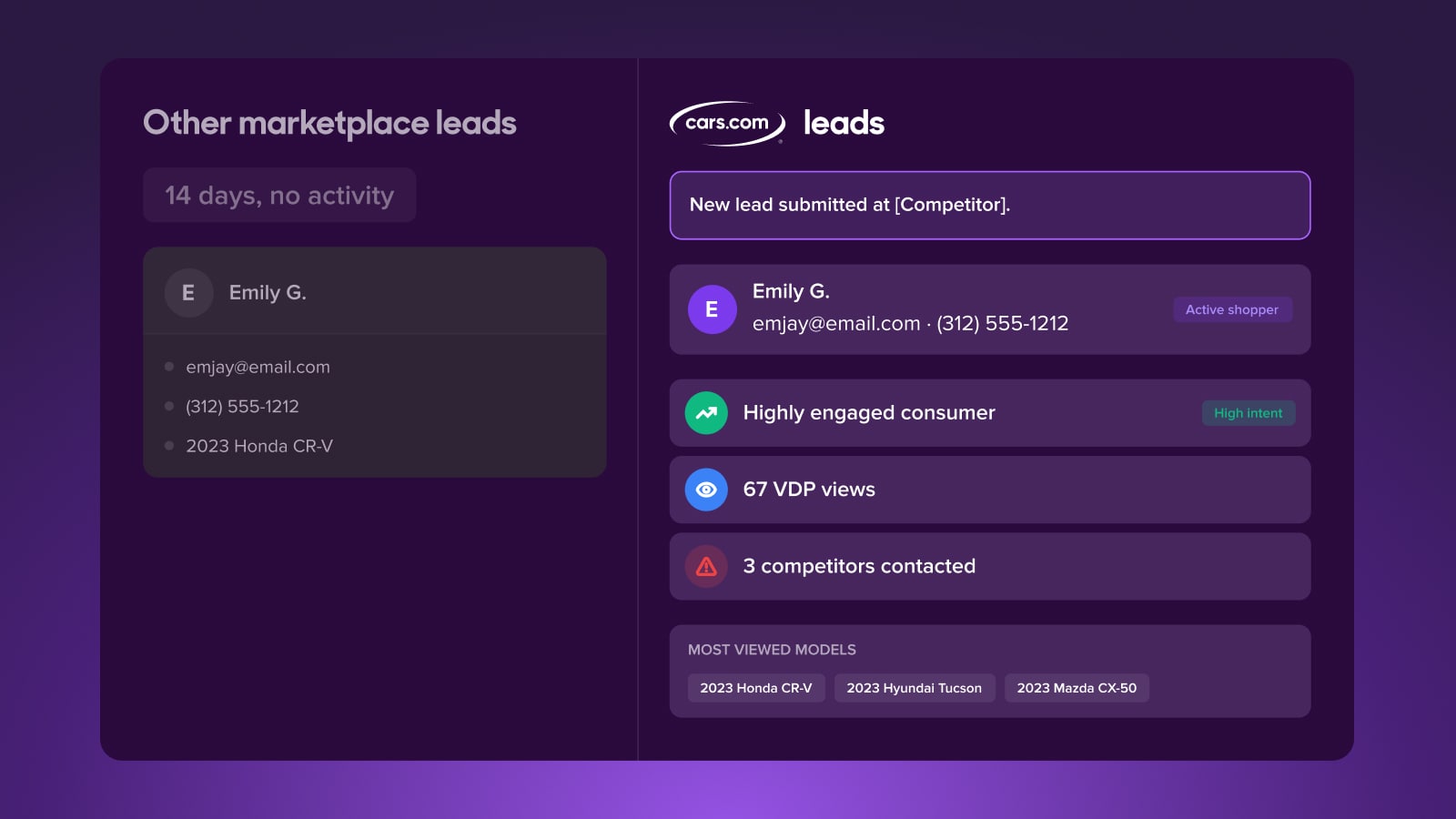
The leads are there, why aren’t they converting?
Lead quality depends on what happens after a lead lands. See why the conversion gap opens there, and how shopper activity data helps you close it.
October 7, 2026 | 11 min read
-
Video
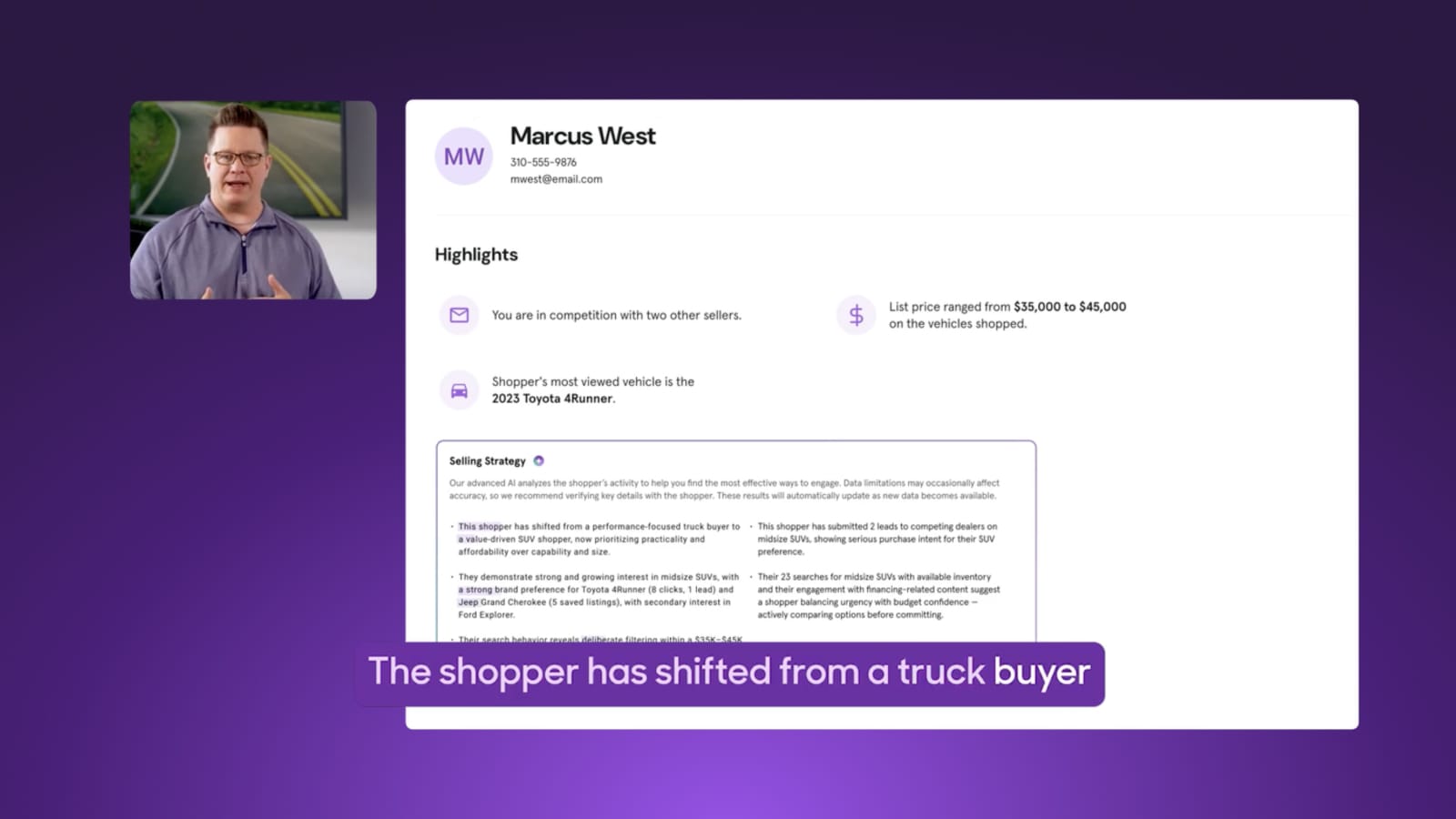
How to re-engage a lead who’s already moved on
See how selling strategy alerts surface shifts in shopper behavior and activity straight to your CRM, so you can meet shoppers right where they are.
October 5, 2026 | 2 min read