How to optimize your auction strategy
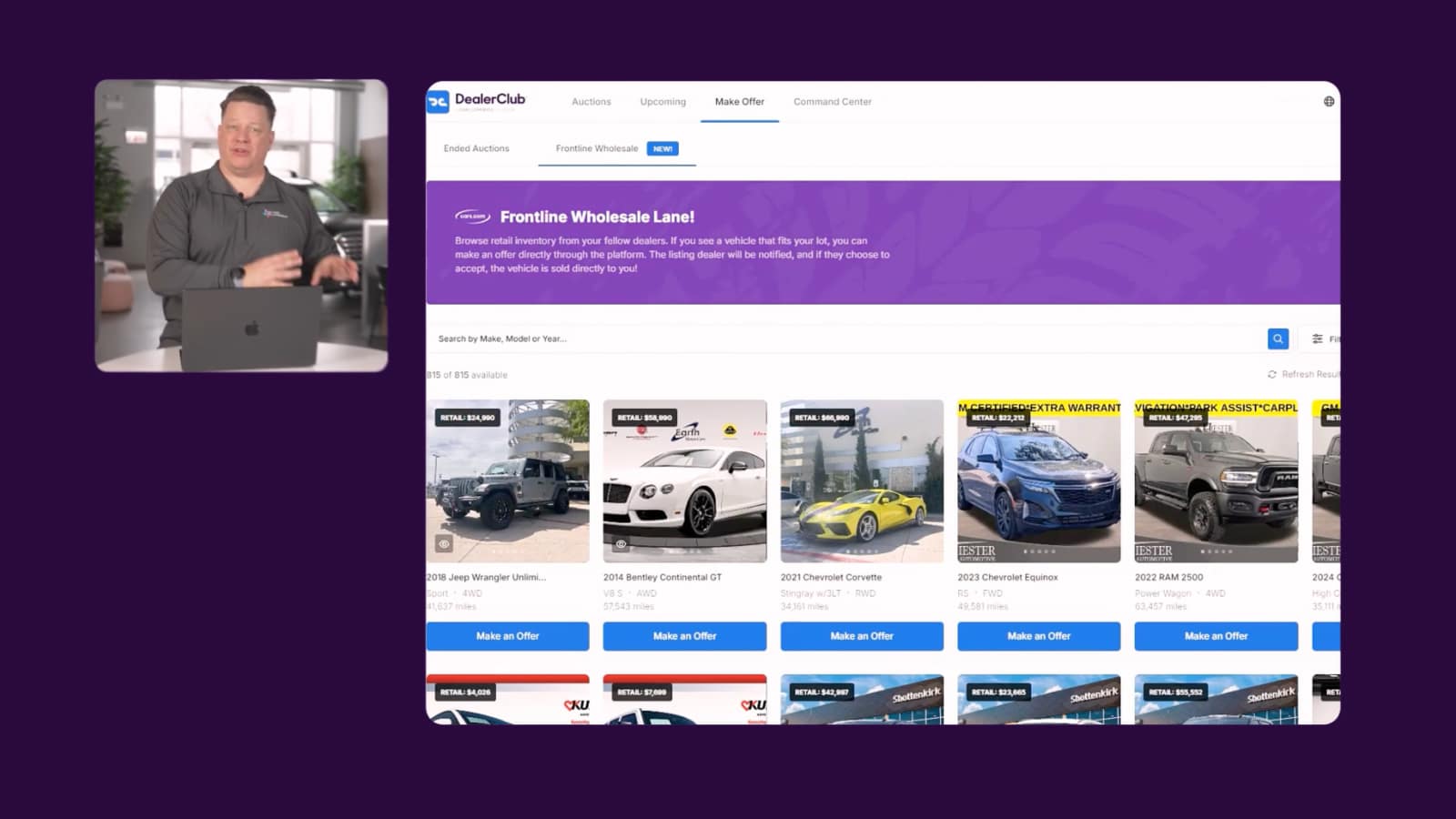
DealerClub and AccuTrade can be used together to evaluate and acquire vehicles at auction.
In this article, you’ll learn how to appraise vehicles directly on DealerClub listing pages using the AccuTrade VIN-dow Chrome extension, how to evaluate seller reputation using DealerClub’s rating system, and how to complete the acquisition and add the vehicle to your inventory.
Before you begin
Review your recent sales data and inventory performance to identify the makes, models, and configurations that best fit your lot. Having clear acquisition criteria before browsing DealerClub will help you evaluate listings more quickly and consistently.

1 Appraise vehicles with VIN-dow
AccuTrade’s VIN-dow Chrome extension lets you run AccuTrade appraisals without leaving the listing page. With VIN-dow installed, you can appraise any vehicle directly on DealerClub:
- Open a vehicle listing on DealerClub.
- VIN-dow activates automatically and displays AccuTrade’s market data for that VIN.
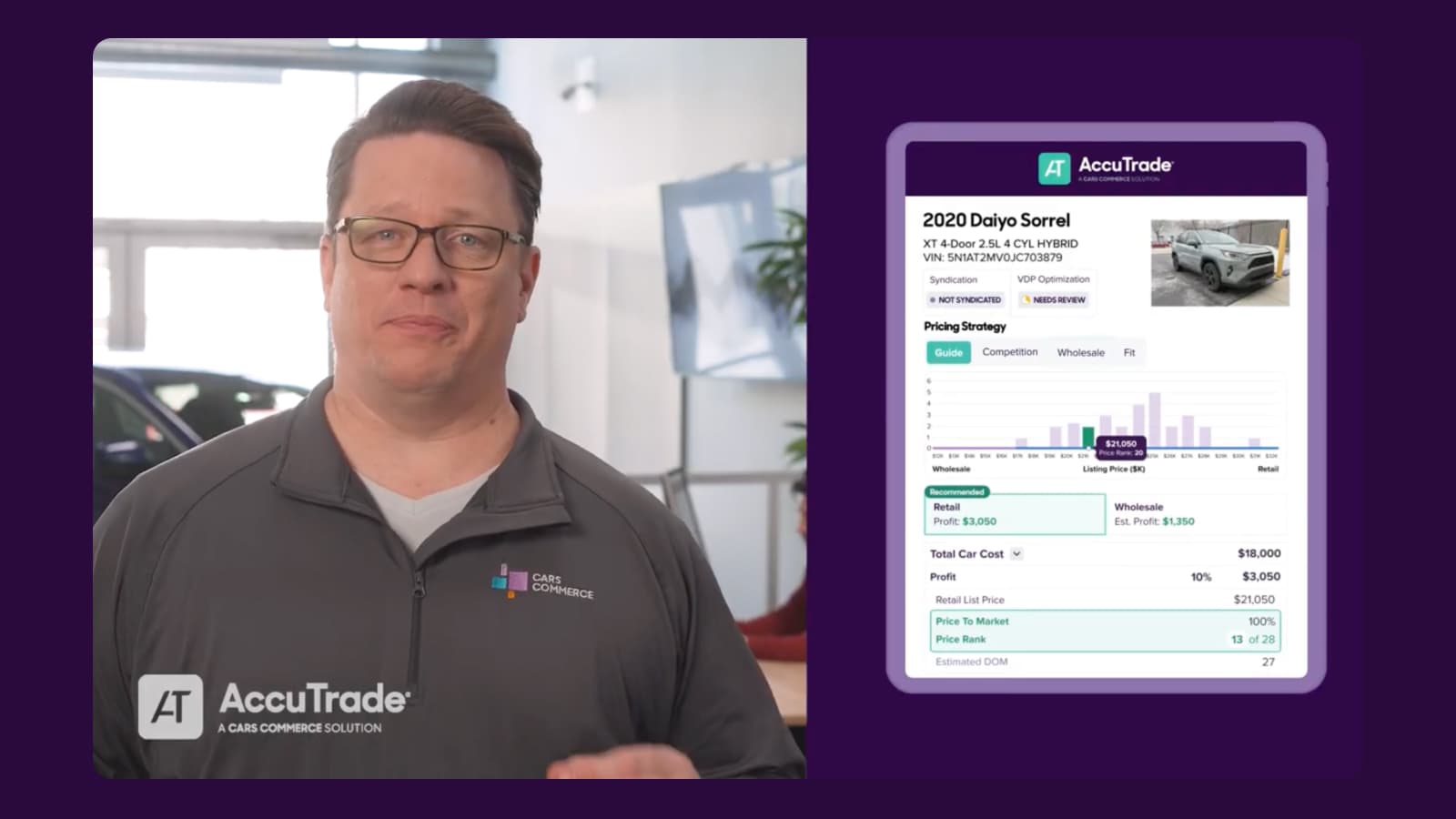
- Review the vehicle’s estimated value and any potential deductions to determine whether it meets your acquisition targets.

2 Review the seller’s reputation
DealerClub’s reputation system gives you visibility into the seller’s track record, including:
- Overall rating: Average rating from other DealerClub members
- Sell-through rate: Percentage of vehicles sold vs. total vehicles auctioned
- Title compliance: Title is legal, accurate, and complete (rated by other dealers)
- Inspection accuracy: Accuracy of inspections (rated by other dealers)
Along with price guidance from AccuTrade, this context helps you bid with confidence.

3Set your bid ceiling
DealerClub operates on reputation and direct dealer-to-dealer communication. Use both to your advantage. Your AccuTrade analysis tells you what the vehicle should be worth at retail and what you can afford to pay while protecting your margin. Set a firm ceiling before bidding rather than getting caught up in auction momentum.

4 Close the acquisition
After winning a bid, work directly with the selling dealer to arrange pickup or delivery. Clear communication at this stage sets the tone for the transaction and protects both parties’ reputations on the platform.
5Complete the AccuTrade appraisal on arrival
- When the vehicle arrives, complete your AccuTrade appraisal, including the OBD-II diagnostic scan.
- After completing the appraisal, click Send to Inventory to add the vehicle to your inventory.

Sign up for DealerClub
If you don’t have a DealerClub account yet, sign up here to get started.