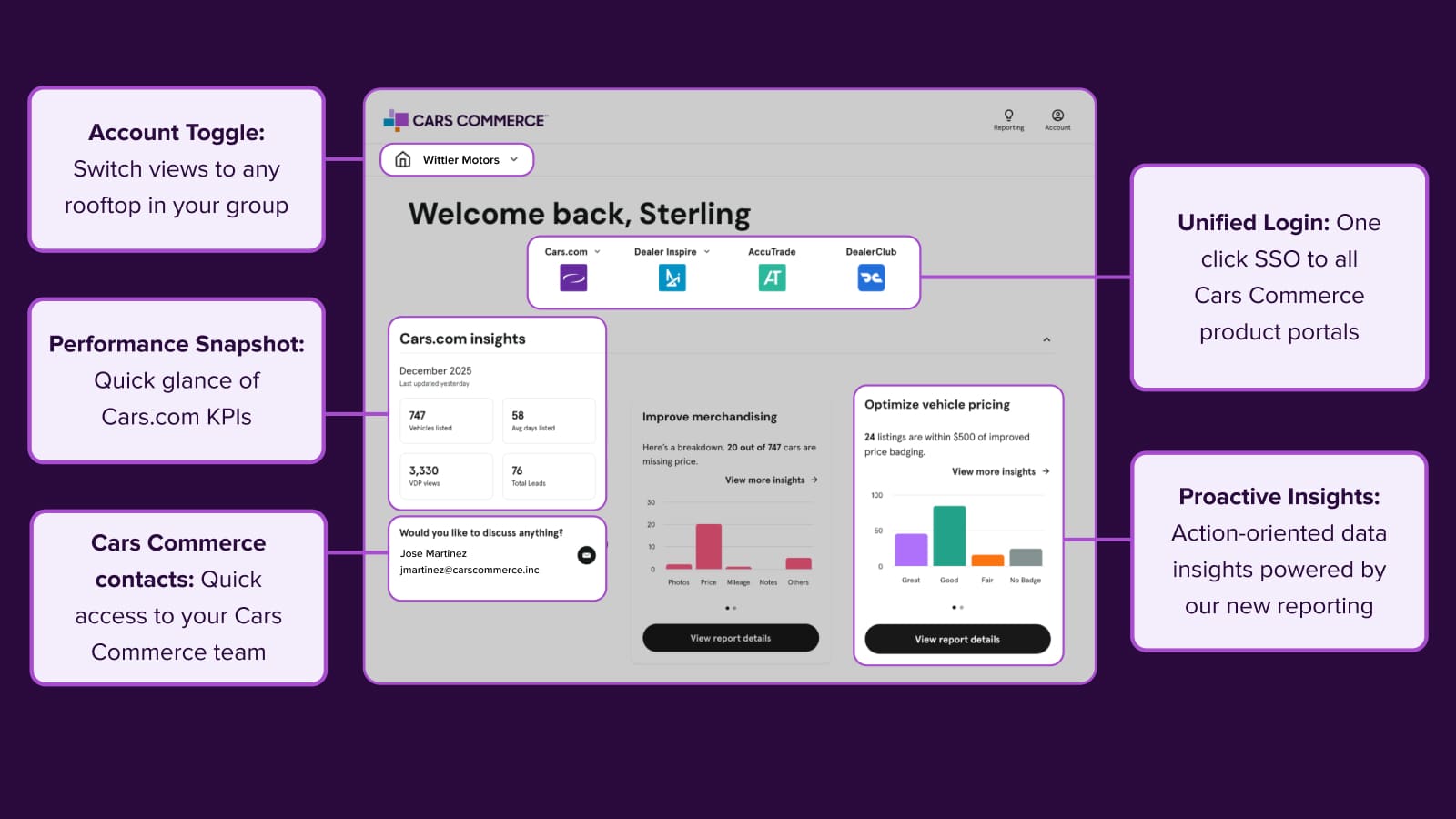
How to use the IMD Tentpole Templates
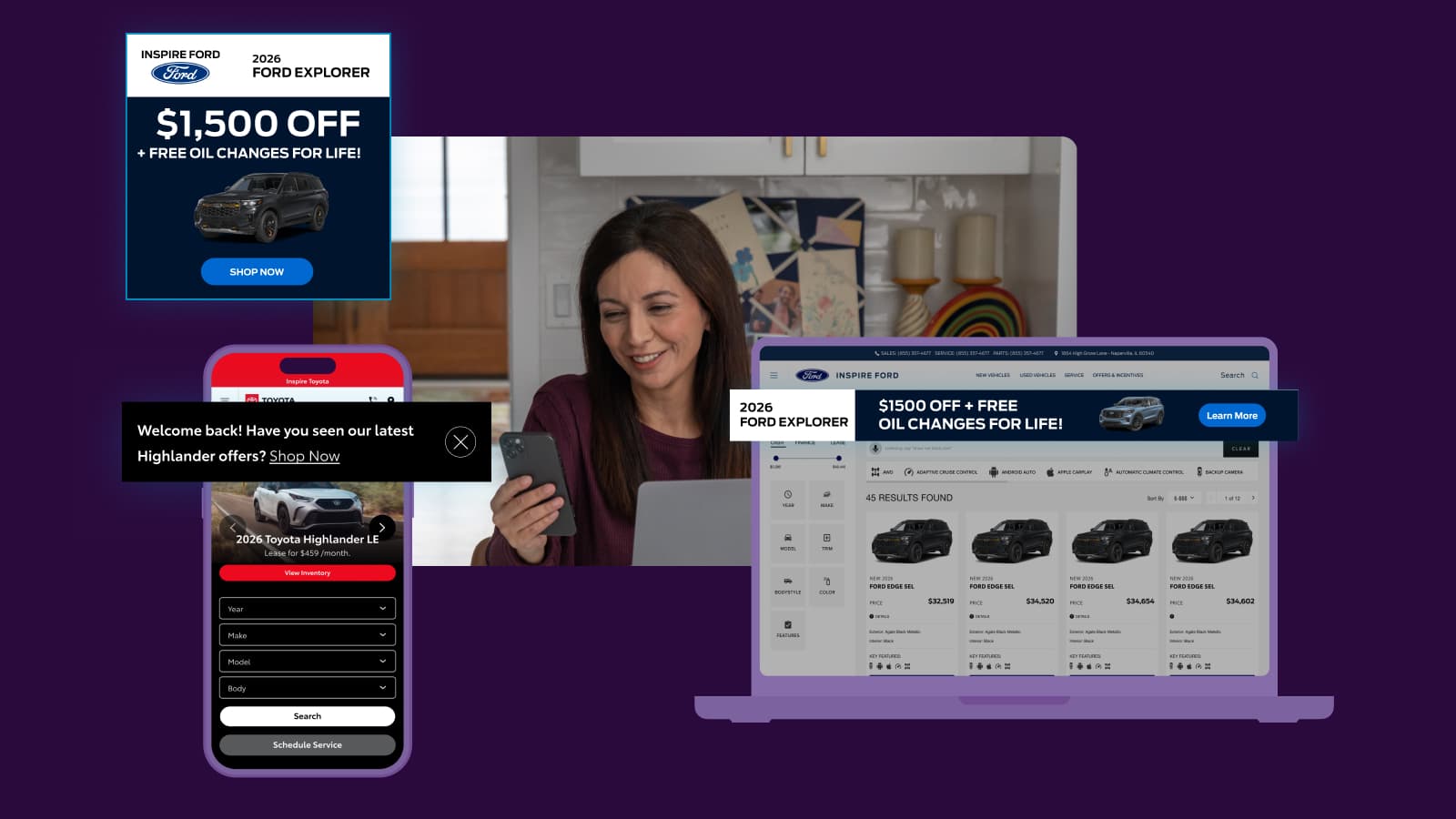
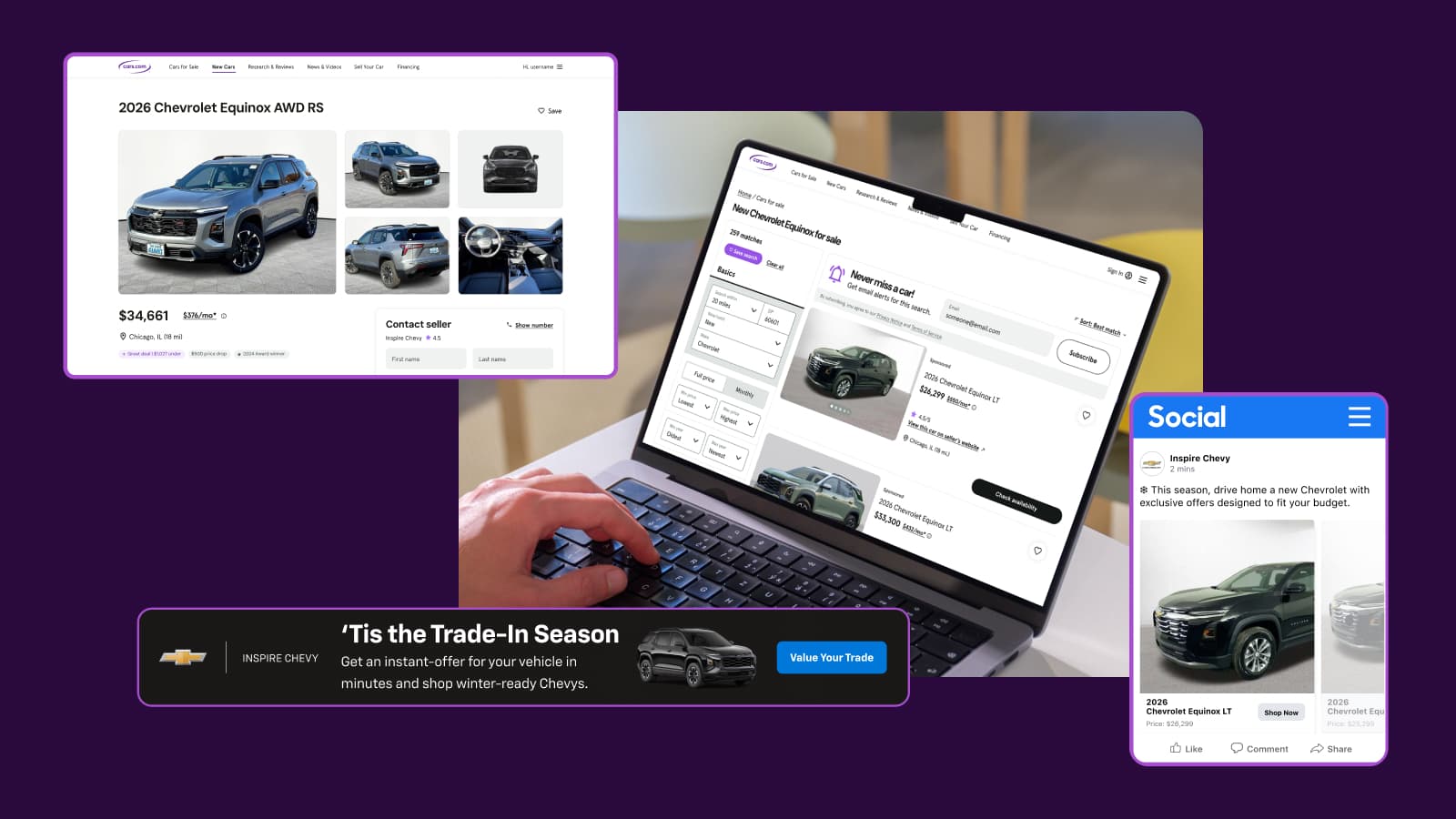
In-Market Display (IMD) ads reach shoppers who are actively browsing for their next vehicle. The IMD Tentpole Templates give you a library of pre-made, professionally designed ad creative that can be updated monthly to keep your messaging current.
In this article, you will learn what template options are available, how templates are updated, and how to get started with your Account Executive or Performance Manager.
What’s included in the template library
Templates are organized into two categories:
- Seasonal — designs tied to key buying seasons and holidays (e.g., Spring savings, New Year, Presidents’ Day, Graduation)
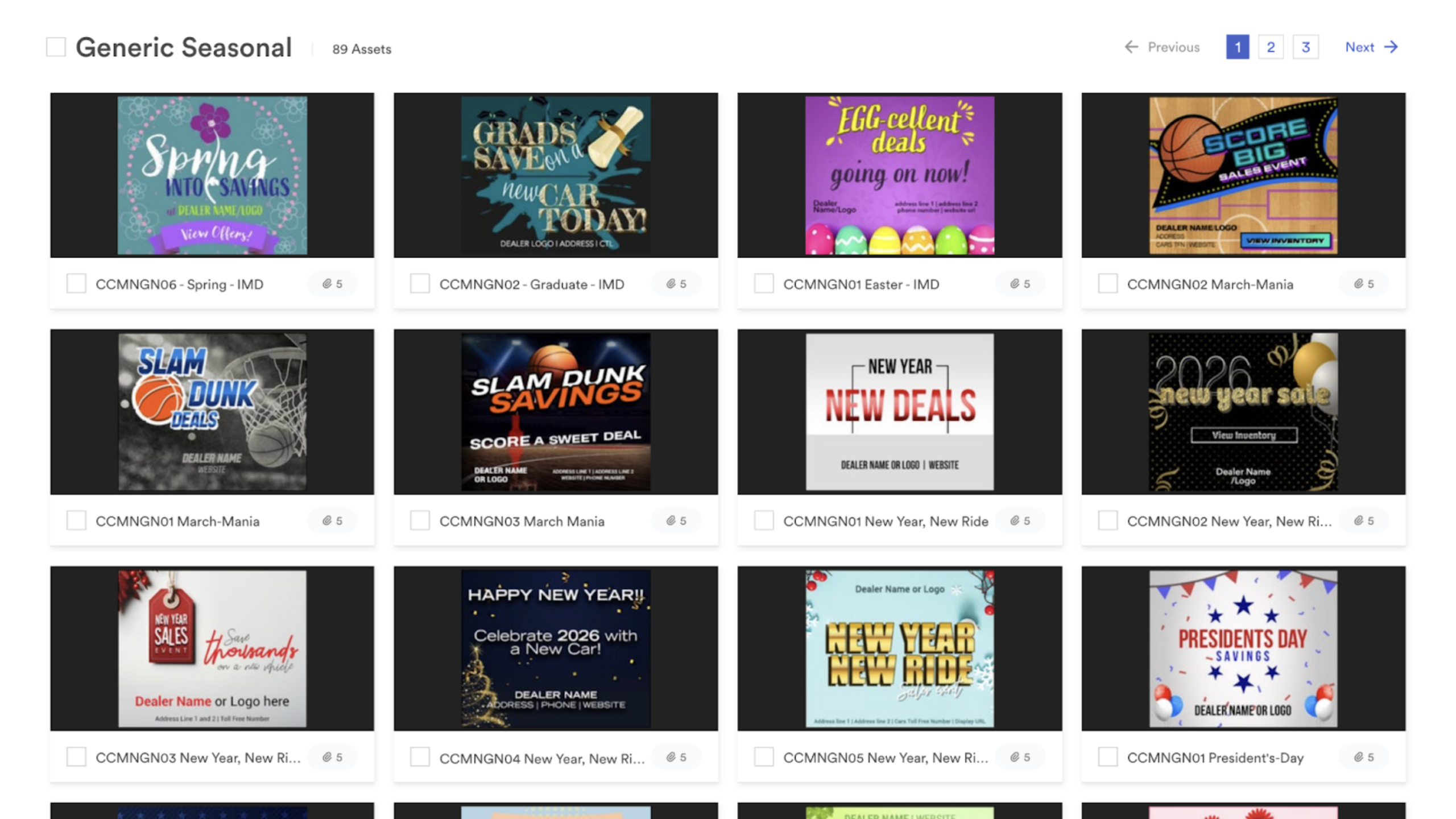
- OEM and brand-specific — co-op approved designs for specific manufacturers (e.g., Audi, and other available brands)
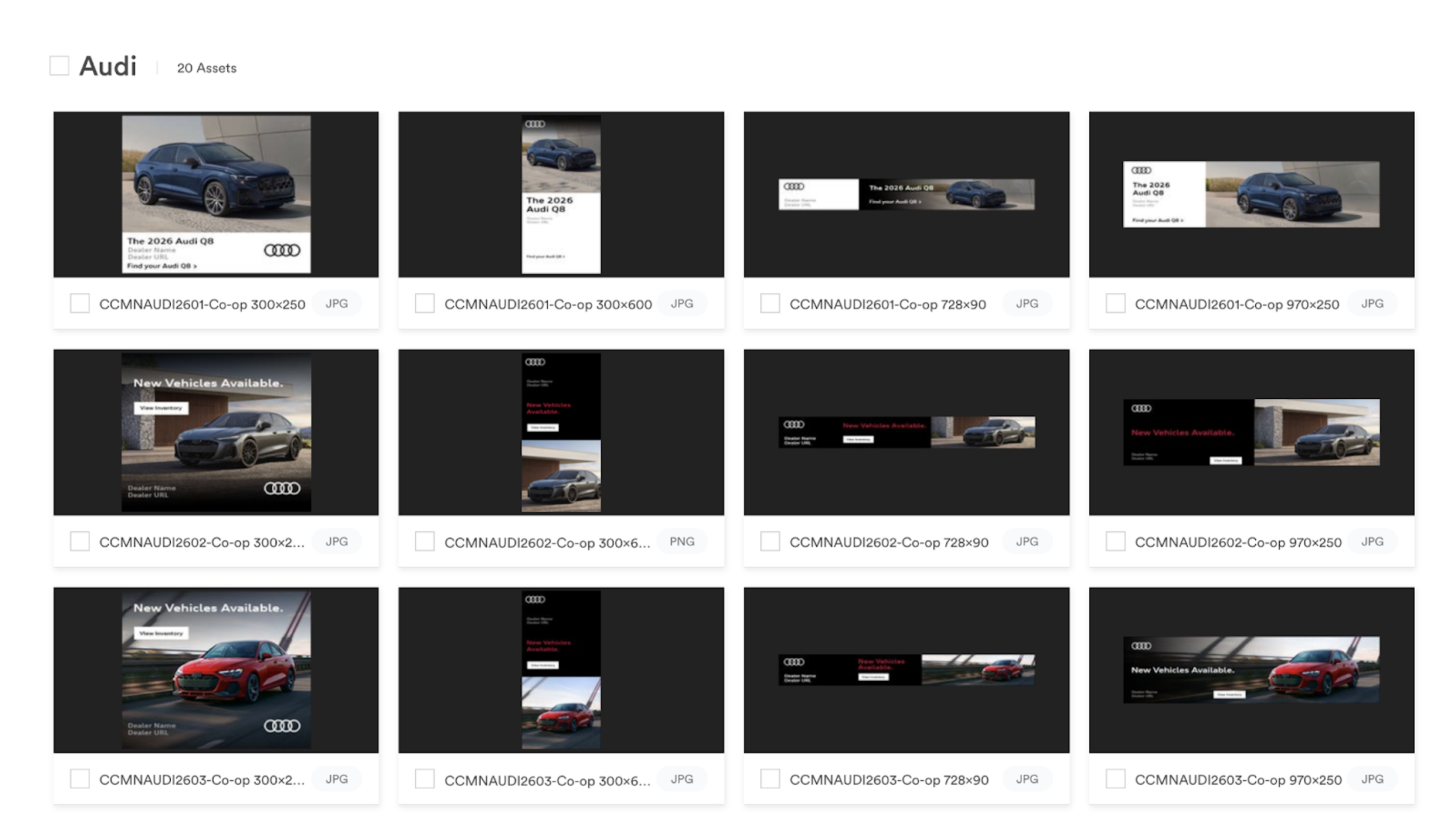
Templates are available in multiple ad sizes and formats.
Your creative options
Depending on your product, you have two options for IMD ad creative:
- Cars.com customers — bring your own creative or select from the Tentpole Template library
- Dealer Inspire customers — bring your own creative or request custom creative through the Managed Services add-on
How to get started
Contact your Account Executive or Performance Manager to:
- Browse the template gallery and select a design
- Schedule your template — templates can be changed once per month