How to get started with VPM onboarding
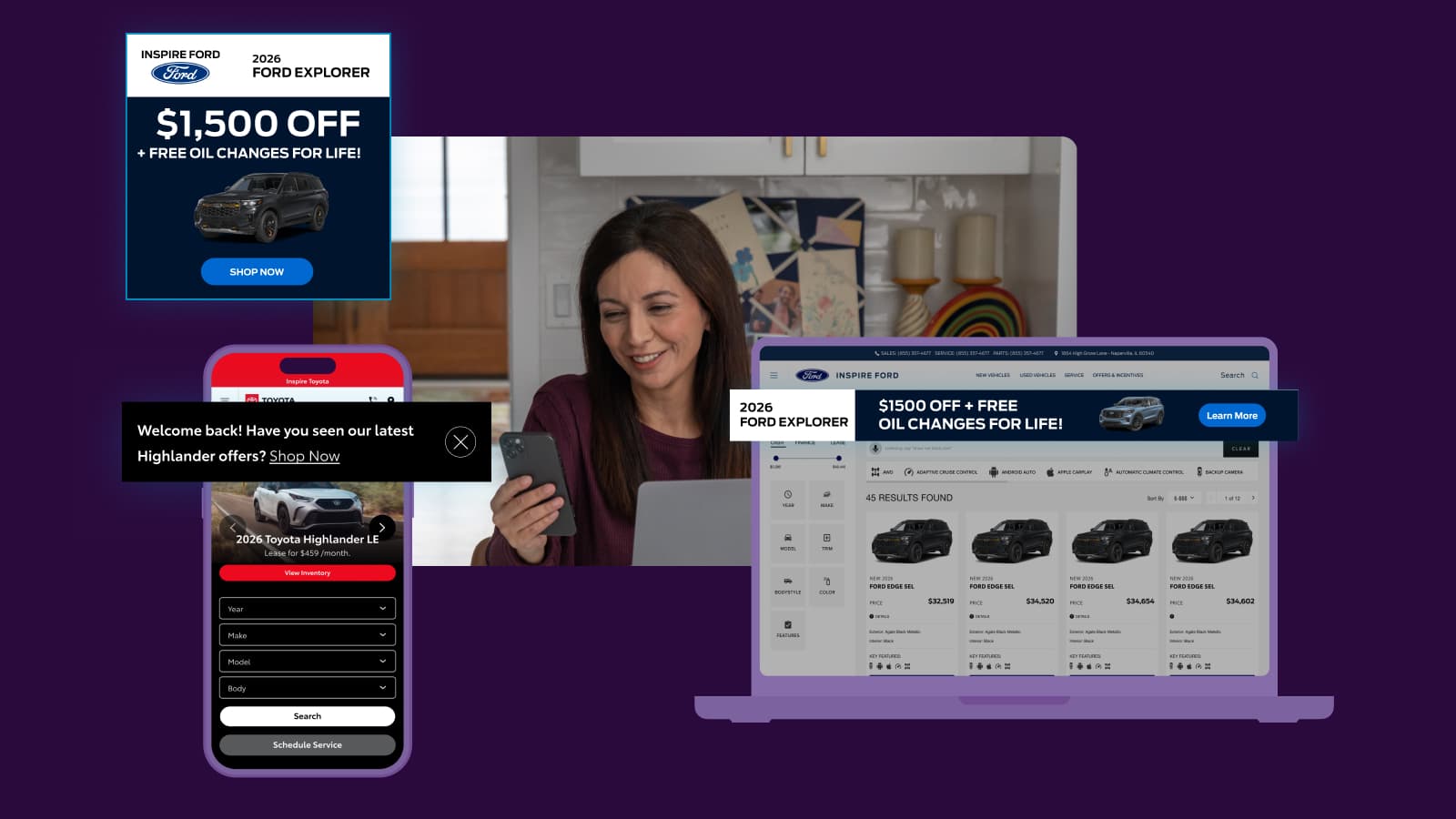
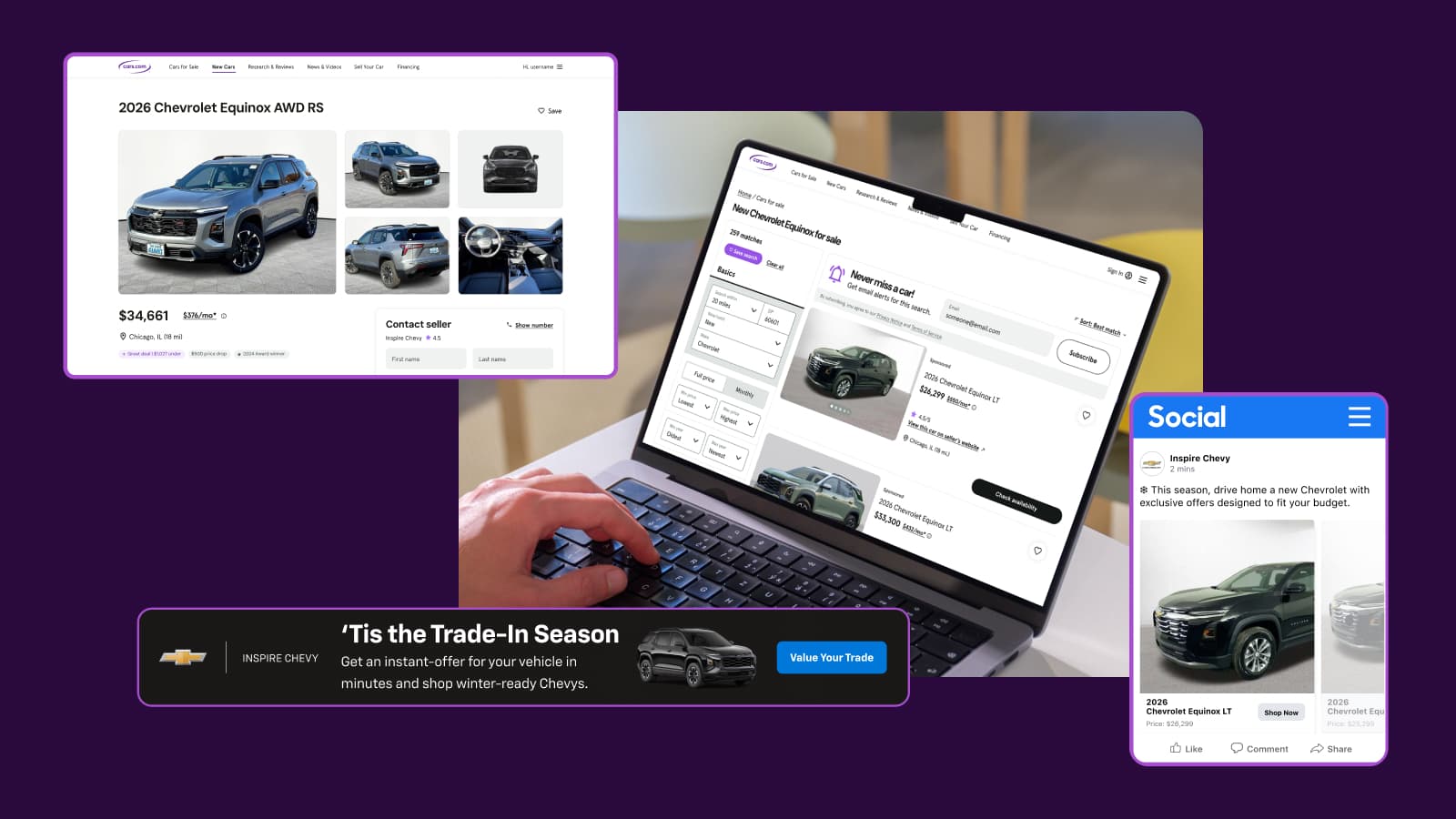
VIN Performance Media (VPM) is a cross-channel advertising solution that promotes your specific inventory to shoppers based on their Cars.com search and vehicle engagement data. The solution combines sponsored listings on Cars.com with social media ads to ensure in-market shoppers see your relevant inventory both on and off Cars.com — all without requiring you to provide any creative assets.
This article walks you through the VPM onboarding process so your dealership can start reaching in-market shoppers across multiple channels.
Note: VIN Performance Media is included in the Cars Marketplace Premium+ package. It can also be added to Basic and Premium packages.
1 Connect with your Onboarding Specialist
After your agreement is signed, your Customer Onboarding Specialist will proactively communicate with you to set your VIN Performance Media unit live during the 15-day onboarding process. They’ll guide you through any required steps and answer questions along the way.
2 Grant Facebook page access
For your social ads to run from your dealership’s Facebook page, you’ll need to accept our permissions request or add Cars.com as a partner.
To accept the permission request:
If you have full control of the Page, you can approve the request. These steps only apply to someone who has full control of a business portfolio:
- Access your account on business.facebook.com.
- Go to Settings.
- Below Requests, click on Other requests to view businesses requesting access to your Page and details about the requester.
- Click Approve.
If you don’t see a permission request, you can add Cars.com as a partner manually:
- Go to business.facebook.com.
- Click on Users, then Partners.
- Select the Add button.
- Choose “Give a Partner Access to your Assets”.
- Enter our Facebook ID: 1498392513745693.
- Provide “Manage Page” access.
Note: To enable lead ads, you must grant “Manage Page” access. Partial access will not allow us to turn on leads for your campaign.
Important timeline note
You have 45 days from contract signing to accept Facebook permissions. If access isn’t granted within this window, the VIN Performance Media unit may be voided.
Disputed admin process
If your dealership faces a situation where the original Facebook page admin is no longer available, you may need to complete Facebook’s “Disputed Admin” process to regain access:
- Go to https://www.facebook.com/business/help/support and start a chat to submit your request along with your required documents.
- Select Page Admin Dispute as the issue you’re experiencing.
- Include a form of identification (passport, driver’s license, or government ID) and a statement letter (see below).
Statement letter details
- Must be on company letterhead or notarized
- Clear and readable signature (signed by hand or digitally confirmed)
- Description of requestor relationship to the Business/Page (and authority to request access to the Business/Page, as applicable) + Business ID/Page ID/Page URL
- Explanation of request, and whether there has been a termination of the employment and/or business relationship with the named person(s), Business Manager, or Page as applicable.
- Facebook account (URL/ID/associated email) needing to be added as an admin of Page/Business.
- Either
- The name of the current person(s) who manage the Page/Business, as applicable the relationship of the above person(s) to the Page/Business
- Or a reasonable explanation of why the current persons who manage the Page/Business is/are not known to the requestor
- A declaration that the information you have provided is true and accurate (e.g., “I certify that the information provided is true and accurate”)
Statement letter template
To whom it may concern,
I, <Your Name>, am requesting admin access to our <Dealership Name> Facebook page (Page ID: <insert page ID>)
My relationship to the page is that I am the Marketing Director at <Dealership Name>, I oversee all digital marketing which includes Facebook management and I have the authority to make this request. I need to be added as an admin on this page as our previous admin, <Previous Admin Name>, no longer works at <Dealership Name> and cannot grant us Admin access to the page. Additionally, no other Page Admins can grant us this access.
My profile link is:
Facebook Email Address:
Page Link:
Please find the attached copy of my drivers license.
I certify that the information provided is true and accurate.
Signed, <Your Name>
3 Ensure your inventory is ready
Your inventory feed powers VIN Performance Media — no separate creative is required. However, your vehicles must meet certain merchandising requirements to be eligible for social ads.
For vehicles to appear in your VIN Performance Media campaigns, ensure these fields are populated:
- Model: Vehicle model name
- Price: Current listing price
- Photos: At least 2 photos per vehicle
- Mileage: Required for used vehicles
- Seller’s Notes: Custom vehicle descriptions (batch taglines do not count)
Minimum inventory: We recommend that you have at least 50 vehicles in your inventory for optimal campaign delivery. Campaigns with fewer VINs may experience limited reach and inconsistent performance.
4Campaign launch
Once Facebook access is confirmed and your inventory is properly merchandised, our teams coordinate to launch your campaigns across all channels simultaneously:
- Our Fulfillment team completes the required platform sync
- Graphic Design builds your dynamic display creative
- The YourBow team sets up your Cars Social campaign
- Media Operations configures your Inventory Search Ads
- All channels launch together in a coordinated go-live
Timeline
Typical time to launch is 5-10 business days from enrollment completion, assuming Facebook access is granted and inventory meets requirements.
It can take 2-3 months for campaigns to reach full performance optimization. Metrics are targets, not guarantees, as the system learns and optimizes over time.
Reporting
VIN Performance Media reporting is available in your Dealer Dash under the “Performance” section. Reporting populates once the product is active on your account. There may be a brief lag after launch.
Lead attribution
Leads generated from your VIN Performance Media campaigns will include a note in the “Comments” section: “Lead generated by sponsored listing.”