Instant Financing FAQs
Instant Financing powered by CreditIQ lets shoppers explore financing options directly on your Cars.com listings — helping you connect with ready-to-buy customers faster. Below you’ll find answers to the most common questions about how the tool works, what’s included at each dealer tier, and how to manage your settings.
What’s the difference between soft and hard credit pulls?
- Soft credit pull: Gives shoppers estimated offers without impacting their credit score.
- Hard credit pull: Provides firm lending decisions but does affect the shopper’s credit score. (Multiple hard credit applications within 14 days typically count as a single inquiry.)
Is Instant Financing a hard or soft credit pull?
Base package dealers only have access to soft credit prequalification. Premium and Premium+ dealers can offer both soft prequalification and full credit applications (hard pull).
What is Automatic?
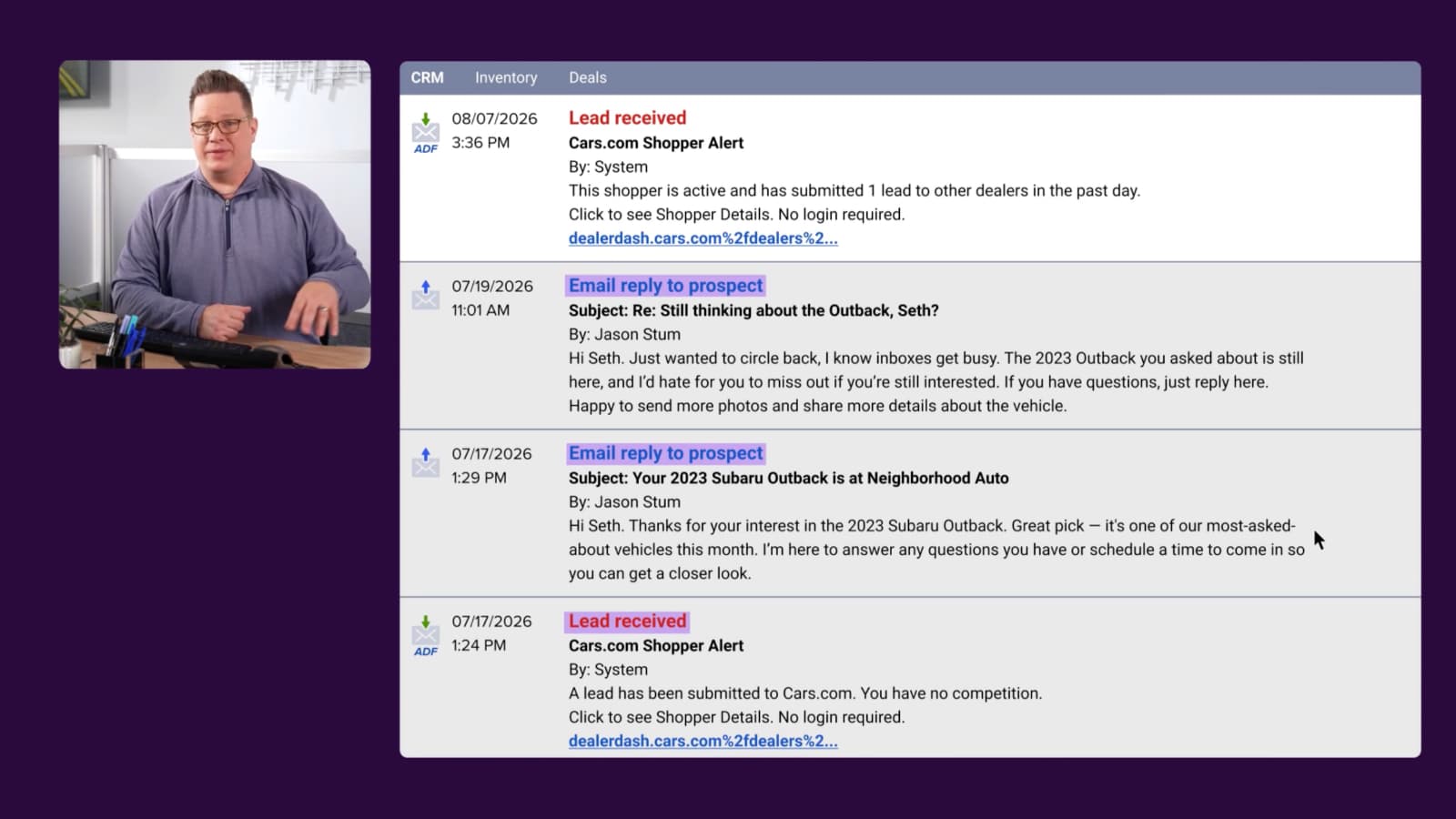
Automatic is Cars Commerce’s dealer-facing platform for managing Instant Financing applications, Conversations, and more. It provides tools to work deals efficiently, manage daily operations, and engage with customers. Each CRM lead includes a secure link to the customer’s application in Automatic.
How do I add users to Automatic?
Contact your Cars.com representative. GM or Dealer Principal approval is required to add new users.
Can I customize payment estimates or rates shown to shoppers?
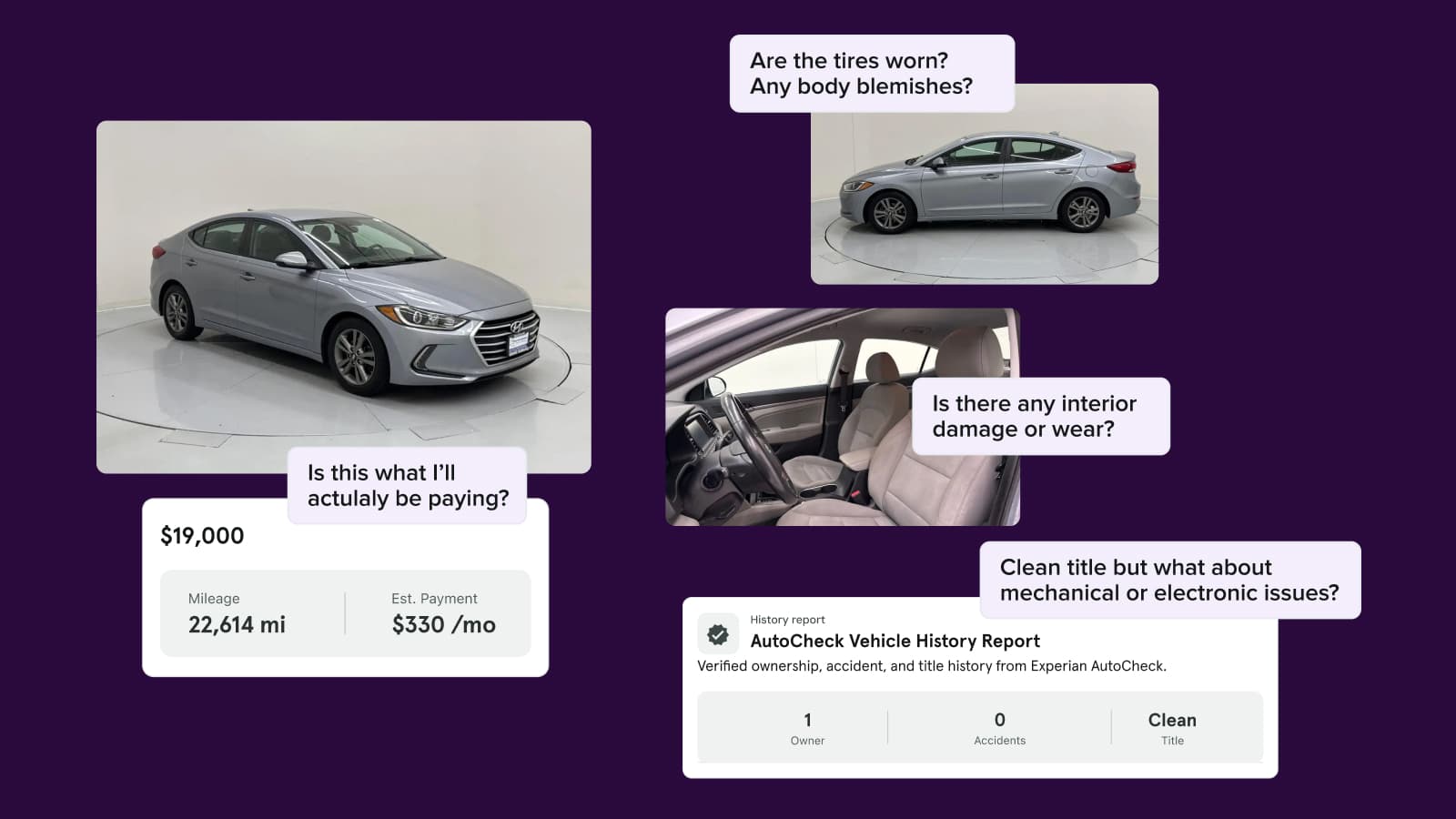
VDP payment estimates are based on the shopper’s zip code and are for informational purposes only. They cannot be customized. However, Premium dealers can customize rates within the Instant Financing application itself.
How do I opt out of Instant Financing?
Contact your Cars.com representative.
How do I contact my Cars.com representative?
To contact your rep:
- Log in to your Dealer Hub.
- Scroll down to “Would you like to discuss anything?”
- Click the email icon next to your Rep’s info.