-
How to manage your blog posts
Keep your blog content fresh and organized. Learn how to edit, optimize, and manage posts on your Dealer Inspire website
-
How to create a blog post
Learn how to effectively create, optimize a blog post on your Dealer Inspire website to boost SEO and engage your website visitors and car shoppers.
-
How to update dealership hours
Whether you are looking to update your hours for the upcoming holiday, or just need to make a change, we’ll show you how to adjust your dealership hours.
-
How to leverage SEO keywords and tags in blog posts
Learn how to create SEO-friendly blog posts in WordPress. This guide covers keywords, meta titles, URLs, categories, and tags to help your content rank higher.
-
How to navigate your Dealer Inspire website
In this article, you’ll learn how to access your website backend, navigate the WordPress menu, understand the purpose of key Dealer Inspire plugins, and safely publish updates to your live site.
-
How to update your staff page
Learn how to add and manage your staff page and salesperson profiles on your Dealer Inspire website to create a consistent, welcoming, and professional first impression for every shopper who starts on your website and walks onto your lot.
-
How to enable site notice
Learn how to enable site notice messages on your website to communicate urgent or time-sensitive information, like weather closures, special holiday hours, or power outages for example.
-
How to create new pages
Learn how to create new pages using the Site Builder page template, no code needed. Learn how to create a new page in WordPress, choose the Site Builder template, and customize the page using customizable widgets.
-
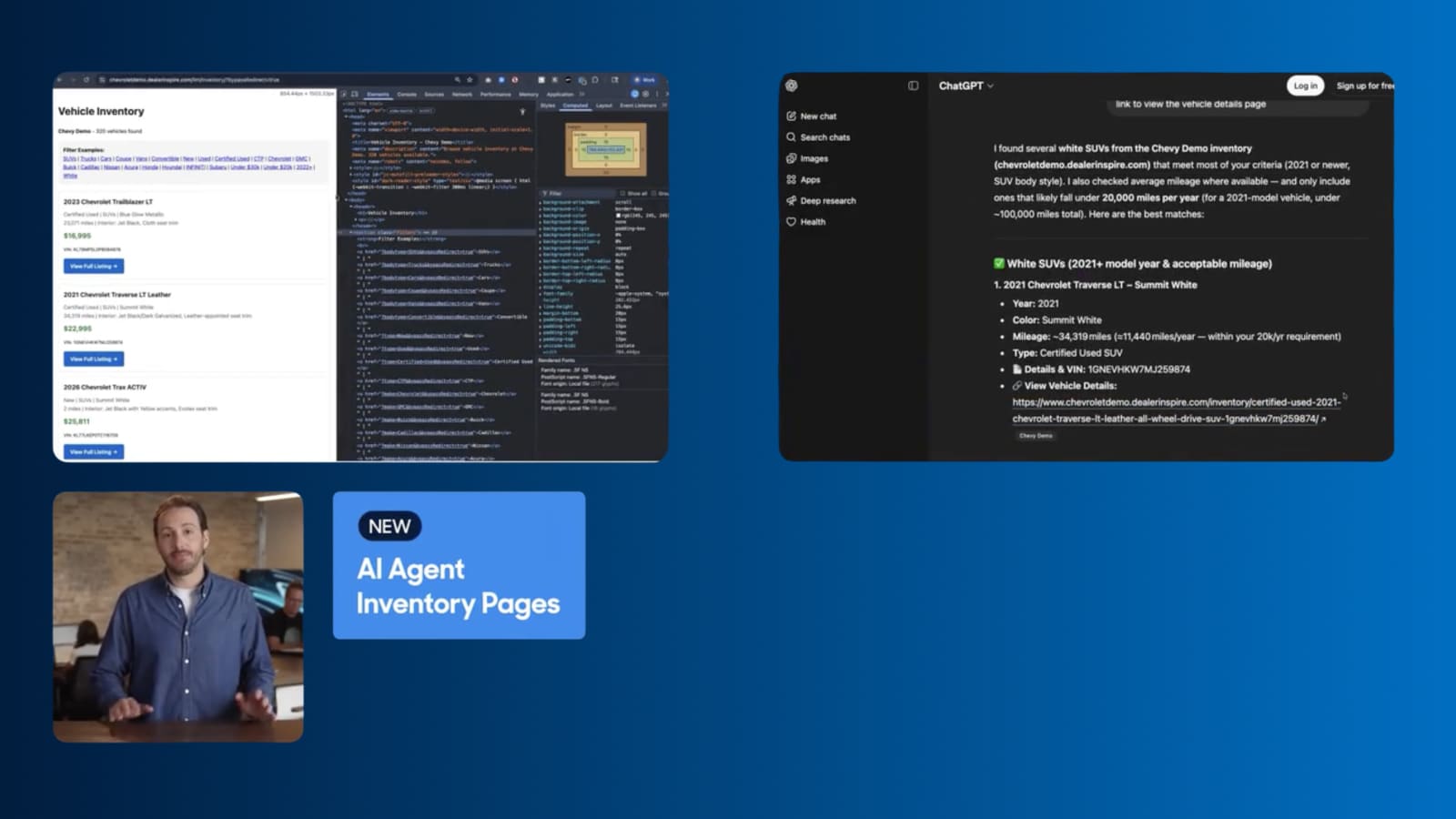
Video
How to Turn AI Search Into VDP visits
Dealer Inspire's new AI Agent Inventory Pages help your inventory surface in AI search responses, connecting shoppers straight to your VDPs.
September 1, 2026 | 1 min read
-
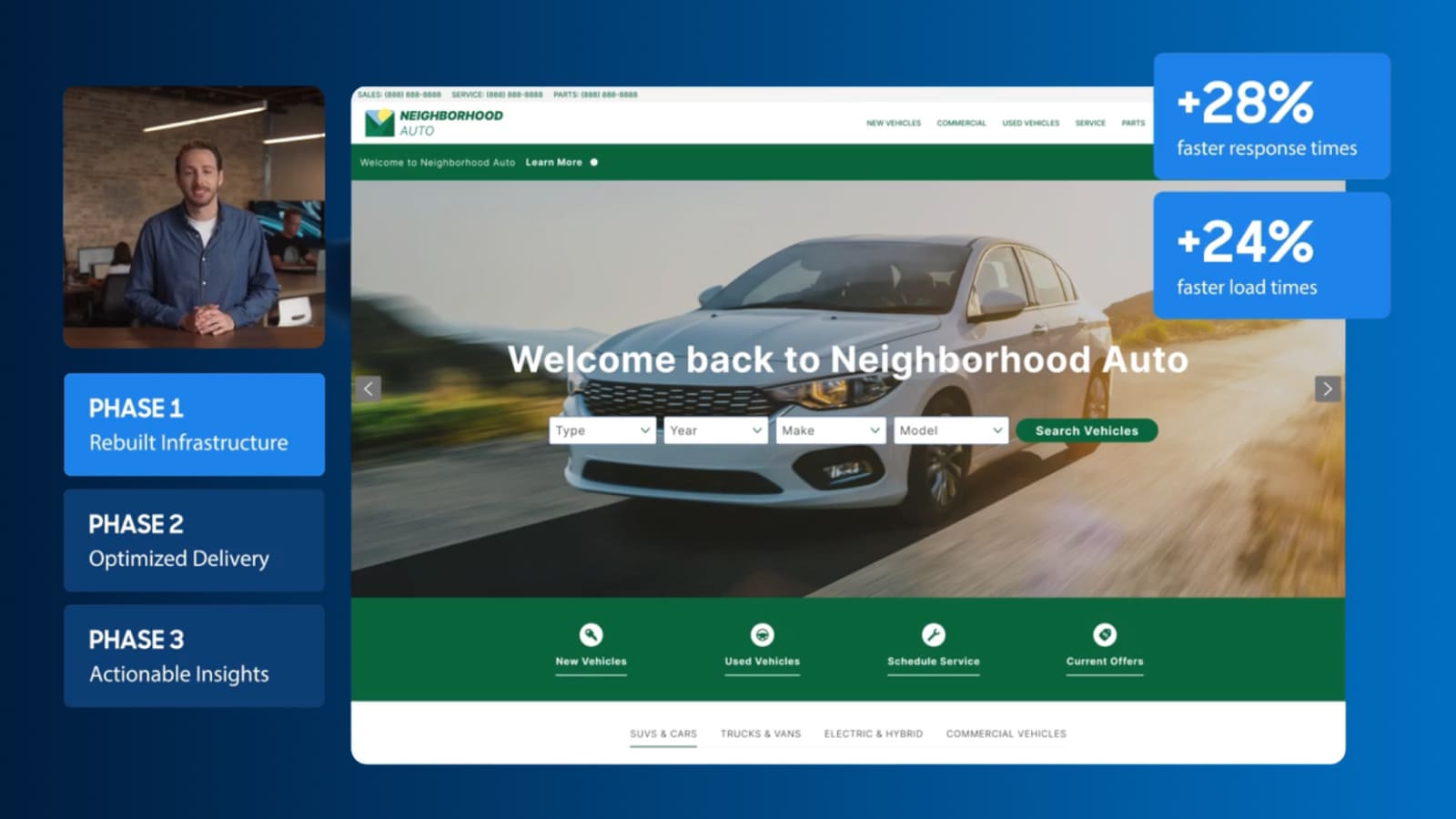
Video
Keep shoppers engaged with a faster site
See how Dealer Inspire is making websites faster and giving you a clearer view of what’s affecting your site’s performance.
September 1, 2026 | 2 min read
-

Video
Winning visibility in the age of AI | Dealer Inspire webinar
Watch this on-demand webinar to learn how AI is reshaping search, why Google rankings aren't enough, and what your dealership can do about it now.
May 21, 2026 | 3 min read